
Introduction
Across schools in the UAE and GCC, digital learning has become a core part of education. Teachers now manage hybrid classrooms, students submit assignments online, and administrators need better control over communication, data, and security.
In this shift, Google Workspace for Education is widely used across schools and universities. However, one common challenge remains for decision-makers:
Which version should our school choose?
Since it is not a single product but a set of editions, each designed for different needs, understanding the differences is essential before making a decision.
This guide explains all editions in a practical way and includes a clear comparison so schools can choose confidently.
What Is Google Workspace for Education (Context Overview)
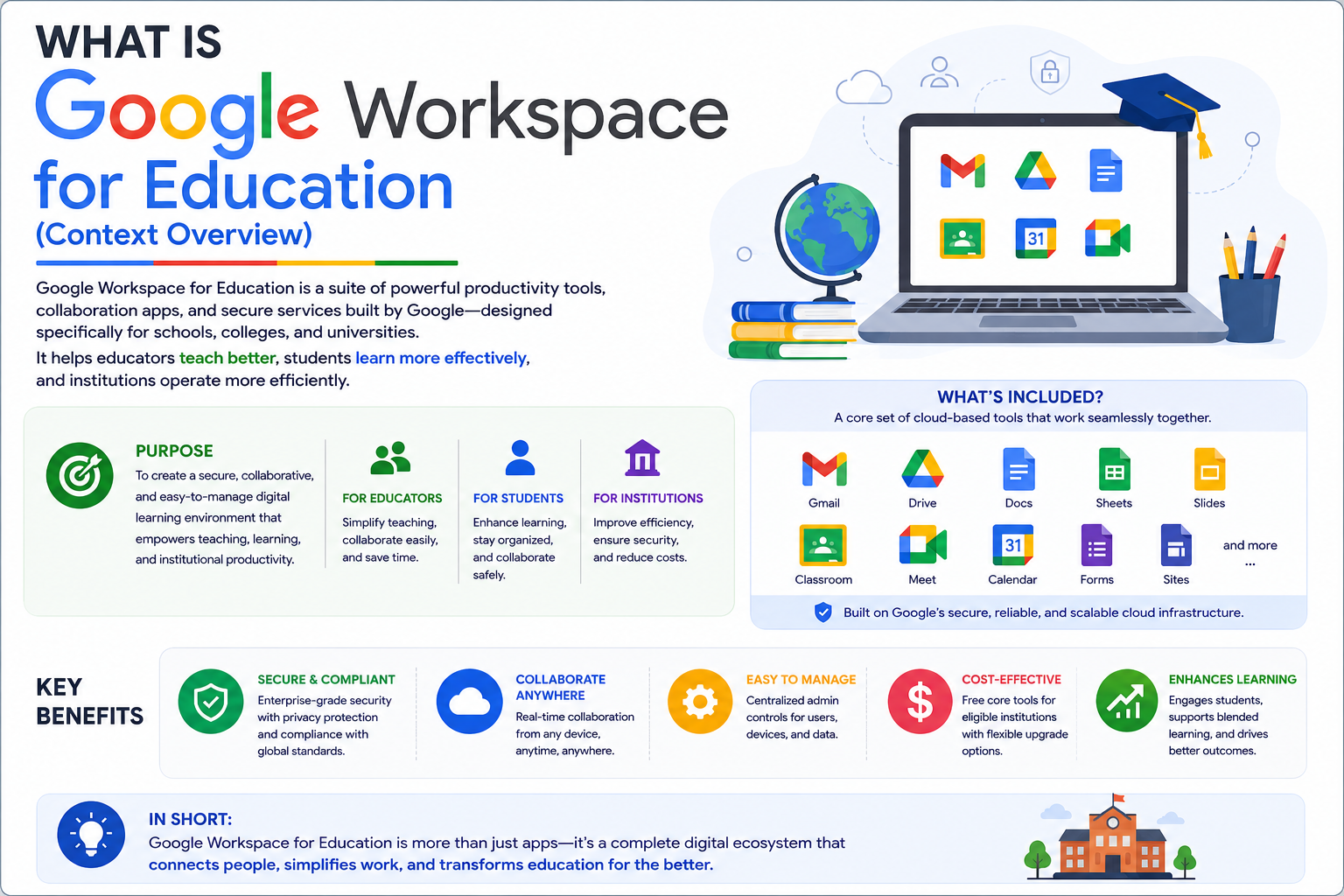
Google Workspace for Education is a cloud-based digital learning platform designed for schools, colleges, and universities.
It brings together essential tools such as:
- Google Drive for file storage and sharing
- Google Meet for online classes and meetings
- Google Classroom for assignments and coursework
- Gmail for official communication
The key difference between editions is not the tools themselves, but the level of control, security, and teaching capabilities each version provides.
Google Workspace for Education Editions Overview
Google offers four main editions. Each one is designed for a specific stage of digital maturity in schools.
Editions Summary Table
Edition | Best For | Focus | Cost | Core Value |
Education Fundamentals | Small or new schools | Basic digital setup | Free | Entry-level classroom system |
Education Standard | Growing institutions | Security and control | Paid | Advanced protection |
Teaching & Learning Upgrade | Teacher-focused schools | Classroom experience | Paid add-on | Improved teaching tools |
Education Plus | Universities and large schools | Full system control | Premium | Complete ecosystem |
Education Fundamentals (Foundation Level)
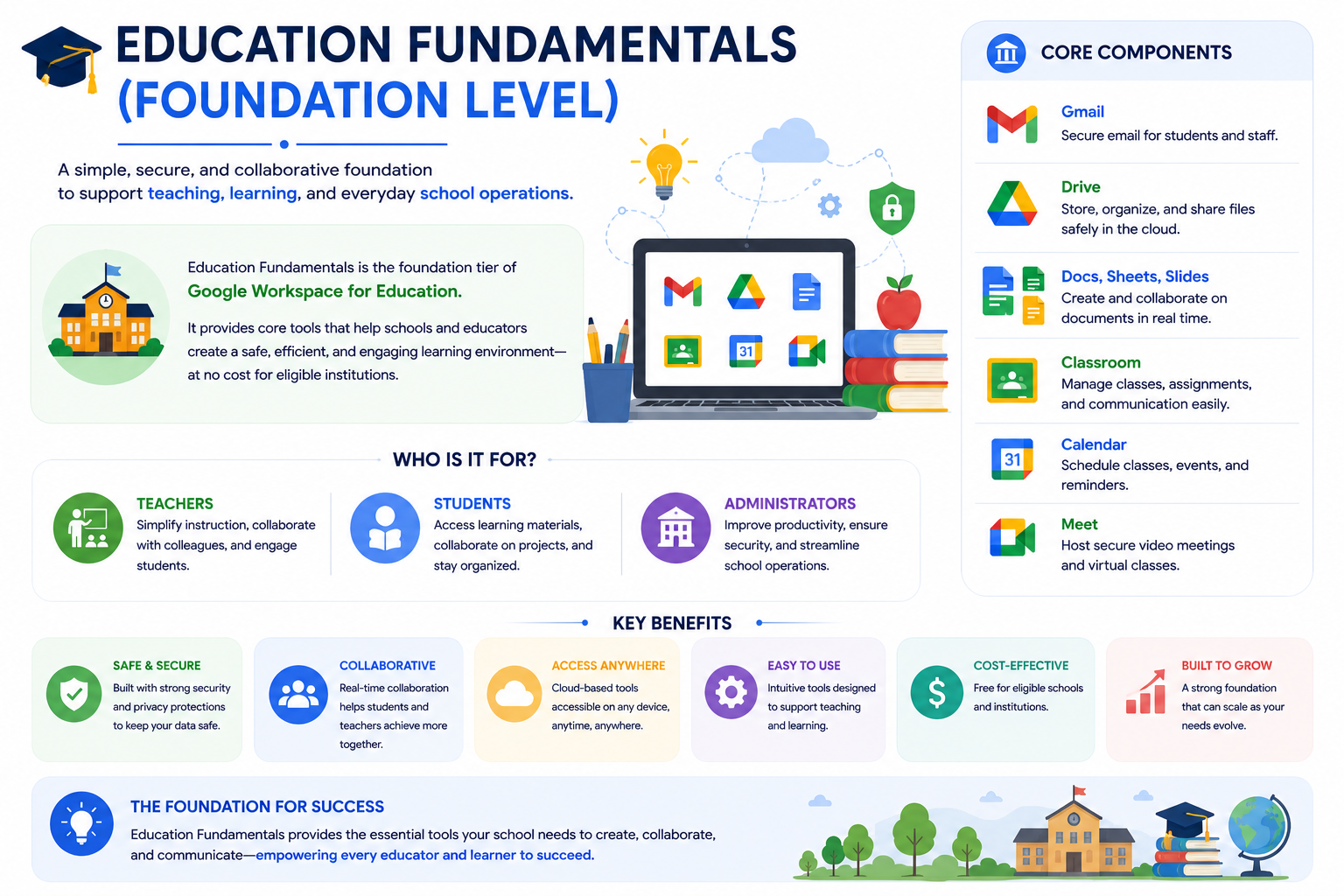
This is the entry-level edition available at no cost for eligible institutions.
It provides the essential tools needed to begin digital learning, including email, classroom tools, and basic administration features.
However, its focus is simplicity rather than advanced control.
Area | Details |
Purpose | Basic digital classroom setup |
Admin Control | Limited |
Security | Standard protection |
Storage | Shared basic storage |
Best Fit | Small or starting schools |
In real school environments, this edition is often used as a starting point for digital transformation. It helps schools move away from manual systems but does not provide advanced monitoring or deep administrative control.
Education Standard (Security and Control Layer)
This edition is designed for schools that already use digital tools and now require stronger protection, visibility, and system control.
Area | Details |
Purpose | Security and data protection |
Admin Control | Advanced |
Security | Threat detection and monitoring |
Logging | Advanced audit logs |
Best Fit | Medium to large schools |
In practice, this edition allows IT teams to monitor usage, detect risks, and apply stronger policies across users. It is commonly used in institutions handling larger student populations or sensitive academic data.
Teaching and Learning Upgrade (Classroom Enhancement Layer)
This edition focuses on improving the teaching experience rather than backend administration.
Area | Details |
Purpose | Improve teaching and engagement |
Admin Control | Basic |
Classroom Tools | Enhanced features |
Video Learning | Advanced Meet capabilities |
Best Fit | Teaching-focused institutions |
It enhances platforms like Google Classroom and Google Meet to make lessons more interactive, improve feedback cycles, and increase student engagement.
Education Plus (Complete Enterprise Solution)
This is the most advanced edition, designed for large-scale educational institutions.
It combines teaching tools, security systems, and full administrative control into one integrated environment.
Area | Details |
Purpose | Full digital education ecosystem |
Admin Control | Full enterprise-level |
Security | Advanced compliance and monitoring |
Analytics | Deep reporting and insights |
Best Fit | Universities and large schools |
This edition allows institutions to operate at scale with complete visibility over users, strong compliance tools, and advanced reporting systems for decision-making.
Teaching, Security, and Control Comparison
Teaching Features Comparison
Feature | Fundamentals | Standard | Teaching & Learning Upgrade | Plus |
Google Classroom | Basic | Advanced tracking | Enhanced tools | Full analytics |
Assignments & Feedback | Basic | Improved tracking | Advanced feedback tools | Deep insights |
Video Learning | Standard Meet | Standard Meet | Advanced Meet features | Premium Meet |
Engagement Tools | Basic | Basic | Advanced | Full suite |
Security and Administration Comparison
Feature | Fundamentals | Standard | Teaching & Learning Upgrade | Plus |
Security Monitoring | Basic | Advanced threat detection | Basic | Enterprise-level |
Admin Control | Basic | Advanced | Basic | Full control |
Audit Logs | Limited | Advanced | Limited | Full visibility |
Data Protection | Standard | Strong | Standard | Advanced compliance |
Device Management | Basic | Advanced | Basic | Advanced |
Core Tools Availability (All Editions)
All editions include the same core tools, but with different levels of control and features:
Tool | Availability |
Gmail | All editions |
Google Drive | All editions |
Google Docs | All editions |
Google Sheets | All editions |
Google Slides | All editions |
Google Meet | All editions |
Google Calendar | All editions |
Google Classroom | All editions |
Simple Decision Framework for Schools
Instead of focusing only on features, schools should choose based on their actual needs:
If your school is just starting digital learning
Choose Education Fundamentals
If your school needs better security and control
Choose Education Standard
If your focus is improving teaching quality
Choose Teaching and Learning Upgrade
If your institution needs full-scale management and compliance
Choose Education Plus
This approach helps schools avoid overpaying or underutilizing features.
Why This Matters for UAE Schools
Schools across Dubai, Abu Dhabi, Sharjah, and other GCC regions are rapidly adopting hybrid learning systems.
Common challenges include:
- Managing online and in-class learning together
- Protecting student data and communication
- Training teachers for digital platforms
- Coordinating across departments and campuses
Choosing the right edition of Google Workspace for Education helps schools build a scalable, secure, and efficient digital learning environment.
Real-World Usage in Schools
Small schools typically start with Fundamentals for basic digital operations.
Growing schools move to Standard for stronger security and control.
Teaching-focused institutions adopt the Upgrade edition to improve classroom engagement.
Large universities rely on Education Plus for full ecosystem management.
Frequently Asked Questions
How CreativeON.ae Supports Schools
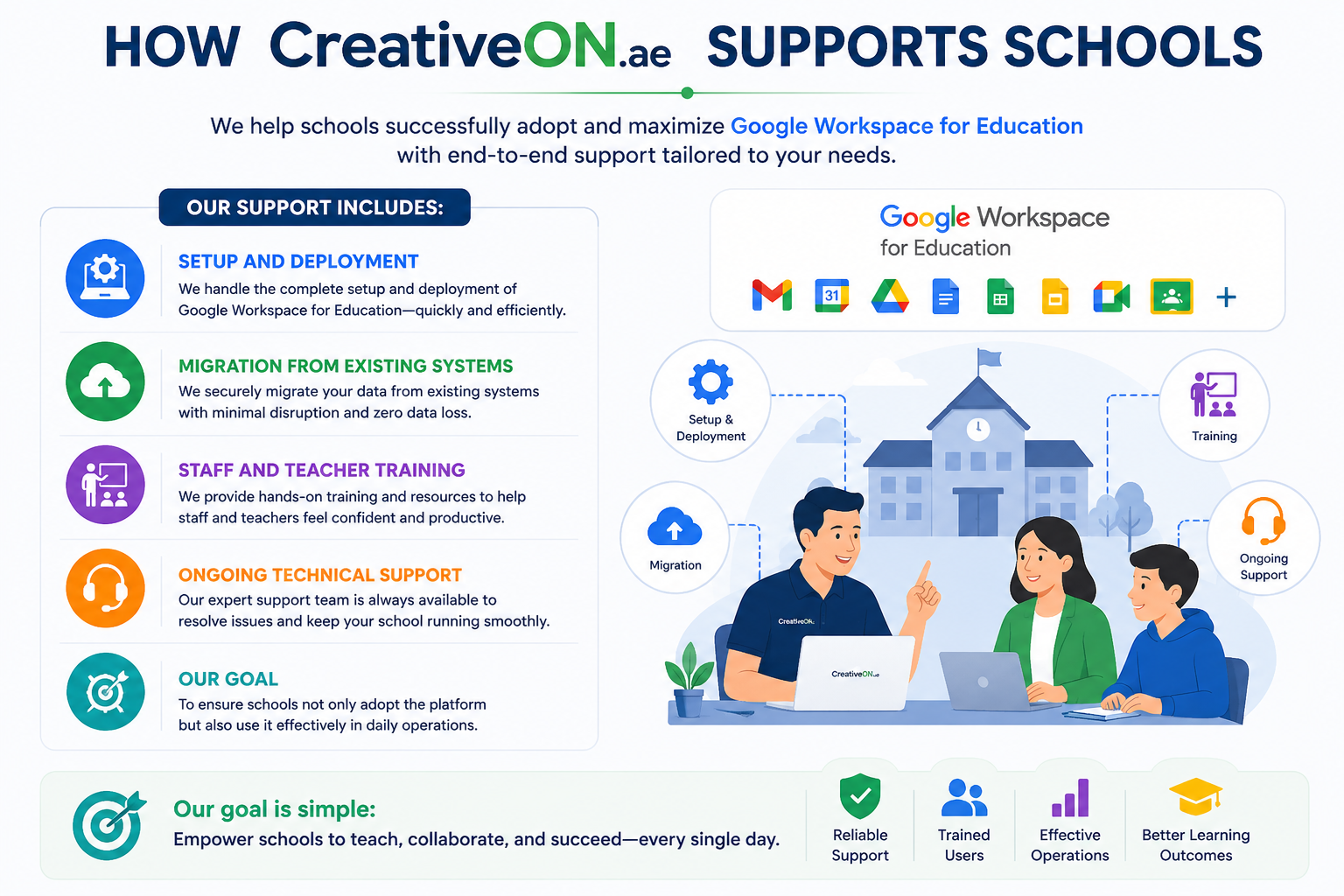
CreativeON.ae, a UAE-focused Google Workspace partner, helps institutions implement and manage Google Workspace for Education.
Support includes:
- Setup and deployment
- Migration from existing systems
- Staff and teacher training
- Ongoing technical support
The goal is to ensure schools not only adopt the platform but also use it effectively in daily operations.
Summary
- Google Workspace for Education has four editions for different needs
- Each edition represents a different level of control, security, and teaching capability
- Schools should choose based on maturity and requirements, not features alone
- UAE institutions are rapidly adopting digital education systems
- Proper selection improves efficiency, security, and learning outcomes