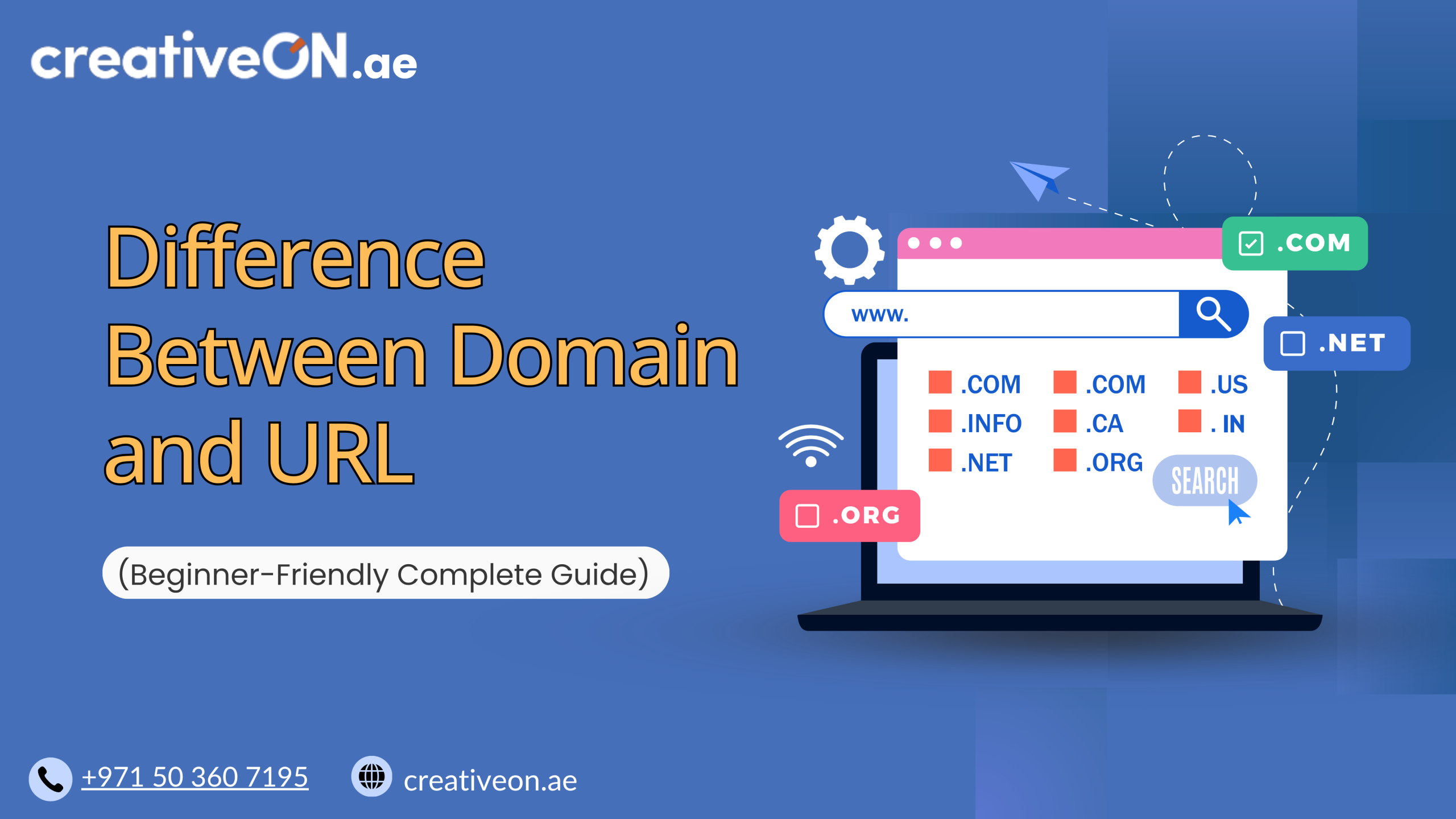
Difference Between Domain and URL (Beginner-Friendly Complete Guide)
Have you ever tried to build a website or even just understand how websites work… and got confused between domain and URL? You’re not alone. Many beginners think they’re the same thing. Some even buy a domain and still don’t know what a URL really is. This confusion can slow you down—or even cost you […]
Have you ever tried to build a website or even just understand how websites work… and got confused between domain and URL?
You’re not alone.
Many beginners think they’re the same thing. Some even buy a domain and still don’t know what a URL really is. This confusion can slow you down—or even cost you money when setting up your website.
So let’s fix that today.
In this complete guide, you’ll learn:
- What is a domain name
- What is a URL
- How domain works behind the scenes
- The real difference between domain and URL
- Common mistakes beginners make
- How to choose and register your domain (UAE & Pakistan)
By the end, you’ll have total clarity—even if you’re starting from zero.
What Is a Domain Name?
Let’s start with the most important concept.
A domain name is the name of your website—the address people type in their browser to visit you online.
📌 Simple Examples:
- google.com
- facebook.com
- creativeon.ae
Instead of remembering complicated numbers like:
142.250.190.78
You just type:
google.com
Much easier, right?
What Is a Domain Name in Simple Words?
A domain name is:
- A human-friendly name
- That points to your website
- Connected to a server where your website is stored
👉 Think of it as your website’s identity on the internet
How Domain Works (Behind the Scenes)
Let’s simplify something that sounds technical.
When you type a domain into your browser:
Step-by-step:
- You enter creativeon.ae
- Your browser asks the DNS (Domain Name System)
- DNS finds the matching IP address
- Your browser connects to the server
- The website loads on your screen
👉 All this happens in seconds!
What Is DNS?
DNS stands for Domain Name System.
It works like the internet’s phonebook:
- You type a domain name
- DNS finds the matching IP address
Without DNS, you’d have to remember numbers instead of names.
What Is an IP Address?
An IP address is the real address of a website.
Example:
192.168.1.1
But since humans can’t easily remember numbers, we use domain names instead.
👉 So:
- Domain = Easy name
- IP Address = Real location
What Is a URL?
Now let’s talk about the second important concept.
A URL (Uniform Resource Locator) is the complete web address used to access a specific page or resource on the internet.
Example of a URL
https://creativeon.ae/blog/domain-vs-url
This is a full URL.
Parts of a URL (Simple Breakdown)
Let’s break it into pieces:
- https:// → Protocol (how data is transferred)
- www.creativeon.ae → Domain name
- /blog/domain-vs-url → Page path
👉 This shows something important:
A domain is just one part of a URL.
HTTP vs HTTPS (Important for Beginners)
You may have noticed:
- http://
- https://
What’s the difference?
- HTTP → Not secure
- HTTPS → Secure (encrypted)
👉 Always use HTTPS for:
- Better security
- Better SEO ranking
- More user trust
Domain vs URL — What’s the Real Difference?
Now let’s make it crystal clear.
Domain Name
- The name of your website
- Example: creativeon.ae
- Easy to remember
- Used as your brand identity
URL
- The complete web address
- Includes domain + extra details
- Points to a specific page
📊 Quick Comparison Table
Feature | Domain Name | URL |
Meaning | Website name | Full web address |
Example | creativeon.ae | |
Contains | Only name | Protocol + domain + path |
Purpose | Identify website | Access specific content |
Real-Life Example (Very Easy)
Think of it like your house:
- Domain name = Your street address
- URL = Full directions (city + street + house + room)
👉 Domain gets you to the building
👉 URL takes you to the exact location inside
How Domain and URL Work Together
This is where everything connects.
👉 You cannot have a URL without a domain
👉 But a domain alone is not enough to access specific content
Example:
- Domain: creativeon.ae
- URL: https://creativeon.ae/contact
👉 The domain takes you to the site
👉 The URL takes you to a specific page
Types of Domain Names
When you explore domains, you’ll see different extensions.
Generic Domains
- .com → Most popular
- .net → Technology-related
- .org → Organizations
🇦🇪 Country-Specific Domains
UAE:
- .ae domain
- Great for local businesses
- Builds trust with UAE audience
Pakistan:
- .pk domain
- Ideal for local targeting
- Helps in local SEO
Domain Registration (UAE & Pakistan)
To use a domain, you must register it.
This process is called domain registration.
Domain Registration UAE
If you want to start a business in the UAE:
- Register a .ae domain
- Improve local visibility
- Build trust with customers
Search terms like:
- domain registration UAE
- buy domain UAE
…are very common for new businesses.
🇵🇰 Domain Registration Pakistan
For Pakistan:
- Register a .pk domain
- Build local credibility
- Target Pakistani audience
What Is Domain Hosting?
Here’s a common confusion.
👉 A domain is NOT your website
👉 Hosting is where your website lives
Simple Explanation
- Domain = Address
- Hosting = House
You need both to create a website.
Types of Hosting You May Need
- VPS Hosting
- Cloud Hosting
- Dedicated Servers
👉 Choose based on your traffic and needs.
Types of URLs (Advanced but Simple)
Understanding this helps you go one step further.
Absolute URL
Full address:
https://example.com/page
Relative URL
Short path:
/page
Static URL
Fixed URL:
example.com/about
Dynamic URL
Changes based on data:
example.com/product?id=123
Query Parameters Explained
In a URL like:
example.com/product?id=123&color=red
👉 ?id=123 is called a query parameter
Used for:
- Filters
- Tracking
- Dynamic content
Common Mistakes Beginners Make
This is where most people get confused.
Mistake 1: Thinking Domain = Website
👉 Domain is just the name, not the site itself
Mistake 2: Buying Domain Without Hosting
👉 Without hosting, your website won’t work
Mistake 3: Confusing URL Path with Domain
👉 /blog is NOT part of the domain
Mistake 4: Ignoring HTTPS
👉 This can hurt SEO and trust
Why This Matters (Very Important)
Understanding domain vs URL helps you:
- Build websites correctly
- Avoid beginner mistakes
- Improve SEO knowledge
- Communicate better with developers
Why Choose CreativeON.ae?
If you’re planning to start your online journey, choosing the right provider matters.
CreativeON.ae is a trusted name with over 20 years of experience in Pakistan and the UAE.
We offer:
- Domain registration (.ae, .pk, .com)
- VPS Hosting
- Cloud Hosting
- Dedicated Servers
- Google Workspace
We are also:
- Official Google Workspace Partner
- PKNIC Gold Partner
👉 Whether you want to buy domain UAE or launch a full website, we’re here to help.
Frequently Asked Questions (FAQs)
No. A domain is part of a URL. A URL is the full address.
Technically yes (using IP), but it’s not practical.
Technically yes (using IP), but it’s not practical.
Usually, you buy a domain first, then connect it to hosting.
Yes, but it can affect SEO and branding.
.com is most popular, but .ae and .pk are great for local markets.
Final Summary
Let’s make it super simple:
- A domain name is your website’s name
- A URL is the complete web address
- The domain is part of the URL
- You need domain + hosting to run a website
One-Line Difference
👉 Domain = Name
👉 URL = Full Address
If you’re just starting, this is your first step into the online world. From here, you can move forward to:
- Choosing the perfect domain name
- Registering your domain
- Connecting it with hosting