How Doctors Can Use Google Workspace to Organize Their Medical Practice
Doctors and healthcare agencies manage more than patient appointments. They also coordinate medical staff, organize schedules, maintain administrative documents, track daily tasks, and communicate with employees. When these activities are spread across paper records, emails, and separate spreadsheets, routine operations can become difficult to manage. Google Workspace provides cloud-based tools that can help healthcare professionals […]
Doctors and healthcare agencies manage more than patient appointments. They also coordinate medical staff, organize schedules, maintain administrative documents, track daily tasks, and communicate with employees. When these activities are spread across paper records, emails, and separate spreadsheets, routine operations can become difficult to manage.
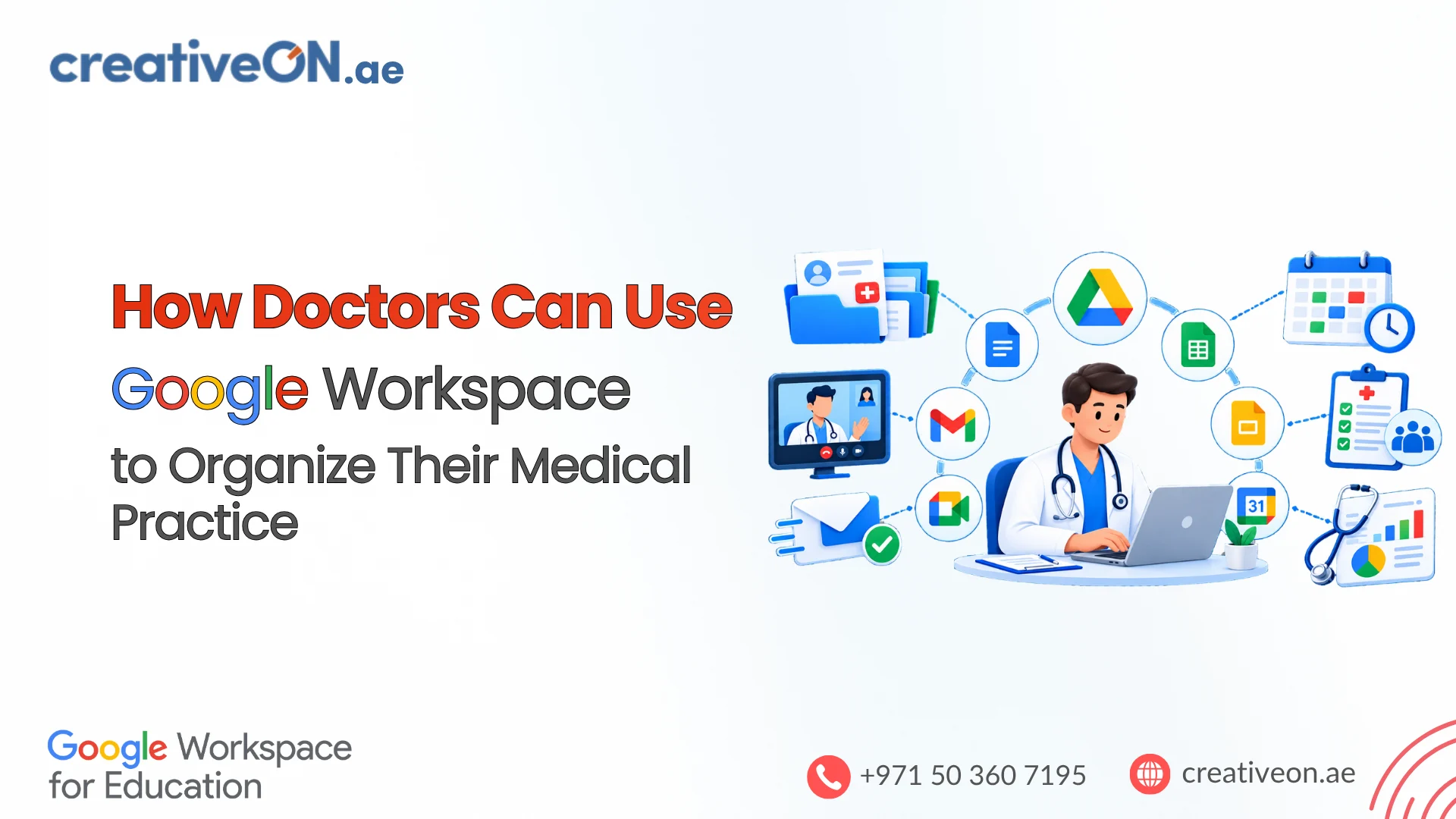
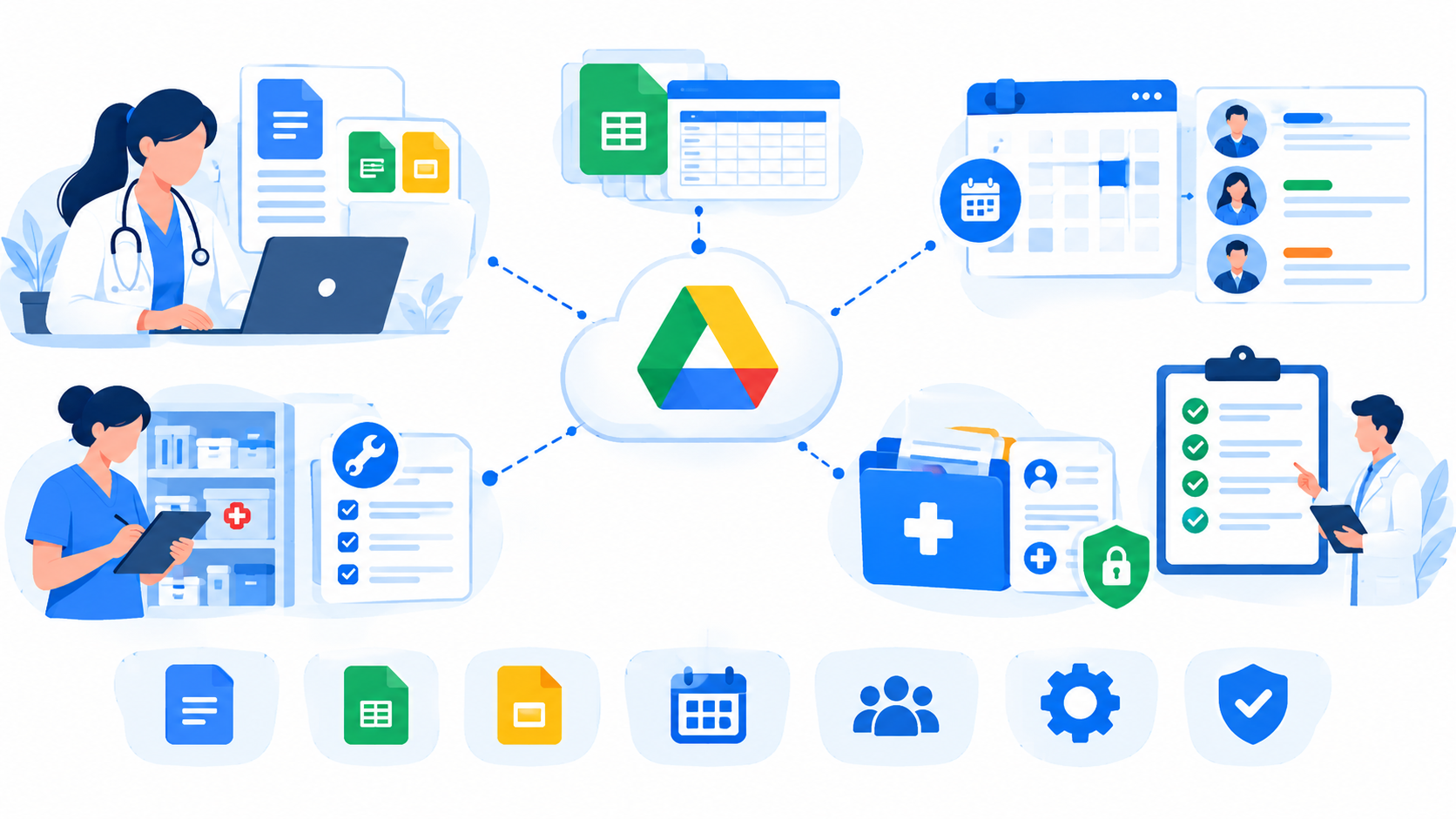
Google Workspace provides cloud-based tools that can help healthcare professionals organize these administrative responsibilities. Gmail supports business communication, Google Calendar helps coordinate schedules, Google Drive organizes documents, and Google Sheets supports operational tracking.
For example, Shumaya Home Care (shumayahomecare.pk), a healthcare agency providing medical staff for home-based services, uses Google Drive, Google Sheets, and Google Calendar to help manage its daily operational routines. This provides a practical example of how familiar productivity tools can support the coordination of a healthcare business.
For doctors, clinics, and home healthcare agencies in the UAE, the same approach can help organize administrative work, provided the tools are configured appropriately for the information being handled.
1. Organize Healthcare Operations With Google Drive
Healthcare organizations manage many documents, including staff guidelines, operational procedures, service forms, equipment records, and internal instructions. Keeping these documents organized helps authorized employees find the information they need.
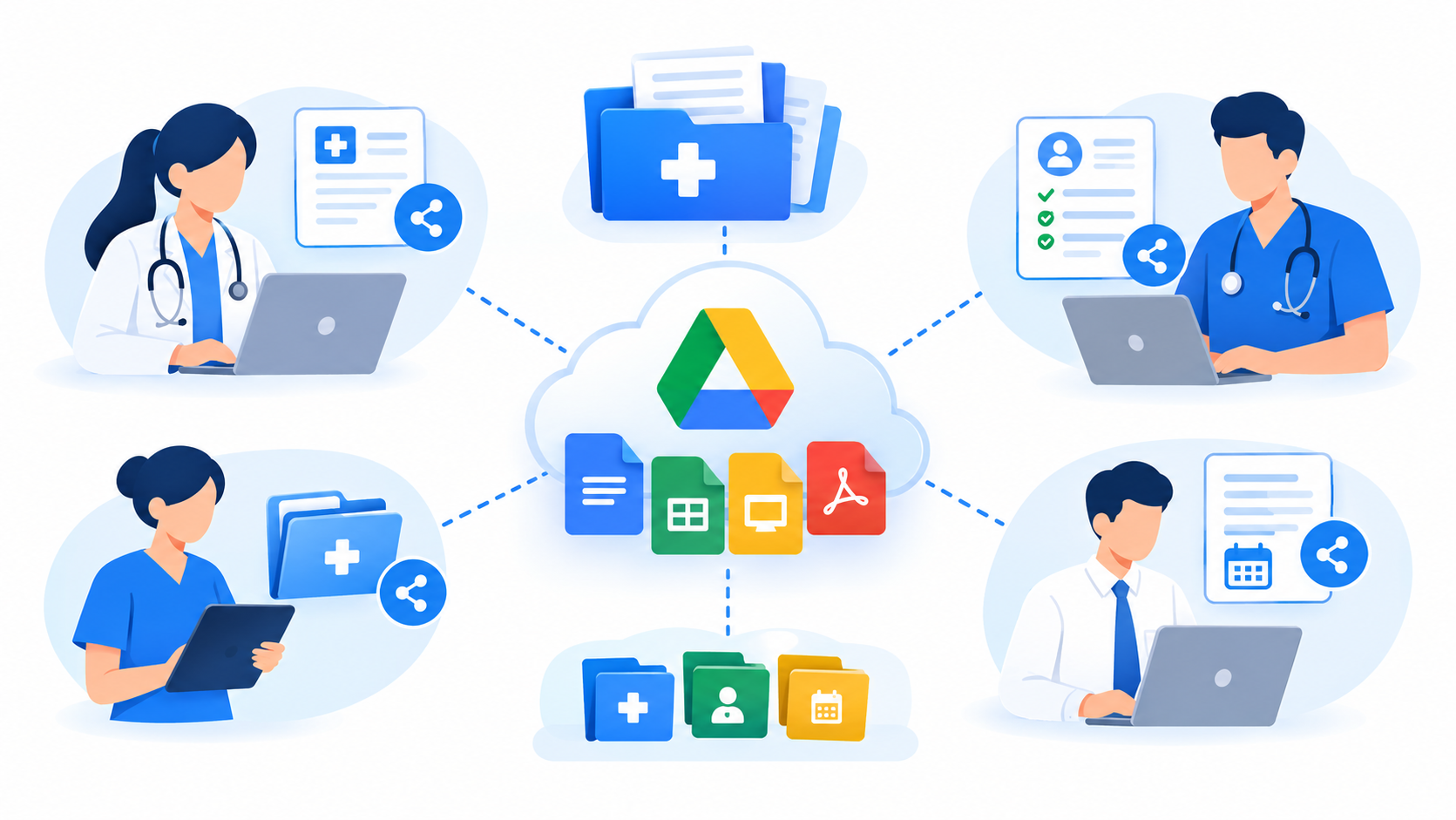
Google Drive provides cloud storage where teams can organize files into folders and control who can access them.
A medical practice or home healthcare agency could organize its administrative documents into folders such as:
- Staff Management: Training materials, staff guidelines, and onboarding documents.
- Daily Operations: Operational checklists, internal instructions, and routine task documents.
- Equipment Management: Maintenance records and equipment-related documentation.
- Administration: Supplier agreements, office procedures, and business documents.
- Policies and Procedures: Approved internal policies and updated operating guidelines.
Shumaya Home Care uses Google Drive as part of its daily operational management. A structured document library can help a home healthcare agency keep its administrative resources organized and accessible to authorized team members.
To maintain an effective document system, healthcare organizations should use consistent file names, assign appropriate permissions, and review access regularly. Sensitive patient records should only be stored in approved systems after the organization has assessed the relevant security, contractual, and regulatory requirements.
2. Coordinate Medical Staff Schedules With Google Calendar
Scheduling is particularly important for healthcare providers who send medical staff to patients’ homes. Administrators may need to coordinate staff availability, service timings, shift arrangements, and internal meetings.
Google Calendar helps teams manage schedules, create events, and share appropriate availability with authorized colleagues.
Healthcare organizations can use Calendar to:
- Organize staff shifts and availability.
- Schedule administrative meetings and staff briefings.
- Set reminders for internal deadlines and recurring tasks.
- Coordinate service-related activities using approved scheduling procedures.
- Share relevant calendar information with authorized team members.
For example, a home healthcare agency can use calendars to help its operations team coordinate staff availability and daily assignments. This can make it easier to identify scheduling conflicts and keep administrative teams informed of planned activities.
Shumaya Home Care uses Google Calendar to support the management of its daily routines. This illustrates how a shared scheduling tool can form part of a practical administrative workflow.
However, Google Calendar should not automatically be treated as a complete healthcare booking or workforce-management system. Organizations with complex shift allocation, patient booking, or clinical scheduling requirements may need dedicated software alongside Workspace.
3. Track Daily Operations With Google Sheets
Google Sheets is useful when healthcare administrators need to organize information in rows and columns, monitor progress, and maintain shared operational trackers.
Instead of maintaining several disconnected spreadsheets, a team can establish clearly defined trackers with assigned owners and consistent update procedures.
Common administrative uses include:
- Tracking staff training and document renewal dates.
- Maintaining equipment maintenance schedules.
- Recording non-clinical supply requirements.
- Monitoring outstanding administrative tasks.
- Coordinating staff availability and operational assignments.
- Preparing internal management reports.
For example, a healthcare agency could maintain an equipment maintenance tracker with columns for equipment name, last service date, next service date, responsible employee, and maintenance status.
A separate staff coordination sheet could help administrators monitor whether routine operational tasks have been assigned and completed.
Shumaya Home Care uses Google Sheets as part of its daily operational management, alongside Google Drive and Google Calendar. Together, these tools can support a workflow in which documents are organized in Drive, schedules are coordinated in Calendar, and operational information is tracked in Sheets.
The key is to establish clear ownership. Each tracker should have someone responsible for updating the information and checking that it remains accurate.
Google Sheets is suitable for many administrative tasks, but it should not be treated as a replacement for specialized clinical records, medical billing, or complex healthcare management systems.
4. Create a Connected Workflow With Drive, Sheets, and Calendar
The greatest benefit comes when healthcare organizations use their tools together rather than treating each application as an isolated resource.
Consider a simplified administrative workflow for a home healthcare agency.
| Operational activity | Google Workspace tool | Purpose |
| Maintain staff guidelines and operating procedures | Google Drive | Organize and share approved documents |
| Coordinate staff availability | Google Calendar | Manage schedules and reminders |
| Track outstanding administrative tasks | Google Sheets | Monitor assignments and progress |
| Maintain equipment records | Google Drive and Sheets | Store documents and track maintenance dates |
| Schedule internal coordination meetings | Google Calendar | Keep relevant staff informed |
This arrangement can help an operations team maintain a more consistent view of its daily responsibilities.
For example, when an equipment maintenance task is approaching, the responsible employee can consult the relevant tracker, access the supporting documentation in Drive, and use Calendar for an appropriate reminder.
The workflow does not require every process to be automated. Even a simple system with clear responsibilities, consistent file naming, and regular updates can make routine administration easier to manage.
Organizations should avoid creating duplicate trackers or calendars without a clear purpose. Too many overlapping systems can introduce confusion instead of reducing it.
5. Support Team Communication and Administrative Documents
Google Workspace also includes tools that can support communication and document preparation.
Gmail provides professional email for correspondence with staff, suppliers, and business partners. Google Docs allows teams to prepare internal procedures, meeting minutes, and administrative guidelines collaboratively.
For example, a clinic manager could prepare an operating procedure in Google Docs explaining how reception staff should handle routine appointment enquiries. The document can be reviewed, updated, and shared with authorized employees.
Similarly, a healthcare agency can use business email for administrative coordination and maintain approved operating instructions in Drive.
These tools are most effective when the organization defines which communication channels should be used for different responsibilities. Sensitive patient information should not be sent through an unapproved email or messaging workflow merely because it is convenient.
6. Protect Confidential Information and Manage Access
Healthcare organizations must consider privacy and security when introducing cloud-based productivity tools.
Google Workspace provides administrative and security controls, but using the service does not automatically make every workflow compliant with healthcare regulations.
Before using Workspace for confidential or identifiable health information, an organization should:
- Use managed business accounts instead of relying on uncontrolled personal accounts.
- Enable strong authentication and appropriate account security policies.
- Give employees access only to the information required for their roles.
- Review sharing permissions for files, folders, and calendars.
- Remove access promptly when staff leave or change responsibilities.
- Establish procedures for data retention, incident handling, and device security.
- Assess the relevant contractual, privacy, and regulatory requirements before storing patient information.
Healthcare providers operating in the UAE should pay particular attention to applicable health-data requirements, including Federal Law No. 2 of 2019 concerning the use of information and communication technology in health fields, as well as other applicable privacy rules.
The UAE Government provides an overview in its official guidance on ICT in the health sector.
Google’s healthcare guidance explains how Workspace tools can support healthcare administration and collaboration. Its separate HIPAA compliance guidance addresses a US regulatory framework and should not be treated as proof of compliance with UAE law.
The suitability of any Workspace configuration depends on the services used, the information being processed, the applicable agreements, and the organization’s own responsibilities. Healthcare providers should obtain appropriate compliance advice before using these tools for patient records or clinical workflows.
7. How to Start Organizing a Medical Practice With Google Workspace
A healthcare organization does not need to introduce every application at once. A gradual approach can make adoption easier for doctors, administrators, and other staff.
Start with these steps:
- Identify administrative problems: Determine whether the main challenges involve staff scheduling, document organization, task tracking, or communication.
- Organize Google Drive: Establish a clear folder structure for approved administrative documents.
- Set up Google Calendar: Create suitable calendars for staff availability, meetings, and operational reminders.
- Build Google Sheets trackers: Start with a small number of clearly defined administrative trackers.
- Assign responsibility: Decide who maintains each document, schedule, and tracker.
- Review access controls: Ensure that employees can access the information they need without receiving unnecessary permissions.
- Review the workflow regularly: Remove duplicate files, correct outdated information, and adjust the process when operational needs change.
This approach allows a practice to build a manageable administrative system before considering more advanced integrations or specialized software.