Best WordPress Hosting for Small Businesses in UAE & Pakistan
If you run a small business in the UAE or Pakistan and your website sits on WordPress, your hosting choice affects almost everything: how fast your site loads, whether it stays online during a traffic spike, and how easily you can manage it without a dedicated IT team. Finding the best WordPress hosting for small […]
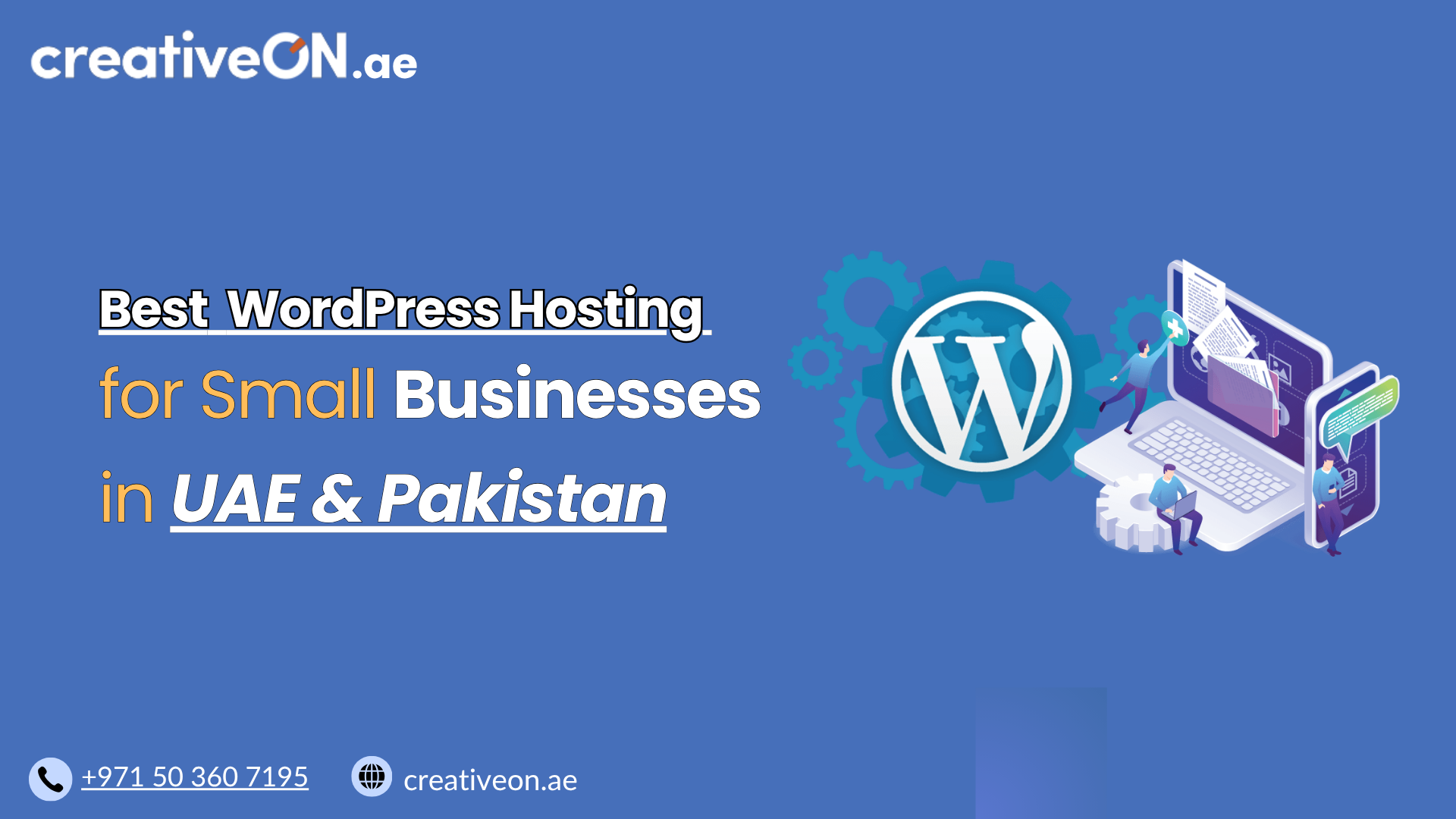
If you run a small business in the UAE or Pakistan and your website sits on WordPress, your hosting choice affects almost everything: how fast your site loads, whether it stays online during a traffic spike, and how easily you can manage it without a dedicated IT team. Finding the best WordPress hosting for small businesses in these two markets means balancing performance, price, and support quality — not just picking the cheapest plan you can find.
This guide walks through what actually matters when choosing WordPress hosting as a small business owner, without wandering into unrelated territory like VPS or dedicated servers.
Why Hosting Choice Matters More for Small Businesses
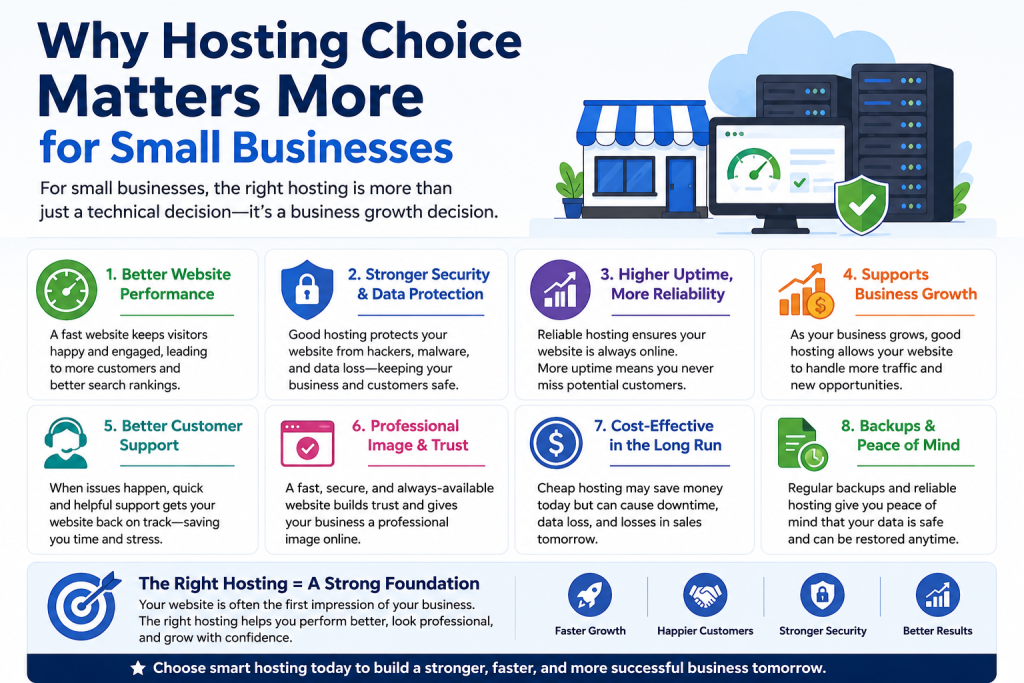
Small businesses usually don’t have a developer on standby. That changes what “good hosting” means. A large enterprise can absorb a few hours of downtime or hire someone to fix a slow server. A small business selling products or generating leads through its website usually can’t.
For a small business in the UAE or Pakistan, three things tend to matter most:
- Speed for local visitors — customers browsing from Dubai, Karachi, or Lahore expect pages to load in a couple of seconds.
- Affordability without hidden costs — many small business budgets are tight, so renewal pricing and add-on fees matter as much as the initial price.
- Support you can actually reach — when something breaks, you want a real person who understands WordPress, not a generic ticketing queue.
Essential WordPress Hosting Features
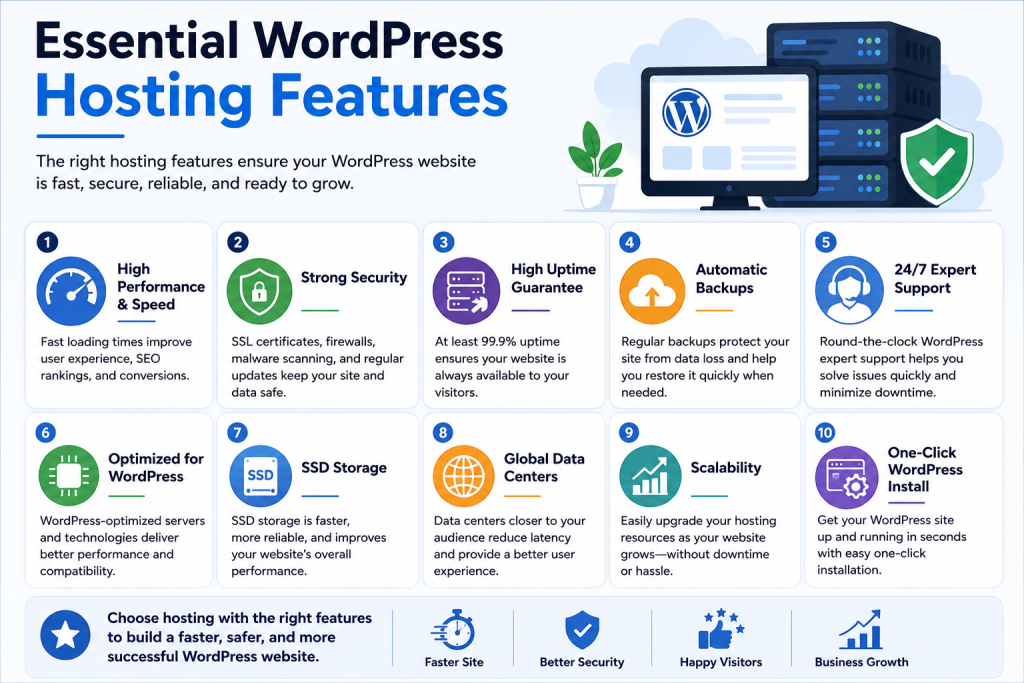
Generic hosting can technically run WordPress, but hosting built with WordPress in mind saves you time, keeps your site faster, and reduces the chance something breaks unexpectedly. Here’s what to check for:
Speed and server quality. Where your provider’s servers are physically located affects how fast your site loads. If most of your customers are in the UAE, hosting with servers in or near the Middle East (or a strong content delivery network) will generally load faster than a server based far away — the same logic applies for a Pakistan-based audience. You don’t need to become a server expert, but it helps to know a few terms when comparing plans: NVMe SSD storage is noticeably faster than older SSD or HDD storage, LiteSpeed web servers tend to handle WordPress traffic more efficiently than older server software, and hosting that keeps your site on a current, supported PHP version will generally run faster and more securely than one stuck on an outdated version.
One-click installation and staging. Look for one-click WordPress installation and a staging environment where you can test changes — new themes, plugins, or design updates — before they go live. Our [WordPress Staging Environment Guide] covers that in detail.
Automatic updates. Many hosts offer automatic updates for WordPress core, themes, and plugins. This is worth turning on for most small business sites, since outdated plugins are one of the most common ways sites get compromised. The trade-off is that an automatic update can occasionally conflict with a theme or plugin, so it’s still worth checking your site after major updates run, and keeping a recent backup on hand just in case.
Built-in caching. Server-side or plugin-based caching reduces load times, especially for repeat visitors and pages with a lot of images.
Security basics. At minimum, your hosting plan should include a free SSL certificate, basic malware scanning, and a firewall at the server level. Small business sites are common targets for automated attacks — not because they’re valuable individually, but because attackers scan for outdated plugins and weak configurations at scale. For a deeper look at hardening your site beyond what hosting provides, see our [WordPress Security Guide].
Backup Frequency and Restore Options
Ask specifically how often backups run and how easy it is to restore one yourself. Daily backups are the standard to look for. If backups are only weekly, or restoring requires a support ticket and a wait, that’s a real risk for a business site. Our [WordPress Backup Guide] explains backup frequency and retention in more depth.
Support Availability and Quality
For small businesses, support quality often matters more than any technical spec. Before committing to a host, check whether support is available 24/7 or only during business hours, whether you can reach support via live chat and phone or only email, and whether the support team actually understands WordPress rather than just generic server issues.
Pricing Transparency
Compare the renewal price, not just the first-year discount. Many hosting providers advertise a low introductory rate that increases significantly after the first term. For a small business planning a yearly budget, this difference matters.
Shared Hosting vs. Managed WordPress Hosting for Small Businesses
Small businesses typically choose between basic shared hosting and managed WordPress hosting. Both can work, but they solve different problems:
- Shared hosting is usually cheaper and fine for a simple brochure site with low traffic.
- Managed WordPress hosting costs more but includes WordPress-specific optimizations, better security defaults, and often faster support — useful once your site handles real customer traffic or sells products.
We cover the detailed differences, including when each makes sense, in our [Managed vs Unmanaged WordPress Hosting] guide. If you run an online store, our [WordPress Hosting for WooCommerce] article looks specifically at what eCommerce sites need beyond standard hosting.
Hosting Needs Vary by Business Type
Not every small business website has the same hosting requirements. A service business or local agency with a brochure-style site and low traffic can usually run comfortably on a modest shared or entry-level managed plan. A digital agency managing multiple client sites will care more about staging environments and easy site management across projects. An online store running WooCommerce has the highest demands of the three, since it needs to handle checkout traffic, product images, and order data reliably — which is why WooCommerce sites generally benefit from managed hosting sooner than a simple informational site would.
As Your Business Grows
Hosting that works well for a new site with modest traffic won’t necessarily keep up once your business grows. As you get more visitors, add more products, or start running marketing campaigns, your site will need more server resources — memory, processing power, and storage — to keep performing the same way. This is normal, and it’s worth checking with your host in advance what your options are for scaling up, rather than discovering the limits during a busy sales period.
Signs It’s Time to Upgrade Your Hosting
A few practical signs suggest your current plan may no longer fit your site:
- A slow WordPress admin dashboard. If logging in and editing pages feels sluggish, your site may be running low on server resources.
- Hitting resource limits. Warnings about memory limits, CPU usage, or storage space are a direct signal your current plan is undersized.
- Growing WooCommerce sales. As order volume, product count, or checkout traffic increases, an online store typically needs more resources than a basic hosting plan provides.
If you’re seeing these signs, it’s usually a sign to move up to a higher-tier plan or a managed WordPress hosting option rather than trying to squeeze more performance out of your current setup.
Common Mistakes Small Businesses Make When Choosing Hosting
Choosing based on price alone. The cheapest plan often comes with limited resources, slower support response times, or no daily backups. A slightly higher monthly cost is usually worth it for a business-critical site.
Ignoring server location. A host with excellent reviews but servers located far from your customer base can still leave you with slow load times.
Not checking uptime guarantees. Look for a host that publishes an uptime commitment (99.9% is a common industry standard) and honors it with some form of service credit if they don’t meet it.
Overlooking migration support. If you’re moving from another host, ask whether free migration assistance is included. A poorly executed migration can mean lost content or extended downtime.
Skipping SSL and caching setup. Some budget plans include SSL and caching tools but don’t enable them by default. Confirm these are active, not just available.
Best Practices Once You’ve Chosen a Host
- Set up automatic backups and periodically verify you can actually restore from one.
- Install a caching plugin if your host doesn’t handle caching server-side.
- Keep WordPress core, themes, and plugins updated on a regular schedule.
- Monitor your site’s uptime with a free monitoring tool so you know about outages before customers tell you.
- Review your hosting plan annually — as your traffic grows, your hosting needs may change too.
Local Considerations for UAE and Pakistan Businesses
For UAE-based businesses, especially those serving customers across the wider GCC, server proximity and a reliable CDN make a noticeable difference in page load speed. Payment options in local currency and support during regional business hours are also worth checking, since time zone mismatches with overseas support teams can slow down issue resolution.
For businesses based in Pakistan, local payment methods and support responsiveness tend to be the bigger differentiators, since many international hosts route billing and support through regions with limited overlap in working hours.