Linux VPS vs Windows VPS: Key Differences and Which One to Choose
Linux VPS vs Windows VPS: Which One Is Better? The right choice between a Linux VPS and a Windows VPS depends on the applications you plan to run, not simply which operating system you prefer. If you manage WordPress websites, PHP applications, or open-source software, Linux is usually the more practical option. If your business […]
Linux VPS vs Windows VPS: Which One Is Better?
The right choice between a Linux VPS and a Windows VPS depends on the applications you plan to run, not simply which operating system you prefer.
If you manage WordPress websites, PHP applications, or open-source software, Linux is usually the more practical option. If your business relies on Windows-specific applications, IIS, or traditional .NET Framework software, a Windows VPS may be a better fit.
There is some overlap, too. Modern .NET applications and Microsoft SQL Server can run on supported Linux environments, so choosing a server is not always as simple as matching Microsoft software with Windows.
Understanding these differences will help you select a VPS that supports your applications without paying for features you do not need.

1. What Is a Linux VPS?
A Linux VPS is a virtual private server that runs a Linux-based operating system. It gives you an isolated server environment with allocated CPU, RAM, storage, and operating system resources.
Linux is widely used for web hosting because it supports a broad range of development tools, databases, and server applications.
Common Linux distributions available for VPS hosting include:
- Ubuntu Server
- AlmaLinux
- Rocky Linux
- Debian
- Red Hat Enterprise Linux
Linux VPS environments are commonly used for WordPress websites, PHP applications, Laravel projects, APIs, databases, and containerized applications.
Most Linux VPS servers are managed through SSH (Secure Shell). Administrators use commands to install software, configure services, manage users, and monitor server performance. Control panels such as cPanel and Plesk can also provide a graphical interface for routine hosting tasks.
A Linux VPS is particularly suitable if you:
- Host WordPress or other PHP-based websites.
- Develop applications using Laravel, Python, or Node.js.
- Prefer open-source server software.
- Use Apache, Nginx, or LiteSpeed.
- Need a flexible environment for web development and deployment.

2. What Is a Windows VPS?
A Windows VPS is a virtual private server running Microsoft Windows Server. It provides a Windows-based environment for applications and services that depend on Microsoft’s operating system and server technologies.
One noticeable difference is the graphical desktop interface available with many Windows Server installations. Users can connect remotely through Remote Desktop Protocol (RDP) and manage the server much like a regular Windows computer.
Windows VPS environments are commonly used for:
- Websites and applications hosted through Internet Information Services (IIS).
- Traditional ASP.NET and .NET Framework applications.
- Software that depends on Windows-specific components.
- Windows-based business applications.
- Applications requiring Windows Server services.
- Remote administration using RDP.
Windows Server also supports command-line administration through PowerShell, giving administrators options beyond the graphical interface.
A Windows VPS makes sense when your application specifically requires Windows Server or when your existing software environment is built around Windows technologies.
3. Linux VPS vs Windows VPS: Key Differences
Both operating systems can support powerful virtual server environments, but their software ecosystems and administration methods are different.
Here is a practical comparison of the main features.
| Feature | Linux VPS | Windows VPS |
| Operating system | Ubuntu, Debian, AlmaLinux, etc. | Microsoft Windows Server |
| Administration | SSH and command line | RDP, PowerShell and command line |
| Graphical interface | Usually optional | Available with Desktop Experience |
| Web servers | Apache, Nginx, LiteSpeed | IIS, Apache, Nginx |
| Programming | PHP, Python, Node.js, Java, modern .NET | ASP.NET, .NET, PHP and other compatible technologies |
| Databases | MySQL, MariaDB, PostgreSQL, SQL Server on supported distributions | SQL Server, MySQL, PostgreSQL |
| Control panels | cPanel, Plesk and others | Plesk and other compatible solutions |
| Operating system licensing | Depends on distribution and support model | Windows Server licensing applies |
| Typical resource usage | Minimal installations can use fewer resources | Graphical installations generally require additional resources |
| Common applications | WordPress, PHP websites, APIs and web applications | IIS applications and Windows-dependent business software |
The table provides a general comparison. Actual compatibility depends on the operating system version, application requirements, and software configuration.

4. Performance and Resource Requirements
Performance is often part of the Linux versus Windows VPS discussion, but neither operating system is automatically faster in every situation.
A minimal Linux installation can operate without a graphical desktop, leaving more memory and processing capacity available for websites, databases, and other applications.
Windows Server can also be installed without its full graphical desktop environment. However, installations using Desktop Experience generally require additional resources for the graphical interface and background services.
The actual performance of a VPS depends on several factors:
- CPU allocation and processor performance.
- Available RAM.
- SSD or NVMe storage.
- Operating system configuration.
- Application and database workload.
- Background services and resource consumption.
For example, a Linux VPS running a WordPress website with a properly configured web server and database may operate efficiently with modest resources.
On the other hand, an application built specifically for Windows Server may be better suited to a Windows VPS, even if its resource requirements are higher.
The practical advice: Choose the environment that supports your workload efficiently. Do not select Linux simply because it is often described as lightweight, or Windows because it offers a familiar desktop interface.
5. Linux VPS vs Windows VPS: Licensing and Hosting Costs
The operating system can influence the overall cost of VPS hosting.
Many Linux distributions are available without an operating system licence fee. This makes Linux VPS hosting an economical choice for applications that do not require commercial operating system licensing.
Windows Server involves Microsoft licensing requirements. Hosting providers may include the applicable licence cost in their VPS pricing or charge it separately, depending on their licensing arrangement.
There are also other costs to consider:
- Control panel licences.
- Commercial application licences.
- Database licences or editions.
- Backup software.
- Server management services.
- Additional security and monitoring tools.
For example, a Linux VPS using a paid control panel may cost more than an unmanaged Windows VPS with certain features included. The operating system alone does not determine the final bill.
When comparing VPS hosting plans, check what is included in the monthly price and whether additional software or licensing charges apply.
6. Software Compatibility: Which Operating System Supports Your Applications?
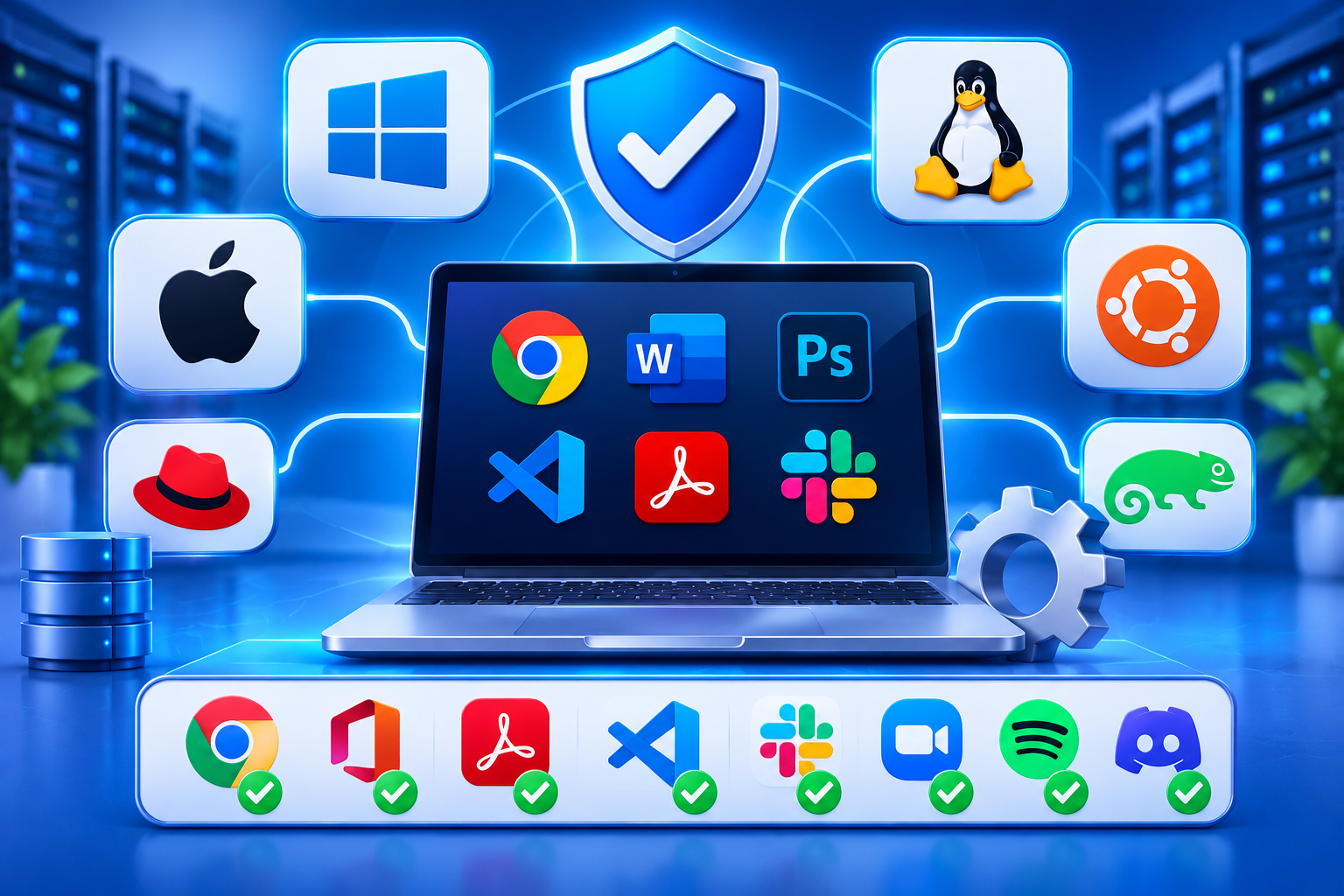
Software compatibility is one of the most important factors when choosing between Linux and Windows VPS hosting.
Before ordering a server, check the official requirements of your application. Some technologies work on both operating systems, while others depend on specific Windows or Linux components.
Linux VPS for WordPress and PHP Applications
Linux is generally the straightforward choice for WordPress websites and PHP-based applications.
A typical WordPress environment uses PHP, MySQL or MariaDB, and a compatible web server. Apache and Nginx are among the web servers recommended by WordPress.
WordPress.org+1
Linux VPS is also commonly used for:
- Laravel and other PHP frameworks.
- Python applications.
- Node.js applications.
- MySQL and MariaDB databases.
- Docker-based deployments.
- Web applications using Apache or Nginx.
If you are planning to host multiple WordPress websites or PHP projects, Linux offers a well-established hosting environment.
Windows VPS for Windows-Dependent Applications
Windows VPS is the more suitable option when your application depends on Windows Server components or software that is not supported on Linux.
Typical examples include:
- Traditional ASP.NET applications built on .NET Framework.
- Applications requiring Windows-specific APIs.
- IIS-dependent applications.
- Windows-based business software.
- Services that rely on Windows Server features.
However, do not assume that every Microsoft application requires Windows.
Modern .NET is cross-platform and supports Linux deployments. Similarly, Microsoft SQL Server can run on supported Linux distributions, including selected Ubuntu and Red Hat Enterprise Linux versions.
Microsoft Learn+2
The distinction is important: check the requirements of your particular application rather than choosing Windows simply because the software comes from Microsoft.
7. Server Management: SSH vs Remote Desktop
The way you access and manage your VPS is another practical difference between the two operating systems.
Tailscale, a virtual programmable network for DevOps
Running Windows VMs in Kubernetes with Kubevirt
Managing a Linux VPS
Linux VPS administration is commonly performed through SSH.
After connecting, administrators can use terminal commands to:
- Install and update software.
- Configure Apache, Nginx, or other services.
- Manage databases.
- Create users and configure permissions.
- Monitor CPU, RAM, and storage usage.
- Configure firewall rules.
Although the command line may initially seem unfamiliar, it provides considerable control and is well suited to automation.
Hosting control panels can simplify many routine tasks for users who do not want to manage everything through terminal commands.
Managing a Windows VPS
Windows VPS users commonly connect through Remote Desktop Protocol (RDP).
This provides access to the Windows desktop, where administrators can manage files, install applications, configure services, and work with familiar Windows tools.
PowerShell is another important administration option. It allows administrators to automate tasks, manage services, and execute server commands.
Which is easier?
If you regularly work with Windows computers, RDP may feel more familiar. If you have experience with Linux commands, SSH provides an efficient way to manage your server.
The better option depends on your technical experience and the applications you need to maintain.
8. Security and Server Maintenance
Both Linux and Windows VPS environments can be secured effectively. However, neither is secure simply because it uses a particular operating system.
Regular maintenance and correct configuration are essential.
For a Linux VPS, administrators should pay attention to:
- SSH key authentication.
- Regular package and security updates.
- Firewall configuration.
- User permissions.
- Restricting unnecessary services.
- Monitoring server activity.
For a Windows VPS, important security measures include:
- Regular Windows Server updates.
- Windows Defender and appropriate endpoint protection.
- Windows Firewall configuration.
- Strong authentication for administrative accounts.
- Restricting Remote Desktop access.
- Reviewing security policies and event logs.
Regardless of the operating system, maintain regular backups and test them periodically. Also, remove unused applications and services, monitor resource usage, and review access permissions.
If you do not have the expertise to maintain your server, consider a managed VPS arrangement with clearly defined administration and support responsibilities.
9. Which VPS Should You Choose?
The easiest way to decide is to start with the software you intend to run.
Here are some common scenarios.
| Your requirement | Recommended option |
| WordPress websites | Linux VPS |
| PHP and Laravel applications | Linux VPS |
| Apache, Nginx or LiteSpeed hosting | Linux VPS |
| Python and Node.js applications | Either, depending on deployment requirements |
| Modern cross-platform .NET | Either |
| Traditional .NET Framework applications | Windows VPS |
| Windows-specific business software | Windows VPS |
| IIS-dependent applications | Windows VPS |
| SQL Server | Either, depending on version, features and supported environment |
| Windows desktop and RDP access | Windows VPS |
For businesses evaluating VPS hosting in the UAE, operating system compatibility is only one part of the decision. Also consider server location, network performance for your target audience, backup arrangements, available management services, and support terms.
These details should be confirmed with the hosting provider rather than assumed from the operating system or the provider’s UAE-facing website.
10. What to Check Before Ordering a VPS
Before selecting a Linux or Windows VPS plan, take a few minutes to review your requirements.
- Confirm application compatibility
Check whether your website, application, database, and development framework support the intended operating system.
- Review resource requirements
Consider how much CPU, RAM, and storage your application needs. Database-heavy and resource-intensive applications may require more capacity.
- Understand licensing costs
Ask whether Windows Server, control panels, and other commercial software licences are included in the monthly price.
- Consider server administration
Decide whether you are comfortable managing SSH or prefer RDP and graphical administration. Also determine whether you need managed server support.
- Check backup and security arrangements
Understand how backups are created, how restoration works, and what security responsibilities remain with you.
Taking these steps before ordering can help prevent compatibility problems and unnecessary hosting expenses later.