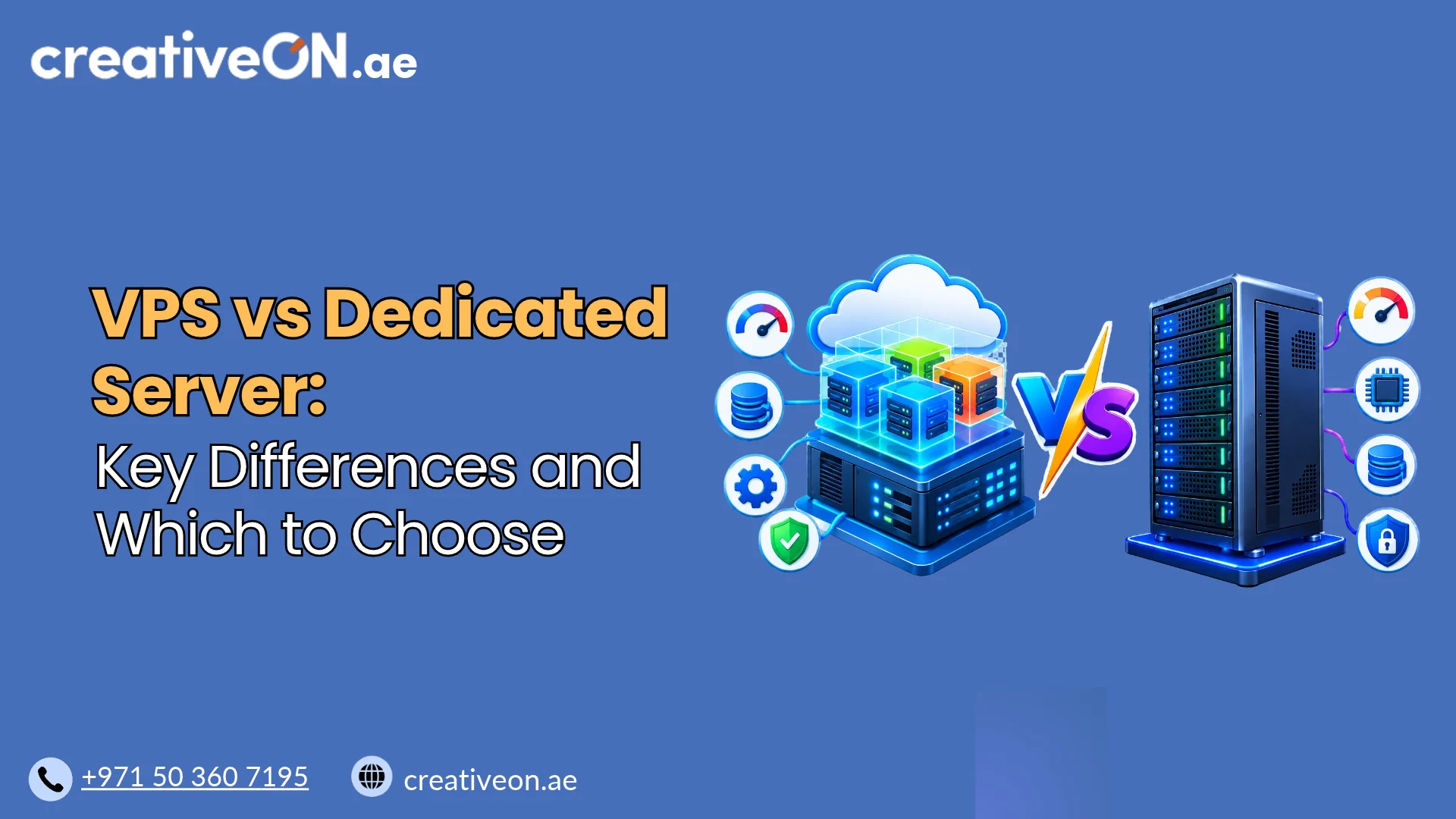
VPS vs Dedicated Server: Key Differences and Which to Choose
Choosing between VPS and dedicated server hosting depends on your website’s resource requirements, performance expectations, budget, and technical needs. Both hosting options provide greater control and flexibility than traditional shared hosting, but they differ in how physical server resources are allocated. A Virtual Private Server (VPS) provides an isolated virtual environment on a physical server […]
Choosing between VPS and dedicated server hosting depends on your website’s resource requirements, performance expectations, budget, and technical needs. Both hosting options provide greater control and flexibility than traditional shared hosting, but they differ in how physical server resources are allocated.
A Virtual Private Server (VPS) provides an isolated virtual environment on a physical server that can host multiple virtual machines. A dedicated server gives one customer exclusive access to an entire physical machine.
Understanding the differences between VPS vs Dedicated Server hosting can help you choose the right infrastructure for your website, application, or business without paying for resources you do not need.
VPS vs Dedicated Server: Quick Comparison
The main difference between VPS and dedicated server hosting is the allocation of physical hardware resources.
With VPS hosting, a physical server is divided into multiple virtual machines using virtualization technology. Each VPS operates independently with its own operating system, allocated resources, and configuration.
With dedicated server hosting, one customer uses the entire physical server, including its processor, RAM, and local storage resources.
| Feature | VPS Hosting | Dedicated Server |
| Server resources | Allocated virtual resources | Entire physical machine |
| CPU | Virtual CPU cores (vCPU) | Physical CPU cores |
| Hardware | Shared physical hardware | Exclusive physical server |
| Performance | Depends on allocation and host environment | More predictable hardware-level resources |
| RAM | Allocated virtual memory | Physical server memory |
| Storage | Allocated virtual storage | Dedicated local storage |
| Customization | High | Extensive hardware and software control |
| Scalability | Generally easier to upgrade | May require hardware upgrades |
| Cost | Generally more affordable | Generally more expensive |
| Root access | Usually available | Available |
| Suitable for | Growing websites and applications | Resource-intensive workloads |
Both options can support demanding workloads. The right choice depends on the resources your applications actually require.
1. Performance and Server Resource Allocation
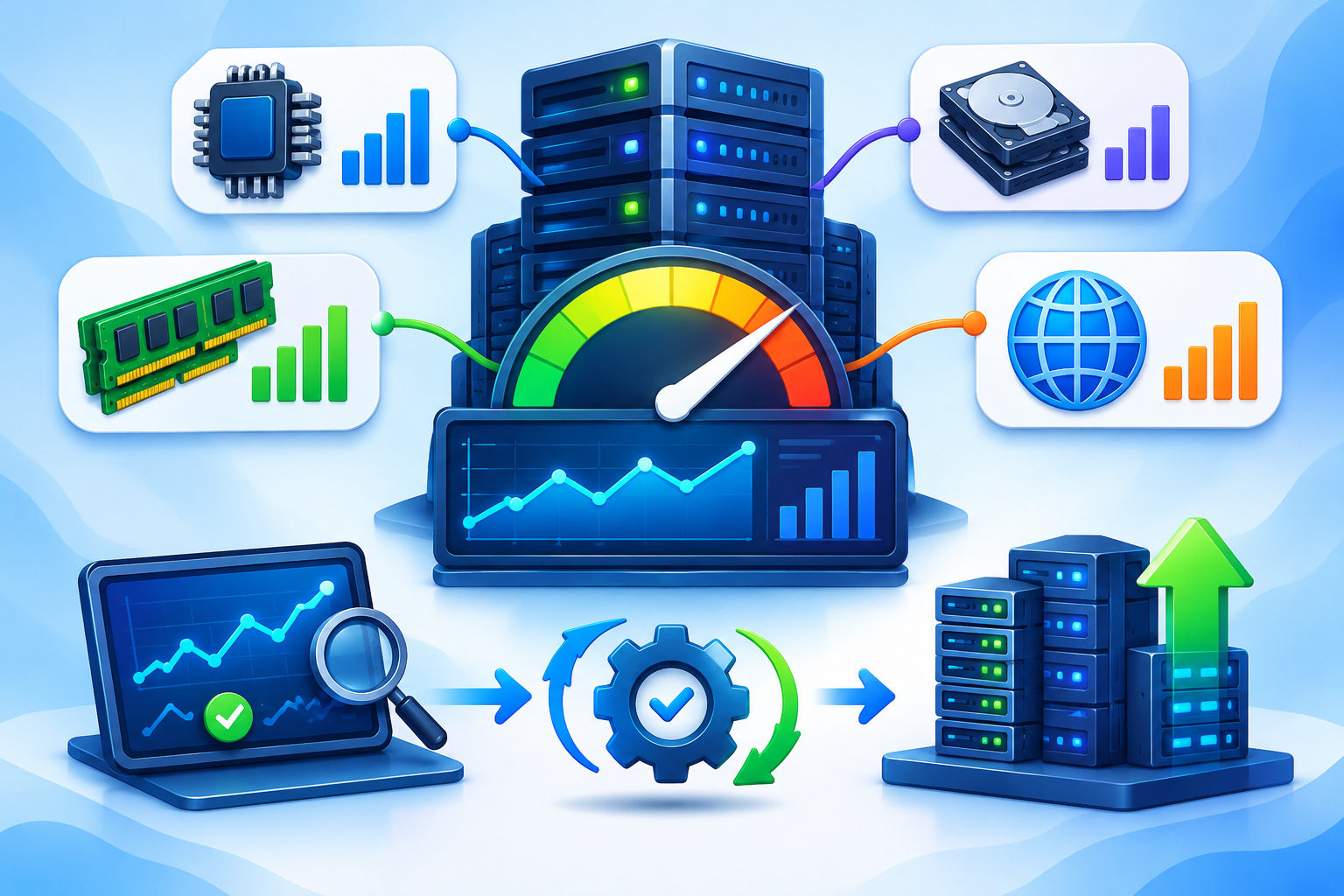
Performance is one of the most important factors when comparing VPS and dedicated server hosting. However, the difference is not simply that dedicated servers are always faster.
VPS Hosting Performance
A VPS receives an allocation of resources from a physical server. These typically include:
- Virtual CPU cores (vCPU)
- Allocated RAM
- SSD or NVMe storage
- Network bandwidth
A vCPU represents virtualized processing capacity provided through the underlying physical CPU. Depending on the hosting provider, CPU resources may be shared, reserved, or subject to specific usage limits.
For example, an eight-vCPU VPS does not necessarily provide the same processing performance as a physical processor with eight dedicated cores.
A properly provisioned VPS can deliver excellent performance for business websites, online stores, development environments, and applications.
Actual performance depends on CPU allocation, physical hardware, storage I/O, virtualization configuration, and the hosting provider’s resource management.
Dedicated Server Performance
A dedicated server provides exclusive access to the physical machine’s CPU, RAM, and local storage resources.
Unlike a VPS operating on shared physical hardware, a conventional dedicated server does not share its processing resources with other customers’ virtual machines.
Dedicated servers are particularly suitable for workloads requiring substantial and consistent computing capacity, including:
- High-traffic websites
- Large databases
- Resource-intensive applications
- Game servers
- Enterprise applications
- High-volume data processing
Which performs better?
A dedicated server generally offers greater total hardware capacity and more predictable resource availability. However, a powerful VPS can outperform an older or poorly configured dedicated server.
When comparing performance, consider CPU generation, physical core count, RAM capacity, storage performance, and actual application requirements rather than relying on hosting labels alone.

2. Cost and Server Management
Cost is another major difference between VPS and dedicated server hosting.
VPS hosting is generally more affordable because the physical server’s infrastructure costs are distributed across multiple virtual machines. You pay for the resources allocated to your VPS rather than the entire physical machine.
Dedicated hosting usually costs more because one customer uses the complete physical server. Hardware specifications, processor generation, RAM capacity, storage configuration, and management services all influence the price.
However, the monthly server rental is not always the complete operating cost.
Consider these additional expenses:
- Operating system and software licenses
- cPanel, Plesk, or other control panel licenses
- Backup storage and disaster recovery
- Server monitoring and maintenance
- Security management
- Technical support
Managed vs Unmanaged Hosting
Both VPS and dedicated servers can be offered as managed or unmanaged services.
With unmanaged hosting, customers are generally responsible for server configuration, operating system updates, security, troubleshooting, and maintenance.
Managed hosting provides additional administrative assistance from the hosting provider, although the exact scope of management varies between providers.
If your business does not have an in-house server administrator, managed hosting may be worth considering regardless of whether you choose a VPS or dedicated server.
3. Scalability and Resource Upgrades
Your hosting requirements may increase as your business grows. Therefore, it is important to consider how easily you can upgrade your infrastructure.
VPS Scalability
VPS hosting generally offers a straightforward upgrade path.
Depending on the provider’s infrastructure, you may be able to increase:
- CPU allocation
- RAM
- Storage capacity
- Bandwidth allowance
Many VPS providers allow resource upgrades without requiring a complete migration to another physical machine. However, some upgrades may require a restart, migration, or temporary service interruption.
This flexibility makes VPS hosting suitable for businesses with changing resource requirements.
Dedicated Server Scalability
Dedicated servers have physical hardware limitations.
Increasing RAM, replacing storage drives, or upgrading processors may require hardware compatibility checks and physical intervention.
In some cases, moving to a more powerful dedicated server is necessary.
Dedicated infrastructure offers substantial resources, but expanding its capacity is generally less flexible than upgrading a VPS.
4. Security, Isolation, and Server Control
Both VPS and dedicated servers provide considerable administrative control.
With a VPS, users generally receive root access on Linux or administrator access on Windows Server. This allows them to install software, configure services, manage databases, and customize the operating system.
Dedicated servers provide similar administrative capabilities, with additional control over the physical hardware and its configuration.
Security Differences
A VPS provides an isolated virtual environment. Other VPS customers cannot normally access your operating system or files through ordinary account-level access.
However, the physical host and virtualization layer remain shared infrastructure.
A dedicated server removes other customers’ virtual machines from the same physical machine, reducing certain shared-infrastructure risks.
Neither option is automatically secure.
Proper server security requires:
- Regular operating system and software updates
- Firewall configuration
- Strong authentication and access controls
- Malware protection where appropriate
- Regular backups
- Security monitoring
The level of protection depends on the hosting infrastructure and how the server is configured and maintained.
5. When Should You Choose VPS Hosting?
VPS hosting is a practical option when you need more control and resources than shared hosting but do not require an entire physical server.
Consider a VPS if:
- You operate a growing business website.
- Your WordPress website requires dedicated resources.
- You run multiple websites or applications.
- You need root or administrator access.
- You host development or testing environments.
- Your database and application requirements are moderate.
- You want an easier upgrade path without immediately investing in dedicated hardware.
For many small and medium-sized businesses, VPS hosting offers a suitable combination of flexibility, performance, and affordability.
6. When Should You Choose a Dedicated Server?
A dedicated server becomes a better option when your workload requires more physical resources, predictable hardware availability, or greater control over the server environment.
Consider dedicated hosting if:
- Your website receives consistently high traffic.
- You operate large or resource-intensive databases.
- Your applications require substantial CPU and RAM capacity.
- You run multiple demanding applications on one machine.
- You need specific hardware configurations.
- Your workloads benefit from exclusive access to physical resources.
Dedicated servers are also worth considering when the combined cost and operational complexity of multiple VPS instances approaches the cost of dedicated infrastructure.
7. How to Choose the Right Server for Your Business
Before selecting a hosting solution, evaluate your current infrastructure requirements and expected growth.
Use this checklist to make a more informed decision:
- Evaluate CPU requirements
Check your application’s CPU consumption and determine whether it needs moderate virtual processing capacity or greater physical processing resources.
- Calculate RAM requirements
Applications, databases, control panels, and background processes all consume memory. Choose a server with sufficient capacity for normal and peak workloads.
- Consider storage performance
Look at storage capacity, SSD or NVMe technology, and I/O performance, particularly if you operate databases or applications with frequent disk operations.
- Understand your traffic patterns
A website with occasional traffic spikes may work well on a scalable VPS. Applications with consistently high resource consumption may benefit from dedicated hardware.
- Consider management and budget
Evaluate whether you have the technical expertise to manage the server yourself. Include software licensing, backups, monitoring, and management costs when comparing hosting plans.
For UAE businesses, also consider network performance for your intended audience, technical support requirements, and any applicable data-location obligations. A UAE-focused hosting service does not automatically mean its servers are physically located in the UAE, so confirm actual infrastructure locations with the provider.