How VPS Hosting Works: A Simple Technical Guide
VPS hosting works by using virtualization technology to create multiple virtual servers on a single physical server. Each virtual private server (VPS) operates in its own virtual environment with an allocated share of CPU, RAM, storage, and network resources. This allows each VPS to run its own operating system and applications without requiring a separate […]
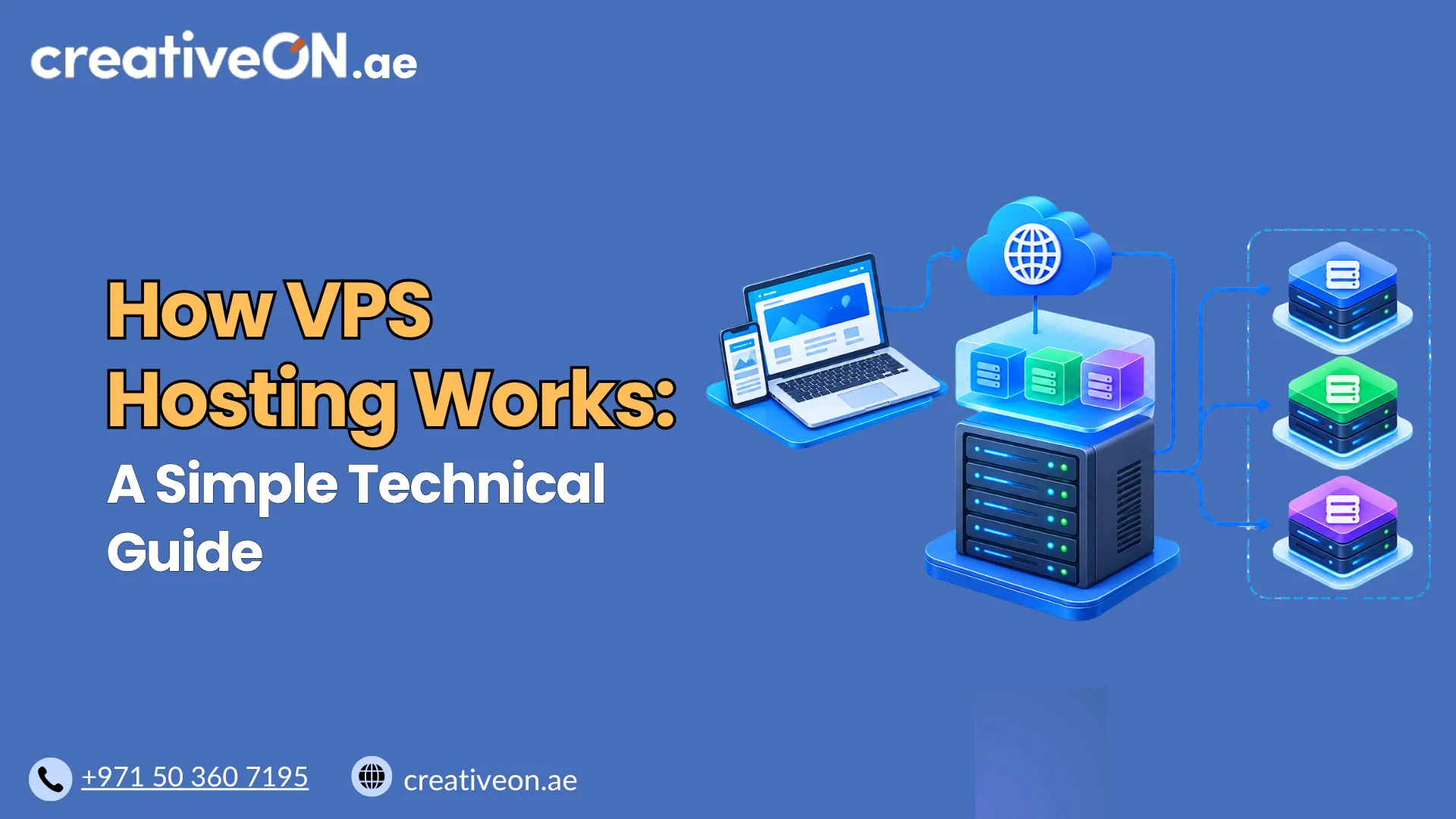
VPS hosting works by using virtualization technology to create multiple virtual servers on a single physical server. Each virtual private server (VPS) operates in its own virtual environment with an allocated share of CPU, RAM, storage, and network resources.
This allows each VPS to run its own operating system and applications without requiring a separate physical server for every customer.
Understanding how VPS hosting works helps website owners, developers, and businesses understand how websites and applications operate on a virtual server.

1. The Physical Server Behind VPS Hosting
Every VPS begins with a physical server located in a data center. This server provides the hardware resources needed to run virtual machines and their applications.
The main hardware components include:
- CPU: Processes instructions and performs computing tasks.
- RAM: Stores data that applications need to access quickly.
- Storage: Holds operating systems, website files, databases, and application data.
- Network interfaces: Connect the server to other systems and the internet.
In a VPS hosting environment, multiple virtual machines can use the same physical server. Instead of assigning all the hardware to one customer, the hosting platform distributes and manages resources among different virtual environments.
The number of VPS instances a physical server can support depends on its hardware capacity, resource allocations, workload demands, and the provider’s infrastructure configuration.
2. How Virtualization Creates Multiple VPS Instances
Virtualization is the technology that makes VPS hosting possible. It allows a physical server to run multiple virtual machines, each functioning as an independent server environment.
A hypervisor and its supporting virtualization software create and manage these virtual machines. They provide virtual hardware to each machine and coordinate its access to the underlying physical resources.
For example, KVM is a virtualization technology commonly used to run virtual machines on Linux-based hosts. In a typical KVM setup, supporting components such as QEMU help provide virtual hardware and manage virtual machines.
The process generally follows these steps:
- The physical server provides CPU, memory, storage, and network resources.
- The virtualization platform creates and manages virtual machines.
- Each virtual machine receives a defined configuration and resource allocation.
- A supported guest operating system is installed inside the virtual machine.
- The user installs and configures the software needed to run websites or applications.
Each virtual machine operates within its own virtual environment. This separation helps prevent one VPS from directly accessing another VPS’s files, processes, or memory through normal operation.
However, virtualization does not eliminate every security risk. Vulnerabilities in the virtualization platform, misconfigurations, or physical-host failures can still affect the environment.
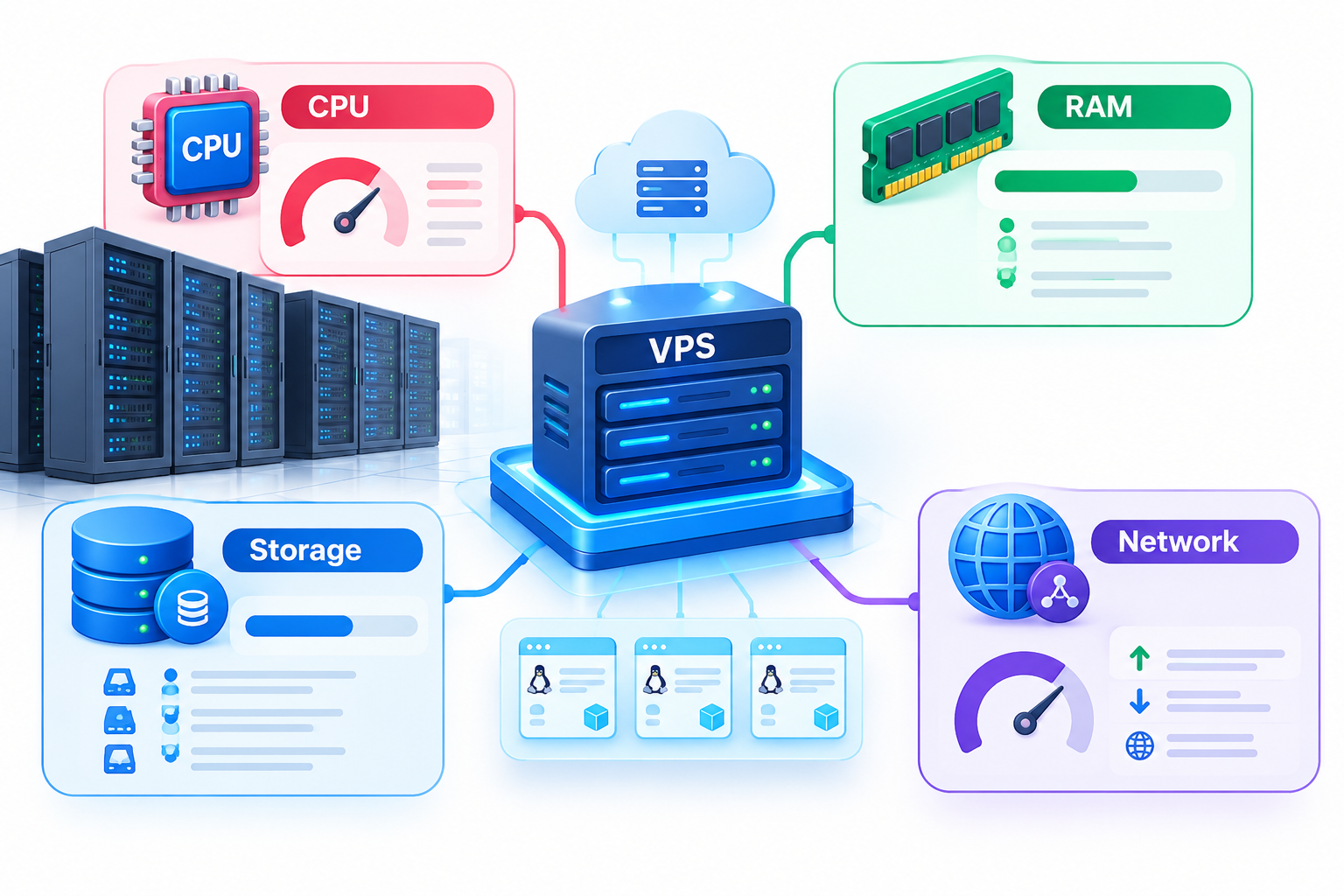
3. How a VPS Uses CPU, RAM, Storage, and Network Resources
Every VPS uses resources provided by the underlying physical server. The hosting configuration determines how much capacity is assigned or made available to the virtual machine.
CPU and virtual CPU cores
The CPU performs calculations, executes application code, processes database queries, and handles other computing tasks.
VPS plans commonly specify virtual CPU cores, known as vCPUs. A vCPU represents virtual processing capacity and does not necessarily correspond to an exclusively dedicated physical CPU core.
Actual performance depends on the physical processor, workload, CPU scheduling, and the hosting provider’s resource-allocation policies.
RAM allocation
RAM holds the data and instructions applications need while running. A VPS with insufficient memory may become slow, use swap space, or experience application failures.
The required memory depends on the operating system, installed software, database activity, and workload.
Storage capacity and performance
Virtual storage holds the operating system, applications, website files, databases, and logs. Depending on the hosting platform, the underlying storage may use SSDs, NVMe drives, or other storage systems.
Allocated disk capacity does not automatically guarantee a particular read/write speed. Storage performance also depends on the underlying hardware, storage configuration, and competing workloads.
Network resources
Network resources allow the VPS to communicate with visitors, APIs, databases, and other systems. Available throughput and network performance depend on the assigned limits and the provider’s infrastructure.
The important distinction: Allocated resources define the capacity available to a VPS, but actual performance also depends on the underlying hardware, configuration, and workload.
4. How a VPS Runs an Operating System and Applications
A conventional virtual-machine-based VPS runs its own guest operating system. Depending on the provider’s supported configurations, this may be a Linux distribution or a Windows Server edition.
The operating system manages processes, memory, files, network connections, and installed software within the virtual machine.
For example, a Linux VPS might run:
- A web server such as Nginx, Apache, or LiteSpeed.
- A database such as MySQL or PostgreSQL.
- An application environment such as PHP, Python, or Node.js.
- Website files, APIs, and background services.
A Windows VPS can run compatible Windows applications and services.
Once the operating system and required software are configured, the VPS can perform its intended tasks independently of other virtual machines, within the limits of its assigned resources and permissions.
The level of administrative responsibility depends on the hosting arrangement. With an unmanaged VPS, customers generally handle most server administration themselves. Managed VPS hosting may include specified maintenance and support tasks, depending on the provider’s service terms.
5. How a Website Request Is Processed on a VPS
When a visitor opens a website hosted on a VPS, several components work together to deliver the requested page.
Step 1: DNS resolves the domain name
The visitor enters a domain name into a browser. The browser uses DNS resolution to identify the IP address associated with that domain.
DNS resolution helps the browser locate the server, but it does not itself deliver the website content.
Step 2: The browser connects to the VPS
The browser establishes a network connection to the server. For an HTTPS website, the connection also involves setting up encrypted communication using TLS.
The browser then sends an HTTP request for the requested page or resource.
Step 3: The web server receives the request
Software such as Nginx, Apache, or LiteSpeed receives the request and determines how to handle it according to its configuration.
For example, the web server may serve a static HTML file or pass the request to an application.
Step 4: The application processes the request
If the request requires dynamic processing, application code may execute, retrieve information from a database, or use cached data.
Not every request requires application processing or a database query. Static files and cached pages may be served directly.
Step 5: The VPS returns the response
The web server sends the appropriate response to the visitor’s browser. The browser then processes the returned content and displays the page.
This process repeats as visitors request additional pages, images, scripts, and other website resources.
A VPS must have sufficient capacity and an appropriate software configuration to handle its workload. High traffic or inefficient applications can increase resource consumption and affect response times.
6. What Happens When a VPS or Physical Server Has a Problem?
A VPS operates within a virtual environment, but it still depends on the underlying physical infrastructure. Understanding this relationship helps explain the limitations of virtualization.
Different problems can affect a VPS in different ways:
- High CPU usage: Applications may respond slowly when processing demand exceeds available CPU capacity.
- Insufficient RAM: Applications may experience memory pressure, use swap space, or stop unexpectedly.
- Storage problems: Full disks or poor storage performance can affect applications and databases.
- Network issues: Connectivity problems can prevent visitors from reaching the VPS.
- Physical-host failure: A hardware or host-level failure can interrupt multiple VPS instances running on the affected machine.
Recovery depends on the provider’s infrastructure, redundancy, monitoring, and recovery procedures.
Virtualization alone does not guarantee uninterrupted service or protect data against every failure. Maintaining independent backups and testing recovery procedures are important parts of server administration.
For detailed guidance, see the related resources on VPS monitoring, server security, and VPS backups.