WordPress Posts vs Pages: What’s the Difference?
WordPress posts and pages serve different purposes. Posts are generally used for blog articles, tutorials, and news updates, while pages are used for core website content such as About Us, Services, and Contact. Choosing the right content type helps you organize your website, improve navigation, and make information easier for visitors to find. If you […]
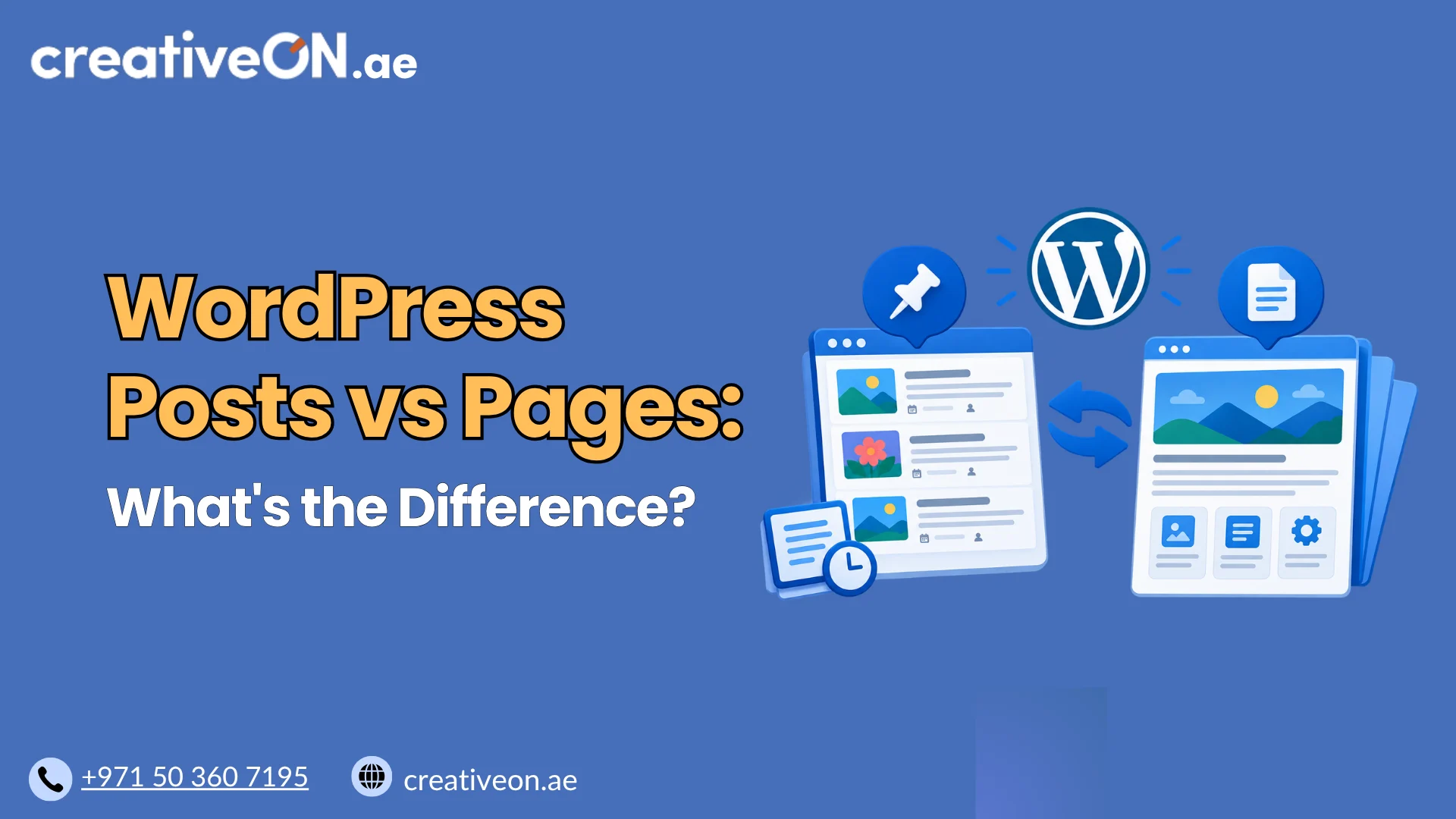
WordPress posts and pages serve different purposes. Posts are generally used for blog articles, tutorials, and news updates, while pages are used for core website content such as About Us, Services, and Contact. Choosing the right content type helps you organize your website, improve navigation, and make information easier for visitors to find.
If you are building a WordPress website or expanding an existing one, understanding the difference between posts and pages will help you publish content more effectively.
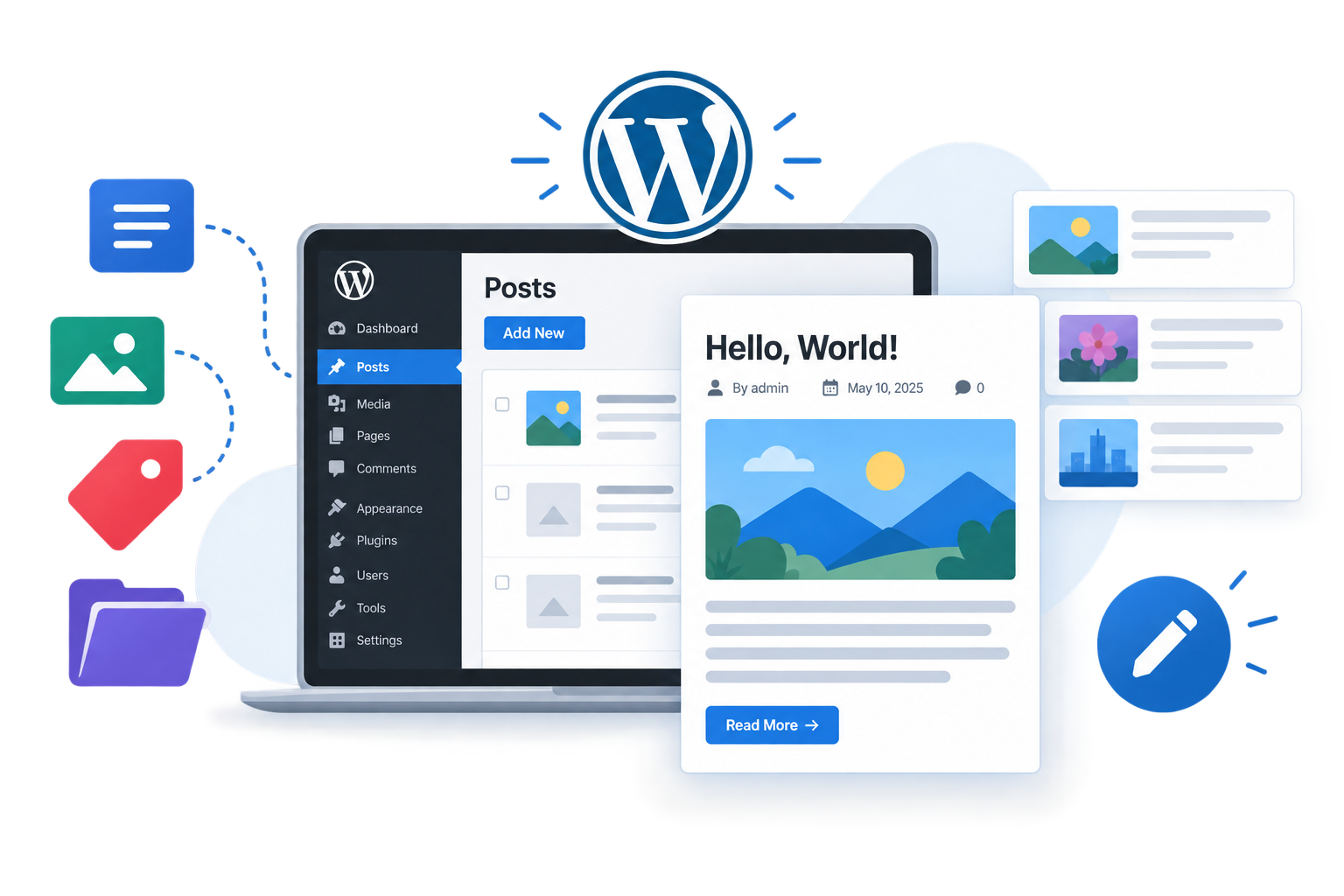
What Are WordPress Posts?
WordPress posts are designed for regularly published content that often appears in reverse chronological order, with newer posts displayed before older ones. They are commonly used for blogs, educational articles, company updates, and industry news.
For example, a hosting company might publish articles about WordPress security, website performance, and backup practices as posts.
Key Features of WordPress Posts
- Publication dates: Posts have publication dates and may display updated dates, depending on the theme and settings.
- Categories and tags: These help organize articles into relevant topics and make related content easier to discover.
- Blog archives: Posts can appear in category, tag, author, and date-based archives, depending on the site’s configuration.
- RSS feeds: Standard WordPress feeds normally include posts, allowing readers and feed readers to follow new publications.
- Comments: Posts can support reader discussions when comments are enabled.
When Should You Use WordPress Posts?
Use posts when publishing content that belongs to an ongoing series or blog.
Common examples include:
- Blog articles and tutorials
- Company announcements and industry news
- Product reviews and comparisons
- Educational guides and troubleshooting articles
- Website maintenance and security tips
For CreativeON, an article explaining how to improve WordPress website performance would generally be a post within its WordPress knowledge base.
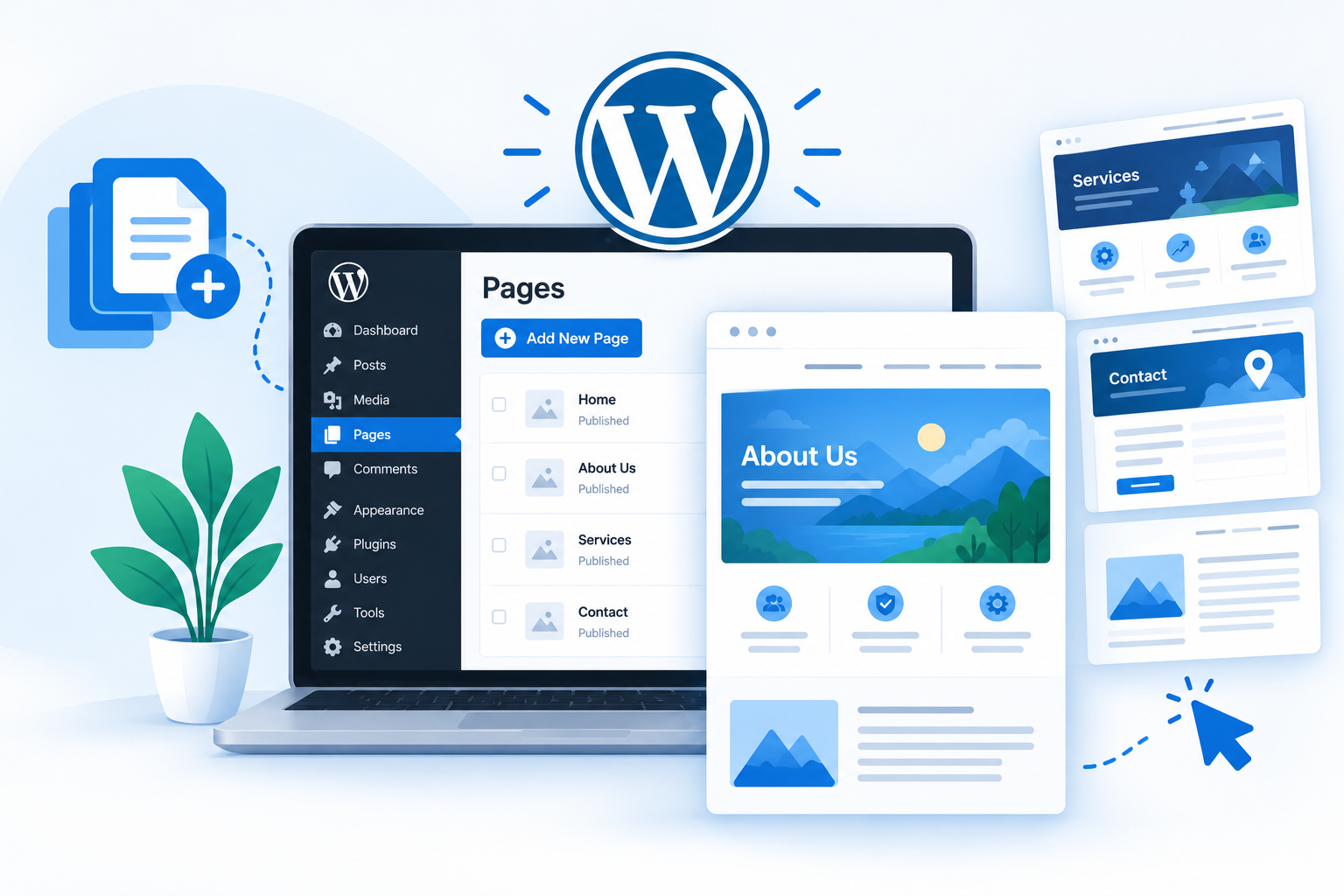
What Are WordPress Pages?
WordPress pages are designed for content that does not normally belong to a chronological blog feed. They are commonly used for important website information that visitors need to access consistently.
Examples include About Us, Contact, Services, Pricing, and Privacy Policy pages.
Although pages are often used for relatively permanent information, they can be updated, redesigned, and expanded whenever necessary. The distinction is based on their purpose and default organization, not whether their content changes.
Key Features of WordPress Pages
- No standard chronological blog listing: Pages do not normally appear in the main blog feed.
- Parent and child relationships: Pages can be organized into a hierarchy, such as a parent Services page with individual service pages underneath it.
- No default post categories or tags: Standard WordPress pages do not support the same categories and tags as posts by default.
- Flexible layouts: Themes and page builders can provide layouts for business pages, landing pages, and other website sections.
- Navigation-friendly structure: Pages can be added to navigation menus to help visitors find essential information.
When Should You Use WordPress Pages?
Use pages for core website information and content that forms part of your site’s main structure.
Common examples include:
- Home page
- About Us and Contact Us
- Services and pricing
- Product or service landing pages
- Privacy Policy and Terms of Service
- Important business information
For example, a dedicated WordPress Hosting service page would generally be a page, while an educational article explaining WordPress hosting features would usually be a post.
WordPress Posts vs Pages: Key Differences
The following table compares the default behavior of WordPress posts and pages.
| Feature | WordPress Posts | WordPress Pages |
| Main purpose | Regularly published content | Core website information |
| Typical examples | Articles, tutorials, news | About, Contact, Services |
| Publication date | Usually more prominent | Often hidden by the theme |
| Categories and tags | Supported by default | Not supported by default |
| Blog feed | Normally included | Normally excluded |
| Default hierarchy | Organized through categories and taxonomies | Supports parent and child pages |
| RSS feeds | Normally included | Not normally included as regular feed items |
| Comments | Can be enabled | Can be enabled |
| SEO potential | Can rank in search engines | Can rank in search engines |
These are standard WordPress behaviors. Themes, plugins, custom post types, and other configurations can change how content is displayed or organized.
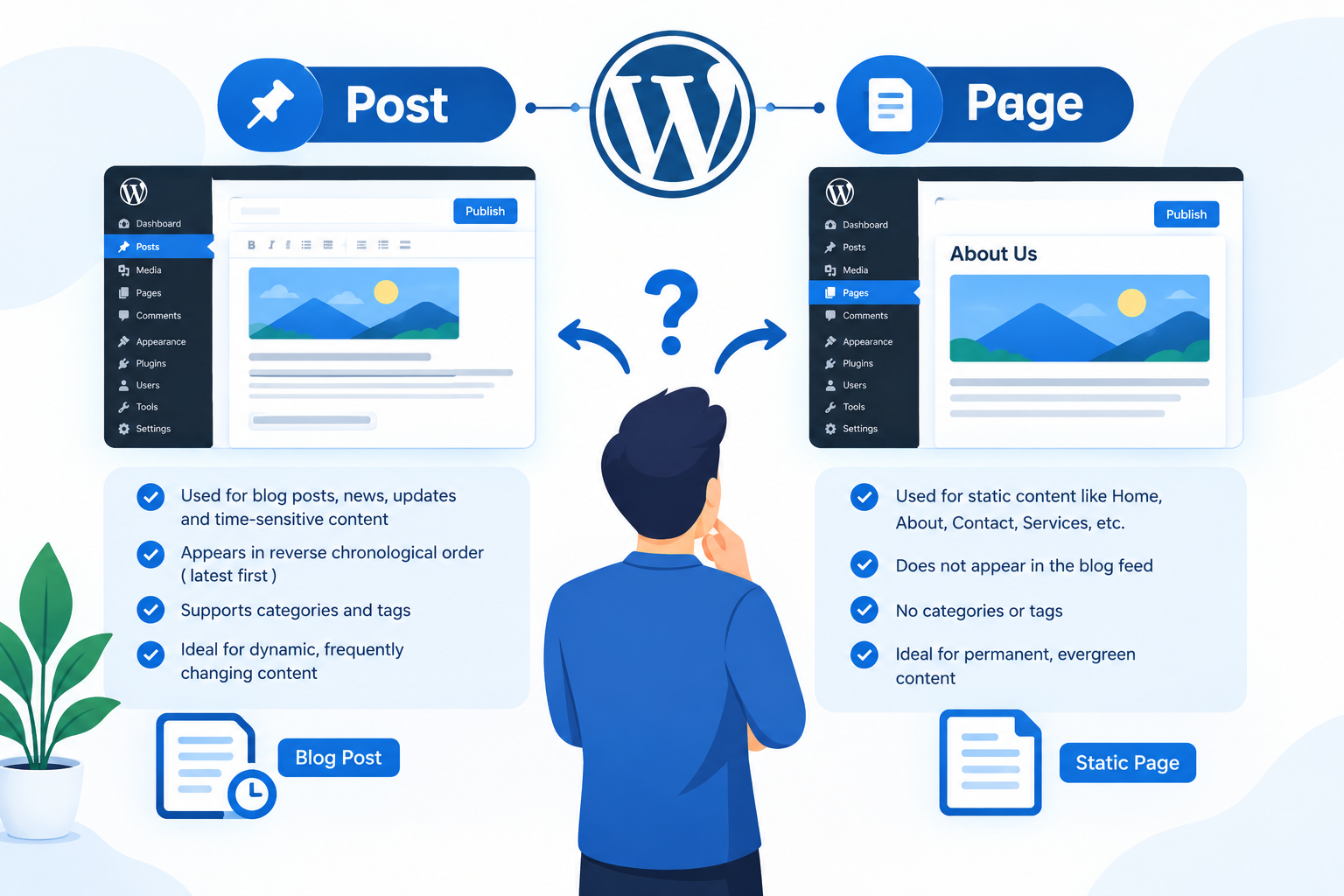
How to Choose Between a WordPress Post and a Page
The easiest way to choose is to consider the purpose of the content rather than its length or how often it will be updated.
Use a Post When You Are Publishing an Article
Choose a post for content that belongs to your blog, knowledge base, or regular publishing schedule.
Examples include:
- How to secure a WordPress website
- Common WordPress performance problems
- WordPress backup best practices
- New company announcements
Use a Page for Core Website Information
Choose a page when the content belongs to an essential section of your website.
Examples include:
- WordPress Hosting services
- About CreativeON
- Contact information
- Pricing and service details
What If the Choice Is Not Obvious?
Some content, such as a detailed guide or resource, could technically be published as either a post or a page. In such cases, consider how visitors should discover it and how it fits into your website structure.
If it belongs to a series of educational articles, a post is usually appropriate. If it forms part of your permanent website structure, a page may be more suitable.
There is no strict rule based on word count, publication frequency, or content length.
Do WordPress Posts or Pages Rank Better in Google?
Neither WordPress posts nor pages automatically rank better in Google simply because of their content type. Both can appear in search results when they provide relevant, useful information that satisfies a searcher’s needs.
The important consideration is whether the content type matches the purpose of the page.
For example:
- Informational search intent: An article explaining how to secure a WordPress website would usually be a post.
- Commercial search intent: A page describing WordPress Hosting packages would usually be a service page.
- Navigational intent: An About Us or Contact page helps visitors find specific business information.
Other factors, such as content quality, relevance, internal linking, mobile usability, and website accessibility, also contribute to search performance.
Choosing the appropriate content type helps organize your website, but it does not guarantee higher rankings. For broader optimization advice, refer to a dedicated WordPress SEO guide.
Common Mistakes When Using WordPress Posts and Pages
Choosing the wrong content type or organizing content poorly can make a WordPress website harder to manage. Avoid these common mistakes.
1. Publishing Every Article as a Page
Using pages for every blog article can make it harder to organize content through standard post categories, archives, and feeds.
Use posts for regularly published educational content unless your website has a specific reason to structure that content as pages.
2. Publishing Core Service Information as Blog Posts
Important information about your business, services, and contact details generally belongs on pages.
This makes it easier to include those sections in your main navigation and maintain them as part of your website’s core structure.
3. Creating Too Many Categories and Tags
Categories and tags should help visitors discover related articles. Creating numerous overlapping labels can make navigation confusing and reduce the usefulness of your content organization.
Use a logical category structure and add tags only when they provide meaningful additional organization.
4. Assuming Pages Are Better for SEO
A page does not automatically outperform a post in search results. Focus on search intent, useful content, relevant internal links, and clear organization rather than choosing a content type based on an assumed ranking advantage.
5. Ignoring Internal Links
Posts and pages should work together to guide visitors through your website.
For example, an educational article about WordPress security can link to a relevant WordPress Hosting service page when that link genuinely helps readers. A service page can also link to useful supporting guides.
Internal links should be relevant and helpful rather than added simply to increase the number of links.
6. Changing Content Types Without Checking URLs
If you convert a published post into a page, its URL or website structure may change depending on how the conversion is performed.
Before making the change, check the existing URL, internal links, metadata, and search traffic. If the URL changes, a suitable redirect may be necessary to help visitors and search engines reach the correct destination.
A content-type change does not automatically cause a ranking loss, but careless URL changes can create avoidable problems.