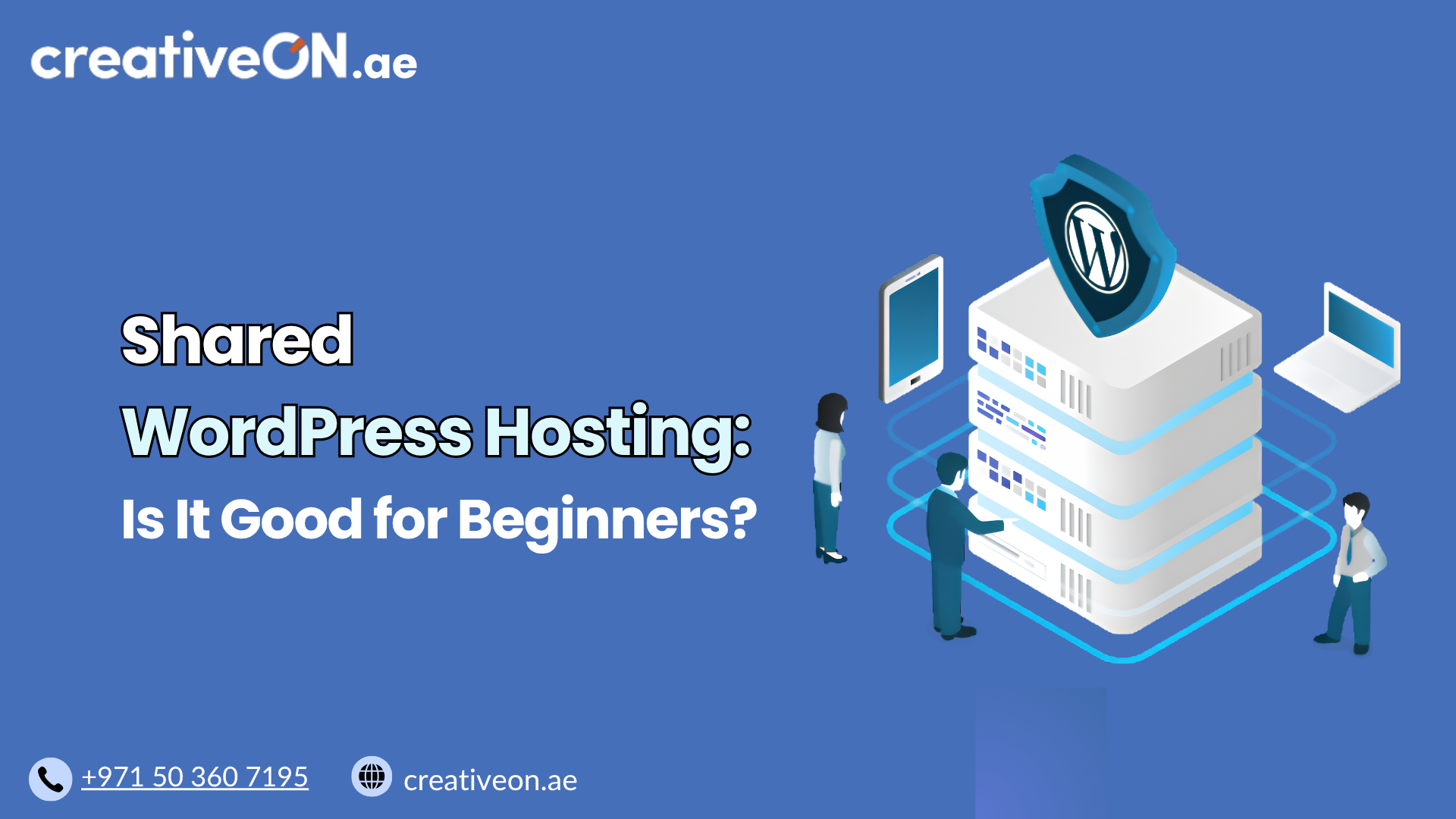
Shared WordPress Hosting: Is It Good for Beginners?
Choosing hosting for your first WordPress website can be confusing. With many hosting options available, beginners often wonder whether they need an advanced solution or if a simple hosting plan is enough. For most new website owners, shared WordPress hosting is a good choice for beginners because it is affordable, easy to manage, and designed […]
Choosing hosting for your first WordPress website can be confusing. With many hosting options available, beginners often wonder whether they need an advanced solution or if a simple hosting plan is enough.
For most new website owners, shared WordPress hosting is a good choice for beginners because it is affordable, easy to manage, and designed for websites that are starting out.
A personal blog, freelancer portfolio, startup website, local business website, or small company website usually does not require complex hosting infrastructure in the beginning. A reliable shared WordPress hosting plan can provide the resources and features needed to launch and grow a website without unnecessary complexity.
However, shared WordPress hosting also has limitations. Understanding where it works well and where it may fall short can help you choose the right hosting plan for your needs.
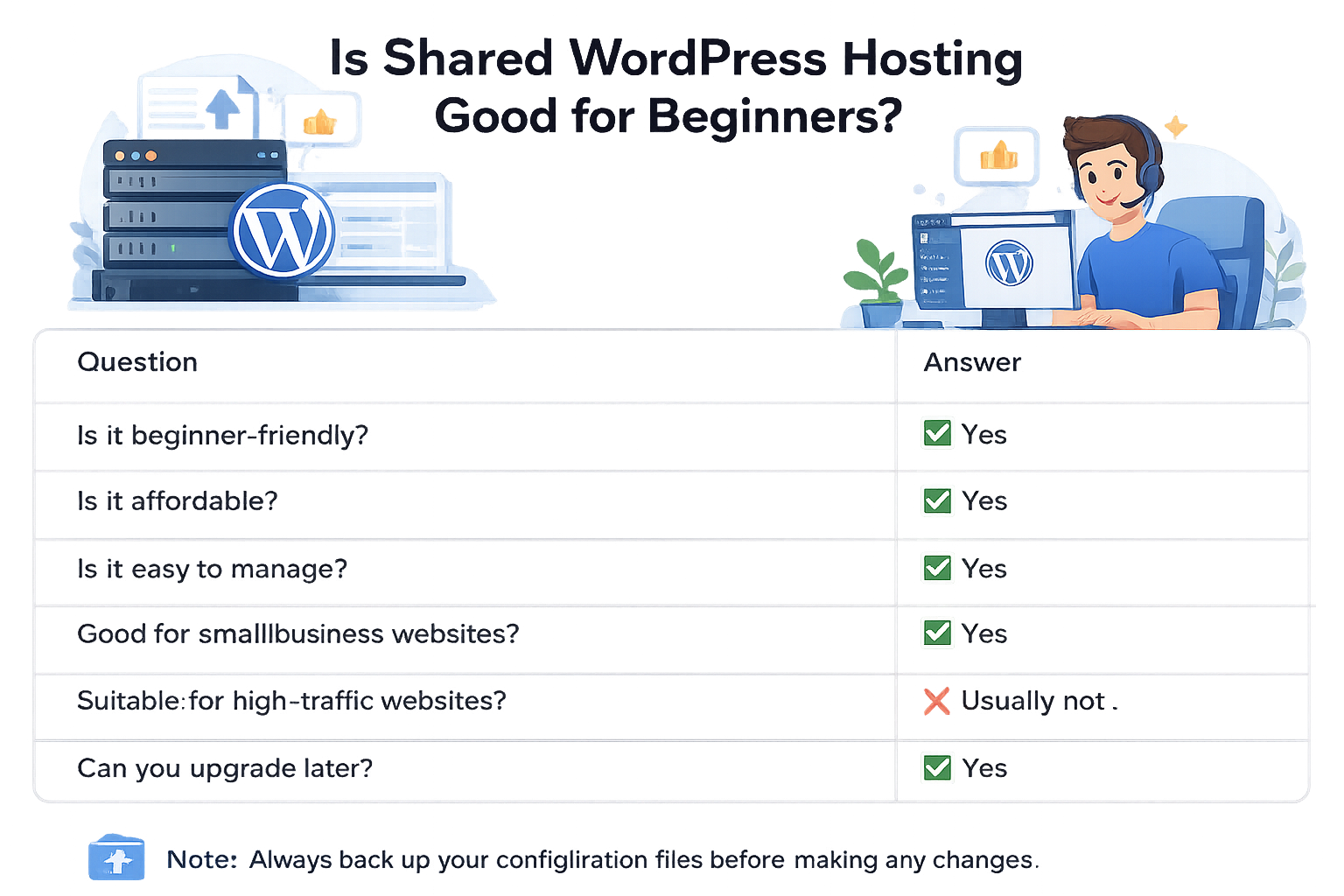
Quick Answer: Is Shared WordPress Hosting Good for Beginners?
| Question | Answer |
| Is it beginner-friendly? | ✅ Yes |
| Is it affordable? | ✅ Yes |
| Is it easy to manage? | ✅ Yes |
| Good for small business websites? | ✅ Yes |
| Suitable for high-traffic websites? | ❌ Usually not |
| Can you upgrade later? | ✅ Yes |
Bottom line: If you are launching your first WordPress website, shared WordPress hosting is usually the most practical starting point.
What Makes Shared WordPress Hosting Beginner-Friendly?
Shared WordPress hosting is designed for users who want to create and manage a WordPress website without dealing with complicated server administration.
The hosting provider manages the technical environment while you focus on your website content, design, products, or services.
Many beginner-friendly WordPress hosting plans include features such as:
- One-click WordPress installation
- Easy-to-use control panels
- Automatic WordPress updates
- WordPress-optimized server settings
- Security features
- Backup options
- Customer support
These features reduce the technical work required to maintain a website.
For someone creating their first website, this simplicity is one of the biggest advantages of shared WordPress hosting.
Why Beginners Choose Shared WordPress Hosting
1. Affordable Starting Point
Cost is often a major consideration when launching a new website.
Shared WordPress hosting allows beginners, startups, and small businesses to establish an online presence without investing heavily in hosting resources they may not need yet.
For example:
- A freelancer creating a portfolio website
- A small business launching its first company website
- A blogger starting a content website
- A startup testing a new online idea
These websites can usually begin successfully with an affordable WordPress hosting plan.
As the website grows, you can upgrade to a more suitable hosting solution when additional resources become necessary.
2. Simple Website Management
Many beginners do not want to spend time managing technical server settings.
With shared WordPress hosting, the hosting provider handles tasks such as:
- Server maintenance
- Infrastructure monitoring
- Hardware management
- Basic server updates
This allows website owners to focus on more important activities, including publishing content, improving their website, and serving customers.
3. WordPress-Focused Features
A quality WordPress hosting provider configures the hosting environment to work smoothly with WordPress websites.
Common features may include:
- WordPress installation tools
- PHP version management
- Website backups
- Performance optimization options
- Security monitoring
These features help beginners create and maintain websites more easily.
Who Should Use Shared WordPress Hosting?
Shared WordPress hosting is suitable for websites that have moderate resource requirements.
It is a good option for:
| Website Type | Suitable? |
| Personal blog | ✅ Yes |
| Freelancer portfolio | ✅ Yes |
| Small business website | ✅ Yes |
| Startup website | ✅ Yes |
| Local service website | ✅ Yes |
| Company profile website | ✅ Yes |
| Small content website | ✅ Yes |
| Large online store | ⚠️ May require more resources |
For example, a local service company in the UAE creating a website to showcase services, collect inquiries, and build brand awareness can usually start comfortably with shared WordPress hosting.
Similarly, a small startup validating its online presence can use shared hosting before investing in more advanced requirements.
Benefits of Shared WordPress Hosting for Beginners
Easy WordPress Setup
Most shared WordPress hosting plans simplify the installation process. Beginners can often install WordPress within minutes without manually configuring databases or server settings.
This makes it easier for first-time website owners to start building their websites.
Lower Maintenance Requirements
Managing a website requires regular updates, security checks, and performance monitoring.
With shared WordPress hosting, many technical tasks are handled by the hosting provider, reducing the amount of server-related work for beginners.
Suitable Performance for Small Websites
A properly optimized WordPress website can perform well on shared hosting.
Website speed depends on several factors, including:
- Theme quality
- Plugin usage
- Image optimization
- Website caching
- Content management practices
A lightweight website with optimized content can provide a smooth experience for visitors.
For improving WordPress performance, you can also explore our guide on WordPress Caching Guide.
Easy Growth Path
Starting with shared WordPress hosting does not mean you are limited forever.
Many websites begin with shared hosting and upgrade only when their needs change.
The important thing is choosing a hosting provider that offers flexible upgrade options so your website can continue growing.
Limitations of Shared WordPress Hosting
Although shared WordPress hosting is an excellent starting point for beginners, it is important to understand its limitations.
Choosing the right hosting plan means balancing your current needs with your expected growth.
Shared Resources Can Affect Performance
In a shared hosting environment, multiple websites use resources from the same server infrastructure.
This means available resources such as CPU and memory are shared between different websites.
For most beginner websites, this is not a problem. However, during periods of unusually high activity, performance may be affected depending on resource usage.
A reputable WordPress hosting provider manages server resources carefully to maintain stability, but shared hosting still has practical limits.
Limited Resources for Growing Websites
Shared WordPress hosting works best for websites with small to moderate traffic.
As your website grows, you may notice signs that additional resources are needed, such as:
- Slower page loading times
- Longer response times during traffic spikes
- Increased resource usage notifications
- Difficulty handling complex website features
When this happens, it may be time to review your hosting requirements.
For websites needing more advanced WordPress features, explore our dedicated guide on Managed WordPress Hosting.
Fewer Advanced Customization Options
Beginners usually do not need advanced server-level controls.
However, developers or businesses with specific technical requirements may eventually need more flexibility than a shared hosting environment provides.
Examples include:
- Custom server configurations
- Advanced development workflows
- Specialized performance requirements
These requirements usually become important as websites become more complex.
Signs You’ve Outgrown Shared WordPress Hosting
Shared WordPress hosting can support many websites for years. However, there are situations where upgrading becomes a practical decision.
You may need to consider a different WordPress hosting plan if:
Your Website Traffic Has Increased Significantly
Growing traffic is a positive sign, but more visitors require more server resources.
If your website receives consistent high traffic, your current hosting environment may no longer provide the performance you need.
Your Website Runs Resource-Heavy Features
Some websites require more resources because they include:
- Large product catalogs
- Membership systems
- Advanced booking features
- Heavy user interaction
For example, a small WooCommerce store may work well on shared WordPress hosting initially, but a growing online store may require a hosting environment designed for higher demands.
Learn more in our WooCommerce Hosting Guide.
Website Performance Becomes Difficult to Maintain
If your website optimization efforts are complete but performance issues continue, your hosting resources may be a limiting factor.
Before changing hosting, review common performance improvements such as:
- Optimizing images
- Removing unnecessary plugins
- Using caching
- Updating WordPress components
Our WordPress Caching Guide covers additional ways to improve website speed.
Best Practices for Using Shared WordPress Hosting
You can get better results from shared WordPress hosting by following simple maintenance practices.
Keep WordPress Updated
Always keep these components updated:
- WordPress core
- Themes
- Plugins
Updates improve security, compatibility, and website stability.
Use Reliable Themes and Plugins
Poorly coded themes and plugins can affect website performance more than the hosting itself.
Choose lightweight, regularly updated WordPress themes and only install plugins that provide real value.
Remove Unused Plugins and Themes
Unused software can create unnecessary security risks and increase website maintenance.
Regularly review installed themes and plugins and remove anything you no longer need.
Use Website Caching
Caching helps WordPress deliver pages more efficiently and can improve loading speed.
Many WordPress hosting plans include caching tools or compatibility with popular caching solutions.
Monitor Storage Usage
Keep an eye on your hosting account usage, including:
- Website files
- Media uploads
- Database size
- Backup storage
Managing storage helps maintain better website performance.
Maintain Regular Backups
Even with reliable hosting, backups are an important part of website management.
A backup allows you to restore your website quickly if you experience:
- Website errors
- Failed updates
- Security issues
- Accidental changes
For a complete backup strategy, see our WordPress Backup Best Practices Guide.
Common Mistakes Beginners Make With Shared WordPress Hosting
Many beginners blame hosting for website problems that are actually caused by poor website management.
Avoid these common mistakes:
Installing Too Many Plugins
More plugins do not always mean more functionality.
Too many plugins can increase maintenance requirements and affect performance.
Uploading Large Images
Large image files can slow down page loading.
Optimize images before uploading them to WordPress.
Ignoring Security Updates
Outdated software can create unnecessary security risks.
Regular updates are one of the simplest ways to maintain a safer website.
For more security recommendations, read our WordPress Security Best Practices Guide.
Expecting Unlimited Performance
Shared WordPress hosting is designed for specific website needs.
It is an excellent solution for beginners, but expecting it to handle enterprise-level traffic or highly complex applications can lead to performance issues.
Choosing the right hosting plan for your current requirements is always better than paying for resources you do not need.