How Clinics Can Use Google Workspace to Improve Daily Operations
Introduction Clinics need to coordinate appointments, staff schedules, administrative documents, and daily follow-up tasks without creating unnecessary work for reception and management teams. When these activities are spread across disconnected tools, information can become difficult to find and responsibilities may be overlooked. Google Workspace for clinics can help bring business email, shared calendars, document collaboration, […]
Introduction
Clinics need to coordinate appointments, staff schedules, administrative documents, and daily follow-up tasks without creating unnecessary work for reception and management teams. When these activities are spread across disconnected tools, information can become difficult to find and responsibilities may be overlooked.
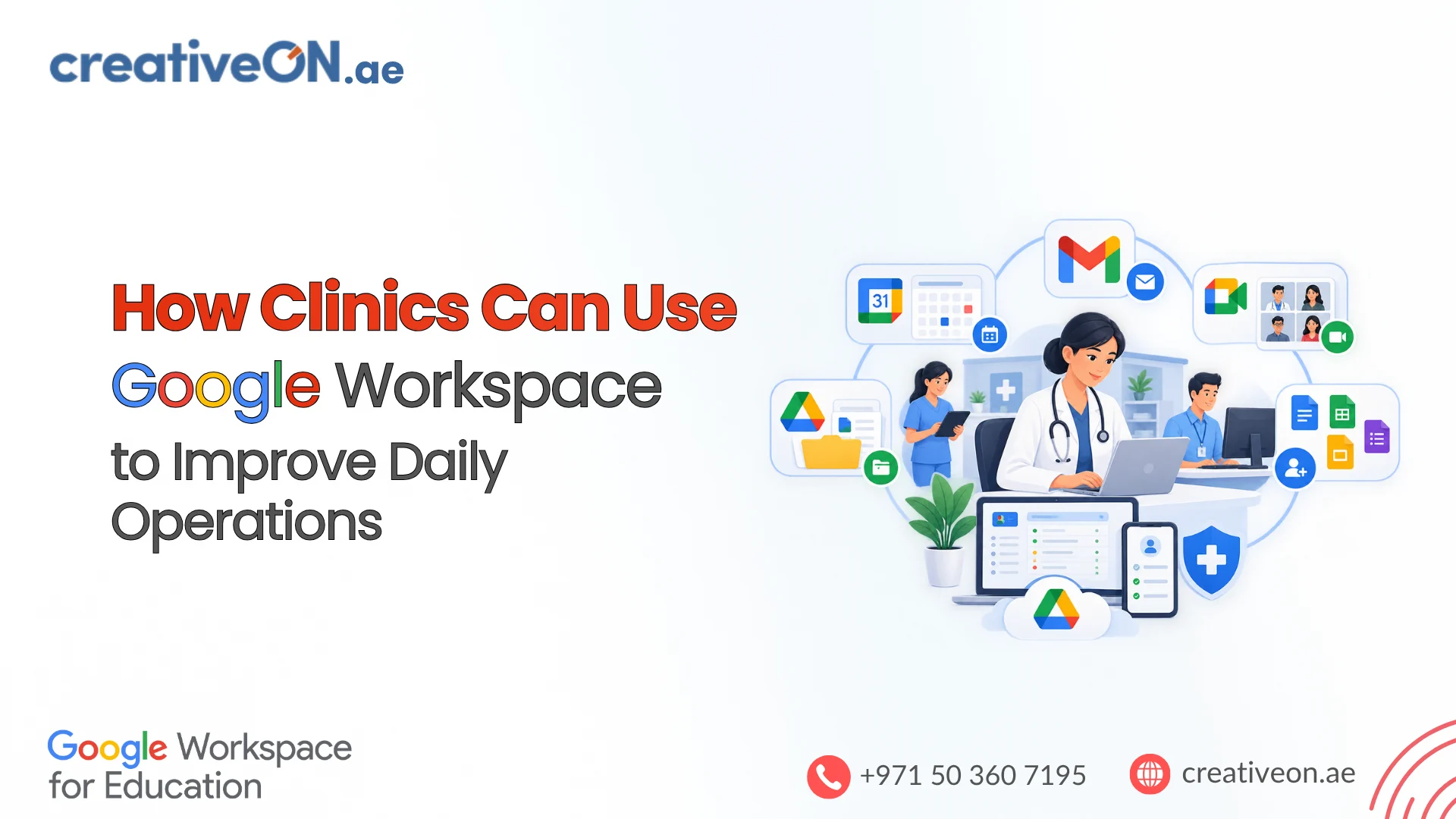
Google Workspace for clinics can help bring business email, shared calendars, document collaboration, and internal communication into a more organized workflow. Tools such as Gmail, Google Calendar, Google Drive, Google Docs, Google Sheets, and Google Meet can support routine administrative activities across a clinic.
For healthcare providers in Dubai, Abu Dhabi, and other parts of the UAE, these tools can help staff coordinate work across departments or locations. However, Google Workspace is a productivity platform, not a complete clinic management or electronic medical records system. Clinics must also assess the suitability of their chosen services for handling confidential and health-related information.
1. Organize Clinic Appointments and Staff Schedules
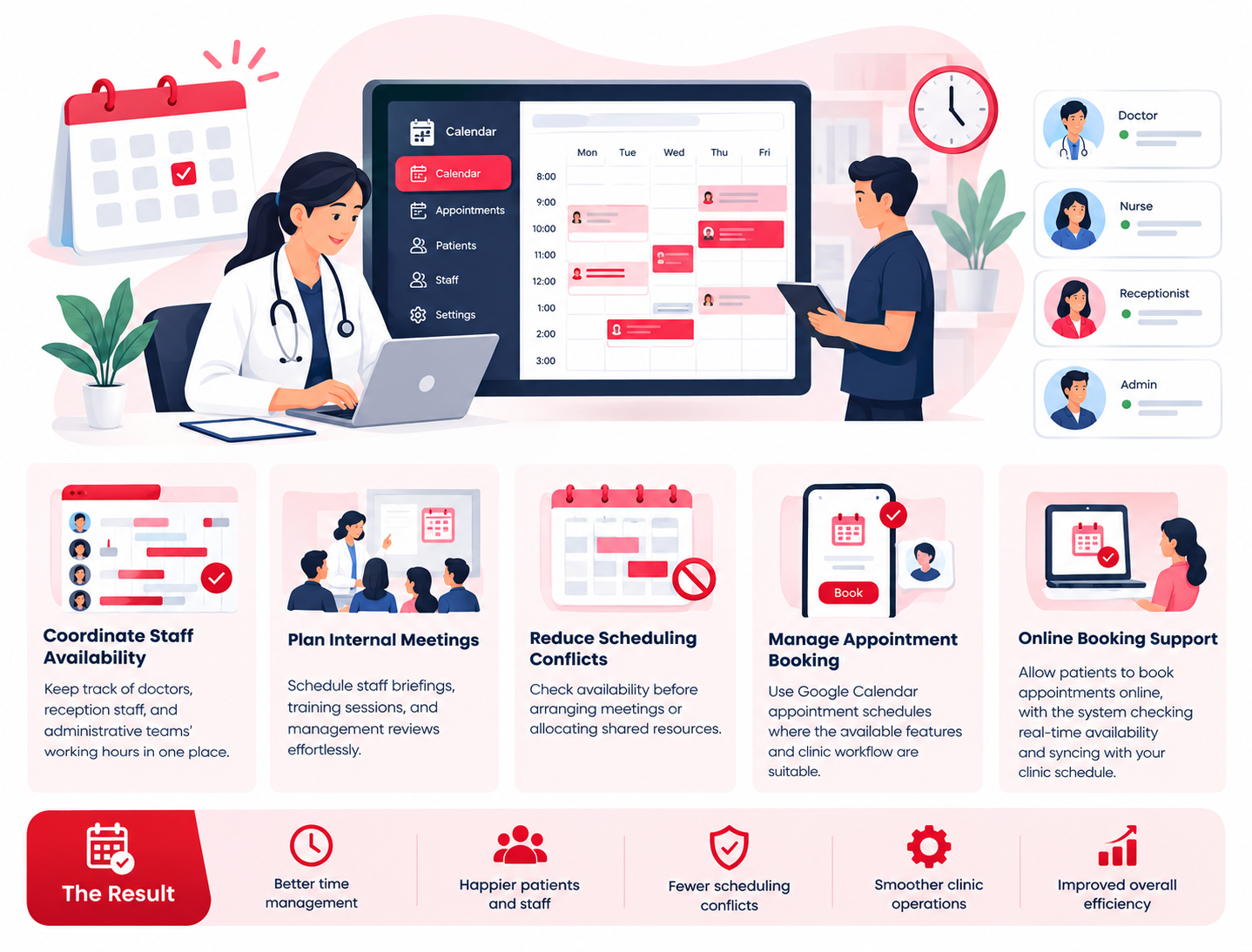
Coordinating doctors’ working hours, staff availability, internal meetings, and room schedules can take considerable administrative effort. Google Calendar helps clinics organize schedules and share availability with authorized team members.
How clinics can use Google Calendar
- Coordinate staff availability: Maintain calendars for doctors, reception staff, and administrative teams.
- Plan internal meetings: Schedule staff briefings, training sessions, and management reviews.
- Reduce scheduling conflicts: Check availability before arranging meetings or allocating shared resources.
- Manage appointment booking: Use Google Calendar appointment schedules where the available features and clinic workflow are suitable.
For example, a clinic administrator can use staff calendars to coordinate working hours and internal meetings without repeatedly contacting each employee to confirm availability.
Google Calendar’s appointment scheduling features may also support online booking through a booking page, depending on the account and subscription. Clinics should assess whether this functionality meets their requirements before using it for patient appointments.
Best practice: Keep calendar entries limited to the information necessary for scheduling. Avoid including sensitive patient details in event titles, descriptions, or shared calendars. Use an appropriate clinical booking system when patient identification, medical history, or specialized appointment workflows are involved.
2. Improve Communication Between Clinic Teams
Reception, nursing, management, and administrative staff often need to exchange information throughout the working day. Using personal email accounts or informal messaging channels can make business communication harder to manage and oversee.
Google Workspace provides Gmail for professional email and Google Chat for internal communication.
Use Gmail for clinic administration
Clinics can use email addresses associated with their own domain, such as reception@yourclinic.ae or admin@yourclinic.ae, subject to domain and account configuration.
Professional email can help organize communication with suppliers, patients making general enquiries, business partners, and administrative service providers.
Useful practices include:
- Using labels and filters to organize routine incoming messages.
- Creating approved templates for frequently asked administrative questions.
- Separating finance, recruitment, supplier, and general administrative correspondence.
- Maintaining consistent email signatures with clinic contact information.
- Applying appropriate access controls to shared inboxes and delegated mailboxes.
Use Google Chat for internal coordination
Google Chat can support routine communication between authorized employees. A clinic might use separate spaces for administration, facilities, or general staff coordination.
For example, reception staff could use an internal space to coordinate office supplies or report a non-clinical maintenance issue.
Patient-identifiable information and clinical discussions should only be handled through channels approved for the intended purpose under the clinic’s privacy, security, and regulatory requirements.
3. Organize Administrative Documents With Google Drive
Clinic administration involves a variety of documents, including operating procedures, supplier agreements, training materials, equipment records, and internal policies. When files are scattered across individual computers and email attachments, staff may struggle to find the correct version.
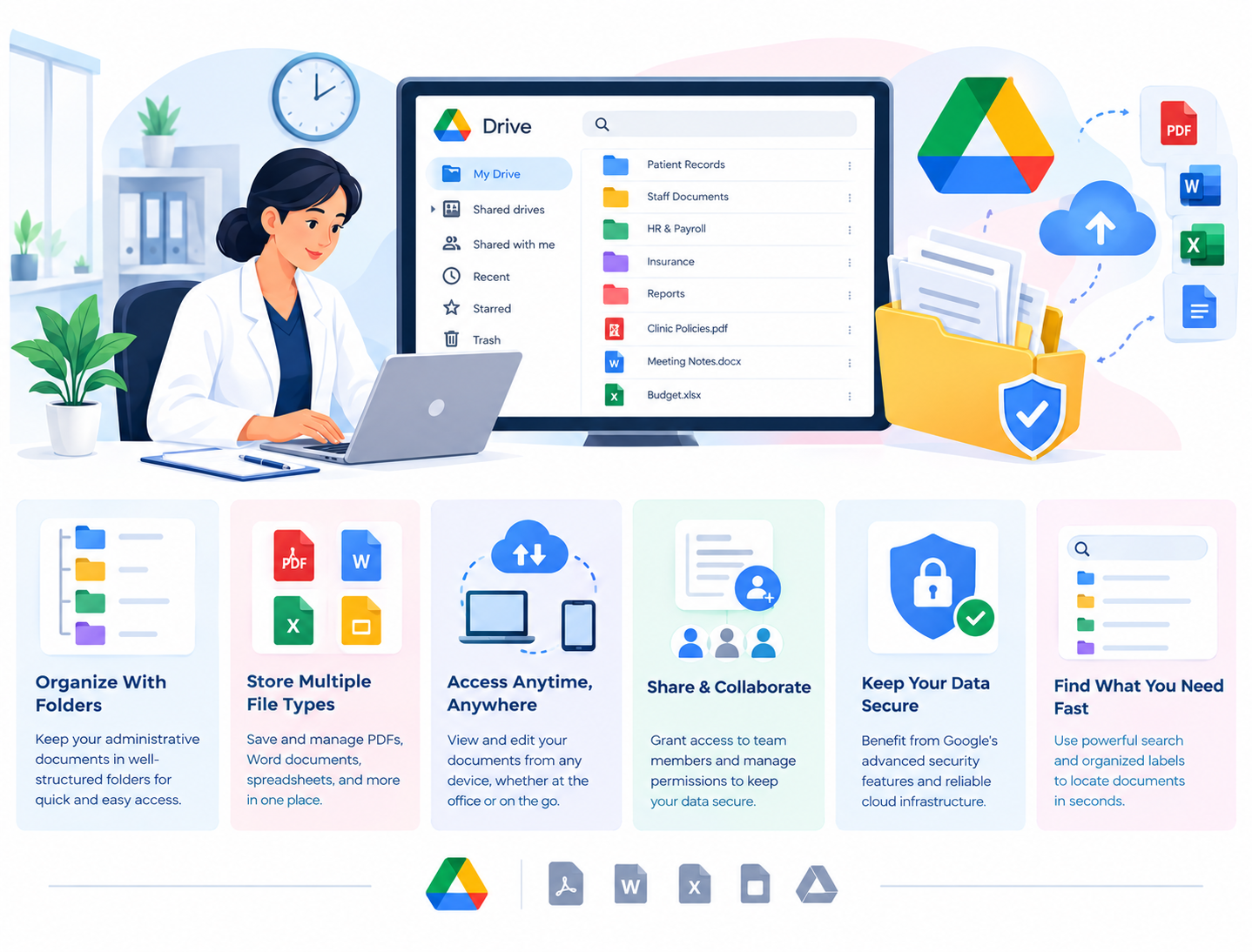
Google Drive provides cloud-based file storage and sharing. Shared drives, where available and appropriately configured, can help teams manage organizational files rather than relying solely on individual employees’ accounts.
Create a clear document structure
A clinic could organize administrative files into the following categories:
- Administration: Approved procedures, office policies, and general templates.
- Human Resources: Staff onboarding documents and employment policies, with restricted access.
- Finance: Budgets, invoices, and authorized financial reports.
- Facilities: Equipment maintenance schedules and supplier service records.
- Training: Staff guidance, training materials, and meeting resources.
The structure should reflect the clinic’s size, departments, and responsibilities.
Apply appropriate access permissions
Not every employee needs access to every document. Reception staff may need approved operational procedures, while confidential personnel records should be restricted to authorized HR or management staff.
Clinics should:
- Grant access according to each employee’s responsibilities.
- Review permissions when staff change roles or leave.
- Restrict external sharing where appropriate.
- Avoid public links for confidential documents.
- Establish clear rules for document retention and deletion.
Important: Google Drive should not automatically be treated as a replacement for an electronic medical records (EMR) or electronic health records (EHR) system. Clinical records require an appropriate solution selected according to the clinic’s clinical, technical, contractual, and regulatory requirements.
4. Collaborate on Procedures and Track Administrative Tasks
Clinics regularly update internal procedures, prepare reports, review maintenance requirements, and assign follow-up work. Google Docs and Google Sheets can help authorized staff collaborate on these administrative activities.
Use Google Docs for standard operating procedures
Clinics can maintain approved documents covering:
- Reception and visitor procedures.
- Staff onboarding instructions.
- Equipment maintenance processes.
- Internal communication guidelines.
- Administrative checklists.
- Routine office procedures.
Authorized staff can collaborate on shared documents instead of circulating multiple email attachments and creating competing versions.
Use Google Sheets for operational tracking
Google Sheets can support simple administrative trackers for tasks such as equipment servicing, supplier renewals, staff training, and office supplies.
| Administrative workflow | Example of what to track |
| Equipment maintenance | Service dates, responsible staff, and next review |
| Staff training | Training completion and renewal dates |
| Supplier management | Contract expiry and follow-up dates |
| Office supplies | Stock levels and reorder requirements |
| General administration | Task owner, due date, and completion status |
For example, a clinic manager could maintain a shared equipment maintenance tracker and use Google Calendar to schedule upcoming service reviews.
A useful workflow includes assigning an owner, setting a due date, recording progress, and reviewing overdue tasks during regular administrative meetings.
Keep these tools focused on operational administration. Sensitive patient information, clinical assessments, and medical decision-making should remain within systems and workflows approved for those purposes.
5. Coordinate Meetings and Staff Training With Google Meet
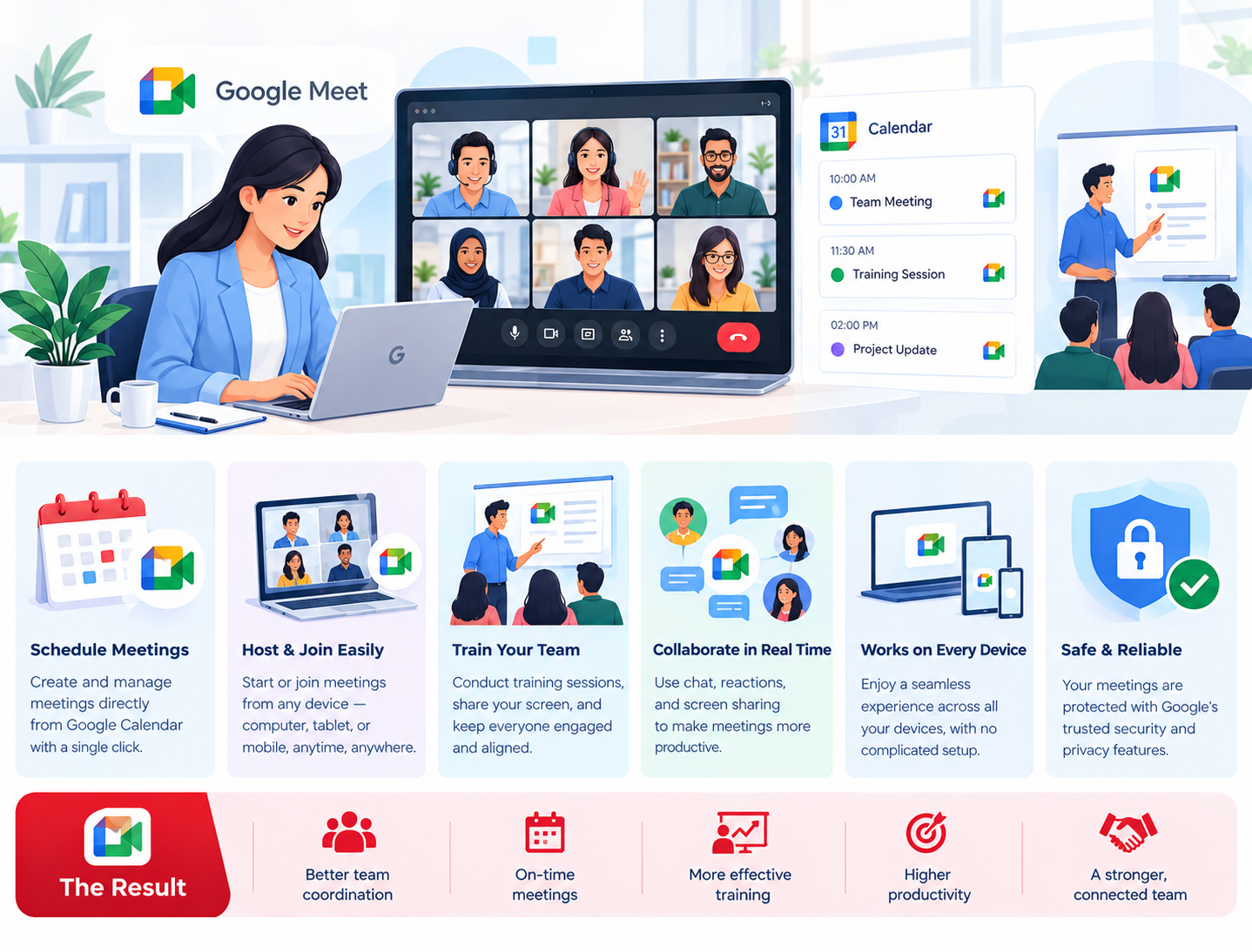
Clinics may need to coordinate management teams across different branches, arrange staff training, or meet with external service providers. Google Meet supports video meetings and can be used alongside Google Calendar for scheduling.
Clinics can use it for:
- Internal management meetings.
- Administrative planning sessions.
- Staff training and briefings.
- Meetings with IT support providers and suppliers.
- Coordination between administrative teams at different locations.
For clinics operating across multiple UAE locations, remote meetings can make it easier to coordinate routine work without requiring every participant to travel.
However, routine internal meetings and patient consultations have different requirements. Before using Google Meet for clinical consultations, clinics should assess applicable telehealth rules, confidentiality, patient consent, identity verification, clinical suitability, and the configuration of the service.
Meeting recordings should only be enabled when justified and authorized, with appropriate access and retention controls.
6. Protect Clinic Information and Assess UAE Requirements
Improving administrative efficiency should not come at the expense of patient confidentiality. Clinics handle information that may be subject to healthcare-specific and general data protection requirements.
Google Workspace offers security and administration capabilities that can support an organization’s information protection practices. The effectiveness of these controls depends on the services selected, configuration, access policies, staff behavior, and the clinic’s wider security procedures.
Essential Google Workspace security practices
Use individual staff accounts. Give each employee a separate account rather than sharing credentials across a department.
Apply strong authentication. Enable suitable authentication safeguards, including two-step verification where appropriate, and establish secure account recovery procedures.
Follow least-privilege access. Provide staff with access to the information and tools they need for their responsibilities.
Control external sharing. Review file-sharing settings and limit access to approved individuals or organizations where appropriate.
Review account access. Remove access promptly when employees leave and adjust permissions when responsibilities change.
Establish retention procedures. Define how business documents are retained, archived, transferred, and deleted according to applicable requirements.
Review third-party integrations. Assess security, permissions, contractual terms, and data handling before connecting additional applications.
Consider healthcare data protection requirements in the UAE
Clinics in the UAE should assess the federal and emirate-level rules applicable to their operations before deciding which information can be processed through a cloud productivity service.
For example, healthcare facilities must consider the relevant requirements of their licensing authority, alongside applicable UAE health information and personal data protection legislation. Requirements can vary according to the facility, location, data, and intended use.
Google’s documentation concerning healthcare and HIPAA-regulated environments may help organizations understand the importance of supported services and appropriate configurations. However, HIPAA is a US framework and does not establish compliance with UAE healthcare regulations.
Before storing or sharing patient information through Google Workspace, clinics should confirm the suitability of the specific services, contractual arrangements, data handling practices, access controls, and retention policies for their intended use. Seek qualified compliance advice where necessary.
Google Workspace can support an appropriately designed workflow, but using the platform alone does not guarantee regulatory compliance.
7. Introduce Google Workspace Into Clinic Operations
A phased implementation can help a clinic improve administrative workflows without changing every process at once.
Step 1: Identify administrative problems
Review the current processes for staff scheduling, email, document management, task follow-up, and internal meetings. Identify where information is duplicated or responsibilities are unclear.
Step 2: Set up business accounts
Configure the clinic’s domain, staff accounts, appropriate administrative roles, and any required groups or shared mailboxes.
Step 3: Establish calendars and document structures
Create suitable staff calendars, approved document templates, and shared locations for administrative files. Define who can view and edit each resource.
Step 4: Configure security and access
Establish authentication requirements, external sharing restrictions, account recovery processes, and employee offboarding procedures.
Step 5: Train staff on approved workflows
Show employees how to use the selected tools and explain which information may be handled through each system. Provide clear instructions for sensitive or restricted information.
Step 6: Review the results
Evaluate whether the new processes make administrative information easier to find, improve coordination, and reduce avoidable duplication. Adjust the setup when a workflow is not meeting the clinic’s needs.
Start with a few clearly defined administrative improvements and expand only when there is a practical reason to do so.