How to Manage a Medical Practice With Google Workspace
Managing a medical practice requires more than treating patients. Doctors, receptionists, nurses, and administrative staff must coordinate schedules, organize documents, communicate with colleagues, and complete daily operational tasks. When these activities depend on scattered spreadsheets, paper records, and personal email accounts, information can become difficult to manage. Google Workspace provides cloud-based tools that can help […]
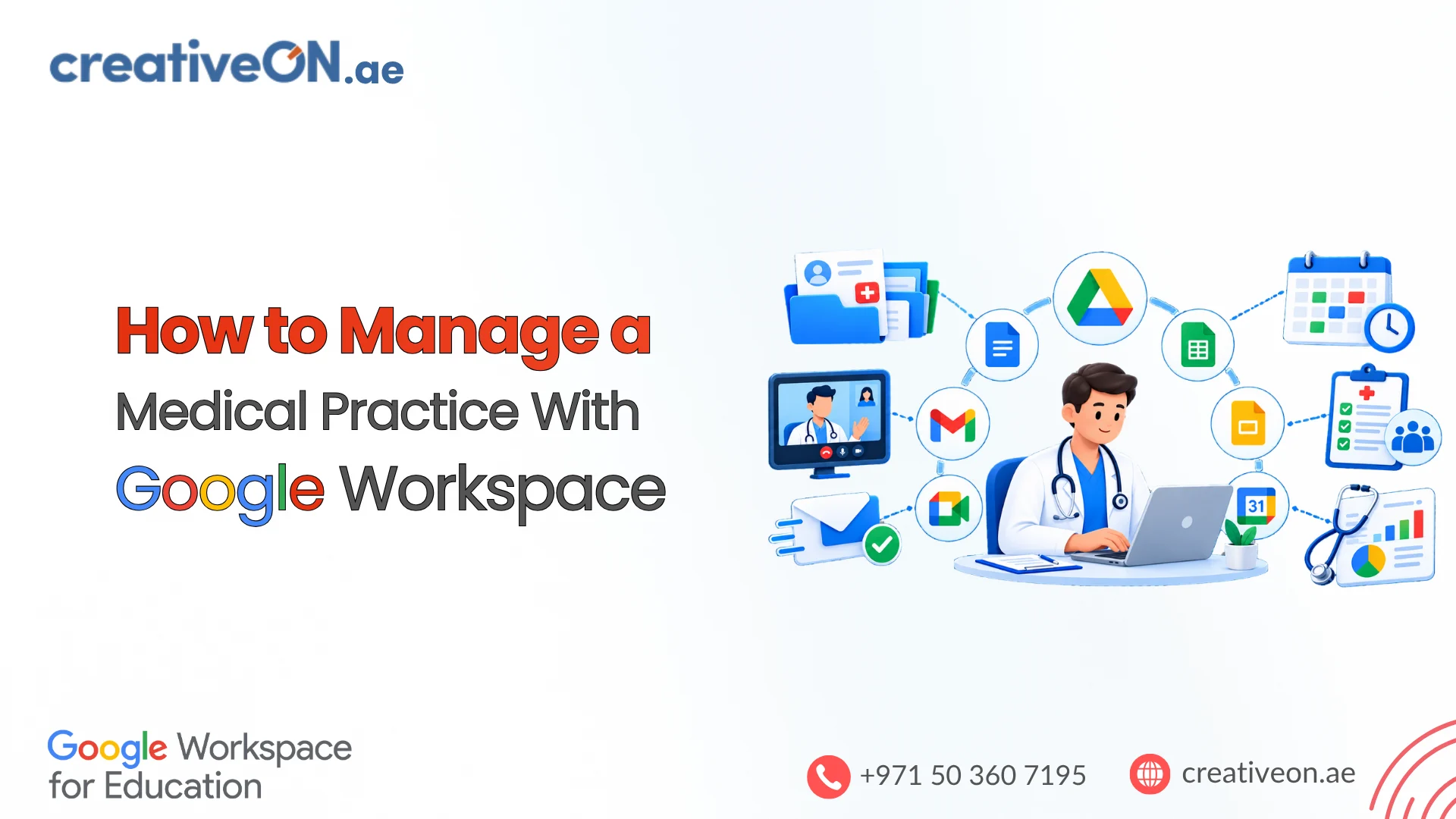
Managing a medical practice requires more than treating patients. Doctors, receptionists, nurses, and administrative staff must coordinate schedules, organize documents, communicate with colleagues, and complete daily operational tasks. When these activities depend on scattered spreadsheets, paper records, and personal email accounts, information can become difficult to manage.
Google Workspace provides cloud-based tools that can help medical practices organize administrative work. Google Calendar supports scheduling, Google Drive stores shared documents, Google Sheets tracks operational tasks, and Gmail and Google Chat support professional communication.
For clinics and healthcare organizations in the UAE, these tools can improve administrative coordination when configured appropriately. However, Google Workspace should not automatically be treated as a replacement for dedicated electronic medical record (EMR), electronic health record (EHR), or clinic management software.
1. Organize Appointments and Staff Schedules With Google Calendar
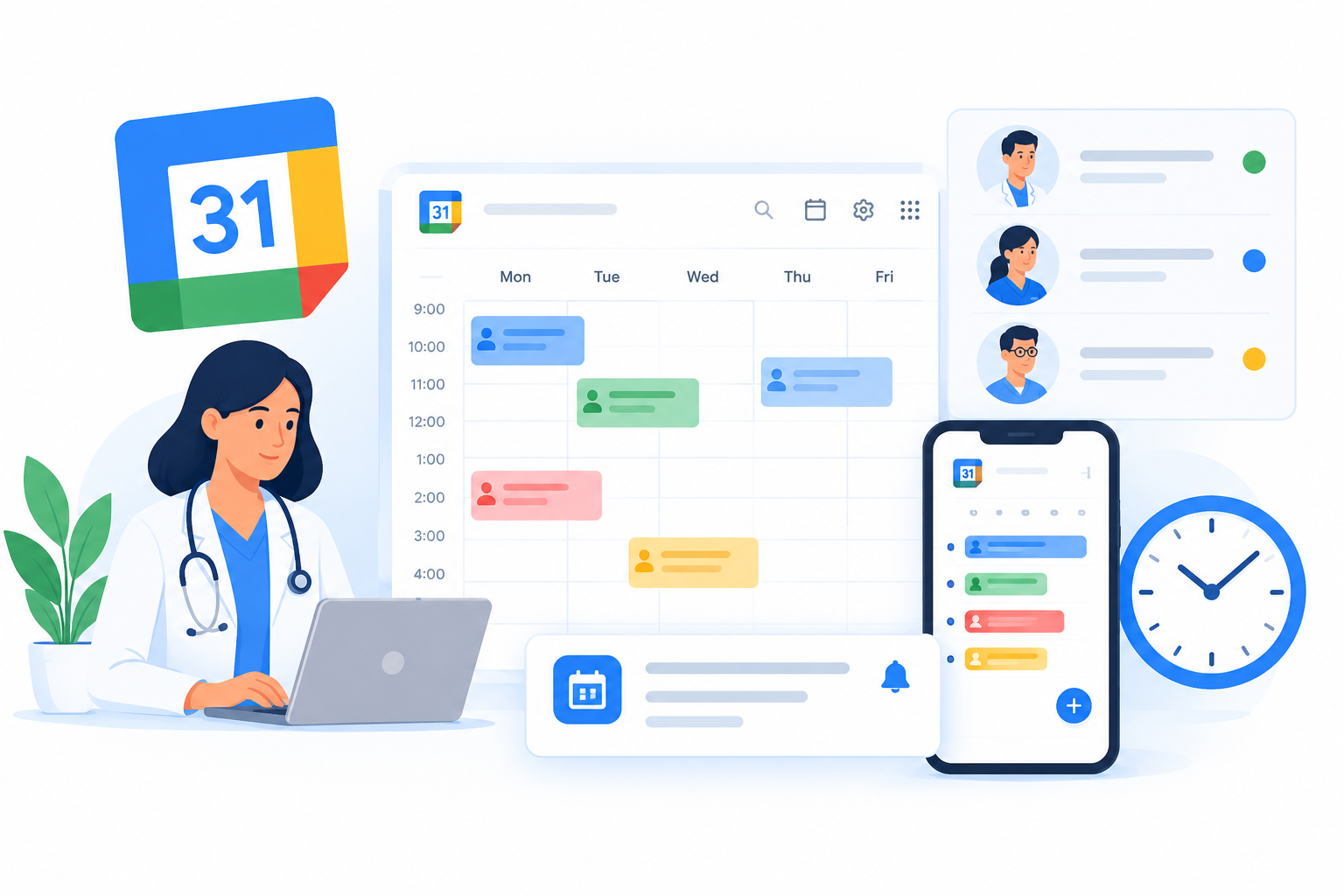
Medical practices need clear schedules for doctors, receptionists, nurses, and other staff. Google Calendar can help coordinate working hours, internal meetings, training sessions, and operational deadlines.
Create calendars for different activities
A practice could maintain separate calendars for:
- Doctor and staff availability.
- Internal meetings and staff training.
- Equipment maintenance and facility inspections.
- Administrative deadlines and recurring tasks.
Assign access according to each employee’s responsibilities. Reception staff may need to coordinate availability, while other employees may only need to view selected schedules.
Use appointment schedules when appropriate
Google Calendar appointment schedules allow eligible users to create booking pages where people can select available time slots. Bookings appear on the calendar, and availability settings help prevent scheduling conflicts.
Features vary by subscription. For example, Google Workspace Business Starter supports one booking page, while additional capabilities require eligible subscriptions.
Before using appointment schedules for patients, assess the booking process, privacy implications, and clinic requirements. Avoid placing diagnoses, symptoms, or unnecessary patient details in calendar titles or descriptions.
Google Calendar can support appointment coordination, but a dedicated clinic system may still be needed for patient registration, billing, clinical documentation, and more specialized appointment workflows.
2. Organize Administrative Documents With Google Drive
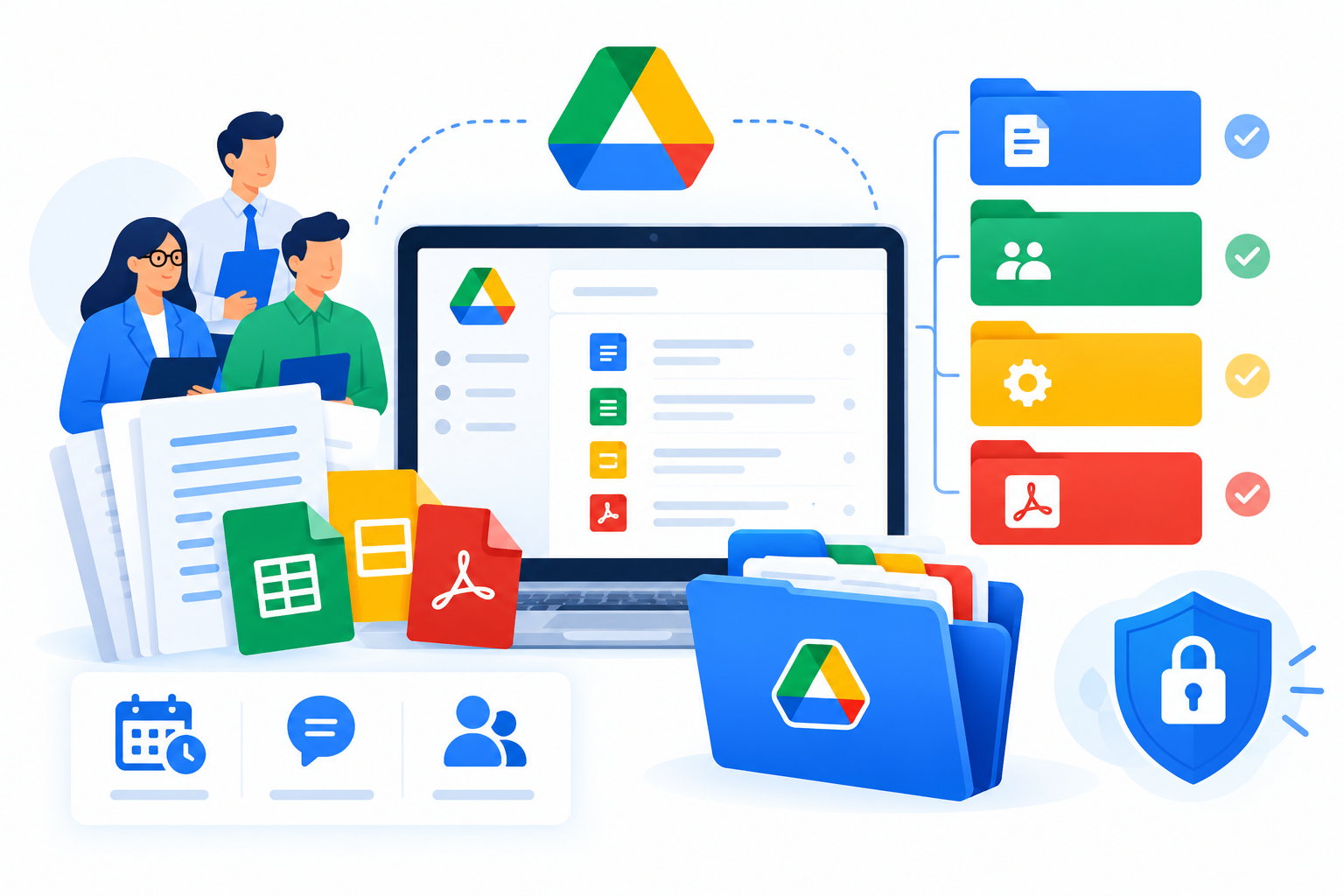
Medical practices generate administrative documents such as staff policies, training materials, duty rosters, equipment records, and standard operating procedures. Google Drive provides a central place to store and collaborate on these files.
Google Docs can be used to prepare policies and internal guidelines, while Google Sheets can support operational tracking.
Establish a clear folder structure
A practice might organize its administrative Drive into these areas:
- Administration: Office procedures, policies, and management documents.
- Human Resources: Staff onboarding, training, and duty-related records.
- Operations: Equipment checks, supply requests, and facility maintenance schedules.
- Finance: Authorized financial and expense records.
- Restricted records: Separately controlled documents requiring limited access, where the proposed use is approved.
Keep sensitive information separate from general administrative files. Do not place patient records in a broadly shared folder simply because it is convenient.
Configure file-sharing permissions carefully
Google Drive provides Viewer, Commenter, and Editor permissions. These roles determine whether users can view, comment on, or modify files.
For example, a clinic manager may need editing access to a staff duty roster, while other employees only need to view it.
Follow these practices:
- Share files with named organizational accounts rather than public links.
- Give employees only the access needed for their responsibilities.
- Review access when employees change roles or leave.
- Use restricted folders for documents that require more limited access.
- Check inherited folder permissions before placing sensitive files in shared locations.
Google Drive permissions can flow from a parent folder to its contents. If a document needs more restrictive access, a separately controlled folder may be necessary. See Google’s official Drive sharing guide.
3. Track Daily Operations With Google Sheets
Google Sheets can help medical practices coordinate routine administrative work through shared trackers instead of disconnected spreadsheets.
For example, an operations manager could maintain a daily checklist like this:
| Task | Responsible person | Status |
| Confirm staff attendance | Office administrator | Pending |
| Check consultation room readiness | Assigned staff member | In progress |
| Review equipment maintenance schedule | Operations manager | Completed |
| Check office supplies | Inventory coordinator | Pending |
Staff can update the same spreadsheet, making it easier for the responsible manager to identify outstanding tasks.
Create practical operational trackers
Depending on the practice’s needs, separate Sheets files can track:
- Staff duty rosters and shift coordination.
- Equipment inspections and maintenance.
- Office supplies and inventory checks.
- Training completion and policy reviews.
- Administrative task assignments and deadlines.
Use dropdown lists, filters, conditional formatting, and clear responsibility fields to make the trackers easier to maintain.
Keep operational trackers separate from clinical records. Do not use a general-purpose spreadsheet to store patient diagnoses, medical histories, treatment details, or other sensitive health information unless the specific workflow has been assessed and approved for that purpose.
4. Coordinate Staff Communication With Gmail and Google Chat
Clear communication helps staff understand their responsibilities and reduces the risk of administrative tasks being overlooked.
Gmail supports professional email communication through a clinic’s business domain, while Google Chat spaces can help employees coordinate internal work.
Use Gmail for formal correspondence
A medical practice can use Gmail for authorized administrative correspondence, supplier communication, staff announcements, and routine business messages.
Define procedures for routing incoming requests to the appropriate person. For example, appointment inquiries, supplier messages, and administrative issues should have clear owners.
Before sending patient-related information, verify recipients and follow the practice’s approved communication and privacy procedures. Do not assume that every type of sensitive information can be sent through ordinary email.
Use Google Chat for internal coordination
A clinic might create separate spaces for:
- Administration and management.
- Facilities and equipment.
- Staff scheduling.
- General operational updates.
Restrict membership to the relevant employees. Internal chat is not automatically an approved place for patient-identifiable information simply because only staff members can access it.
5. Use Google Forms and Google Meet for Administrative Tasks
Google Forms can standardize internal data collection, while Google Meet can support meetings, staff training, and coordination between teams or branches.
Collect administrative information with Google Forms
Potential uses include:
- Equipment issue reports.
- Office supply requests.
- Staff training feedback.
- Internal maintenance notifications.
- Employee onboarding checklists.
Responses can be reviewed in Forms or linked to Sheets for follow-up.
Before creating a form, decide what information is necessary, who can access the responses, and how the information will be retained. Avoid collecting patient medical details through a general-purpose form unless the specific workflow has been reviewed and approved.
Coordinate teams with Google Meet
Teams can schedule meetings through Calendar and share relevant administrative documents with authorized participants.
To keep meetings productive:
- Use a clear agenda.
- Invite only necessary participants.
- Share documents with appropriate permissions.
- Record decisions and assign follow-up tasks.
- Avoid recording meetings or discussing identifiable patient information unless the activity is authorized and appropriately controlled.
Available features depend on the subscription and configuration. Review requirements before relying on specific recording or meeting-management capabilities.
6. Protect Patient Confidentiality and Review UAE Requirements
Healthcare organizations handle sensitive information that requires appropriate protection. Using cloud-based productivity tools does not, by itself, establish that a medical practice meets its legal or regulatory obligations.
The UAE’s official government portal describes Federal Law No. 2 of 2019 concerning the use of information and communication technology in health fields, which addresses health-data security and confidentiality. The UAE also has a federal personal data protection framework. The applicable requirements depend on the organization, the information being processed, the location, and the relevant regulatory arrangements.
Before introducing Google Workspace into a healthcare workflow, a practice should assess the intended use, applicable healthcare and privacy requirements, contractual terms, data-storage arrangements, and necessary safeguards with qualified compliance advisers.
Useful starting points include the UAE government’s guidance on ICT in the health sector and data protection laws.
Apply practical security controls
A medical practice should:
- Use managed business accounts: Keep official work within accounts controlled by the organization.
- Enable multi-factor authentication: Require additional verification where supported and appropriate.
- Apply least-privilege access: Give employees access only to the resources they need.
- Control external sharing: Restrict access outside the organization according to policy.
- Manage staff accounts: Promptly suspend or adjust access when employees leave or change roles.
- Review permissions regularly: Check who can access shared documents, folders, and collaborative spaces.
- Define retention procedures: Establish approved rules for retaining, archiving, and deleting information.
- Plan for incidents: Establish a process for reporting suspected unauthorized access or information disclosure.
Also distinguish administrative productivity tools from clinical systems. Patient records, prescriptions, diagnostic results, clinical notes, and treatment histories should remain in an appropriately approved clinical platform unless a specific alternative workflow has been formally assessed and authorized.
7. Build a Practical Daily Workflow
The benefits of Google Workspace come from connecting applications to clear responsibilities, not simply using more tools.
A basic administrative workflow might look like this:
Before opening: Staff check their schedules in Google Calendar and review assigned tasks in the operational tracker.
During the day: Reception staff coordinate approved scheduling processes, employees update administrative checklists, and teams use Gmail or Google Chat for appropriate communication.
At the end of the day: The designated manager reviews incomplete tasks, confirms follow-up responsibilities, and checks the next day’s administrative arrangements.
Weekly: Management reviews staff schedules, recurring operational issues, equipment checks, and outstanding administrative work.
Example: A home-care agency
A home-care agency such as Shumaya Home Care could use this type of workflow to coordinate administrative activities:
- Google Calendar: Coordinate staff availability, duty schedules, and internal meetings.
- Google Sheets: Track staff assignments, administrative tasks, and equipment or supply checks.
- Google Drive: Maintain approved procedures, training documents, and operational checklists.
- Gmail and Google Chat: Coordinate appropriate administrative communications.
- Google Meet: Hold internal meetings and review operational issues.
For example, a coordinator could review the staff roster in Calendar, check unassigned administrative tasks in Sheets, and consult the latest approved procedure in Drive. At the end of the day, the coordinator could assign outstanding tasks and prepare the next day’s schedule.
This is an illustrative workflow, not a claim about Shumaya Home Care’s actual technology deployment. Any patient-specific information must be handled through the organization’s approved documentation systems and privacy procedures.
Common Mistakes to Avoid
When introducing Google Workspace into a medical practice, avoid these mistakes:
- Treating Google Drive as a complete patient-record system without an appropriate assessment.
- Sharing sensitive documents with anyone who has a link.
- Keeping business documents in employees’ personal accounts.
- Giving every employee editing access to every file.
- Using general-purpose spreadsheets as a replacement for clinical documentation.
- Collecting unnecessary personal or health information through Forms.
- Assuming that a subscription alone guarantees healthcare compliance.
- Failing to review access when employees leave or change roles.
A good setup should make administrative work easier without weakening confidentiality, accountability, or clinical processes.