How Healthcare Teams Can Collaborate With Google Workspace
Healthcare teams often work across multiple departments, clinic branches, and administrative functions. When staff rely on scattered emails, separate document copies, and disconnected schedules, routine coordination becomes difficult. Google Workspace for healthcare teams brings tools such as Gmail, Google Drive, Google Calendar, Google Chat, and Google Meet into one connected productivity environment. These applications can […]
Healthcare teams often work across multiple departments, clinic branches, and administrative functions. When staff rely on scattered emails, separate document copies, and disconnected schedules, routine coordination becomes difficult.
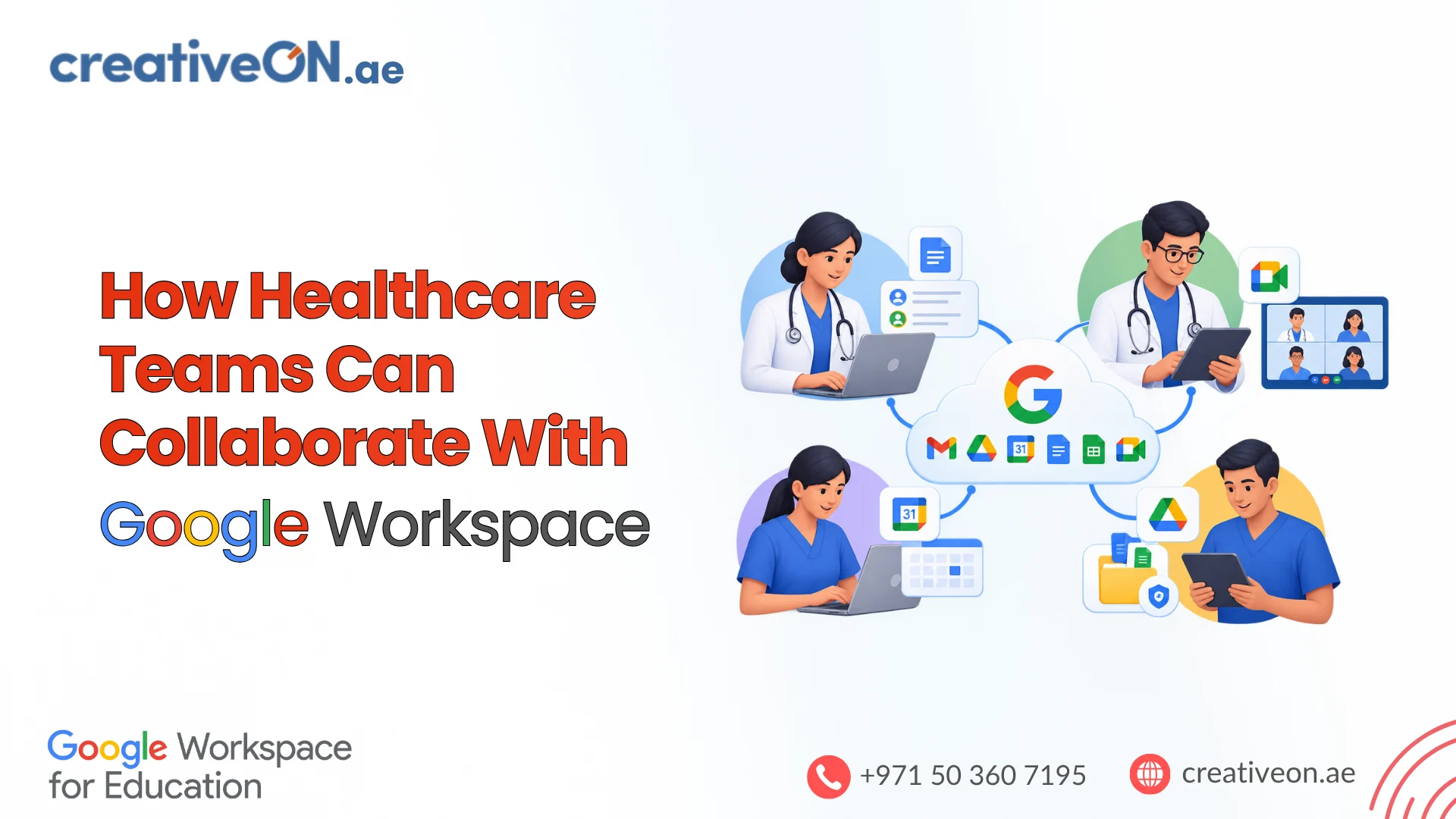
Google Workspace for healthcare teams brings tools such as Gmail, Google Drive, Google Calendar, Google Chat, and Google Meet into one connected productivity environment. These applications can help clinics, hospitals, and medical practices communicate, share approved documents, and coordinate everyday administrative work.
For healthcare organisations in the UAE, the goal is to improve teamwork while maintaining appropriate access controls and following applicable healthcare data protection requirements.
How Healthcare Teams Can Collaborate With Google Workspace
Healthcare collaboration involves more than exchanging messages. Staff need access to current information, clear schedules, and reliable ways to coordinate responsibilities.
Google Workspace supports these activities through several connected applications.
| Google Workspace Tool | Healthcare Team Collaboration |
| Gmail | Professional communication between departments and administrative staff |
| Google Chat | Quick coordination and internal team discussions |
| Google Drive | Centralised storage of approved organisational documents |
| Google Docs and Sheets | Collaborative editing of policies, checklists, and operational trackers |
| Google Calendar | Staff meetings, training schedules, and administrative deadlines |
| Google Meet | Remote meetings and coordination between clinic branches |
Each application serves a different purpose. Healthcare organisations can select the tools that fit their existing administrative processes rather than introducing unnecessary complexity.
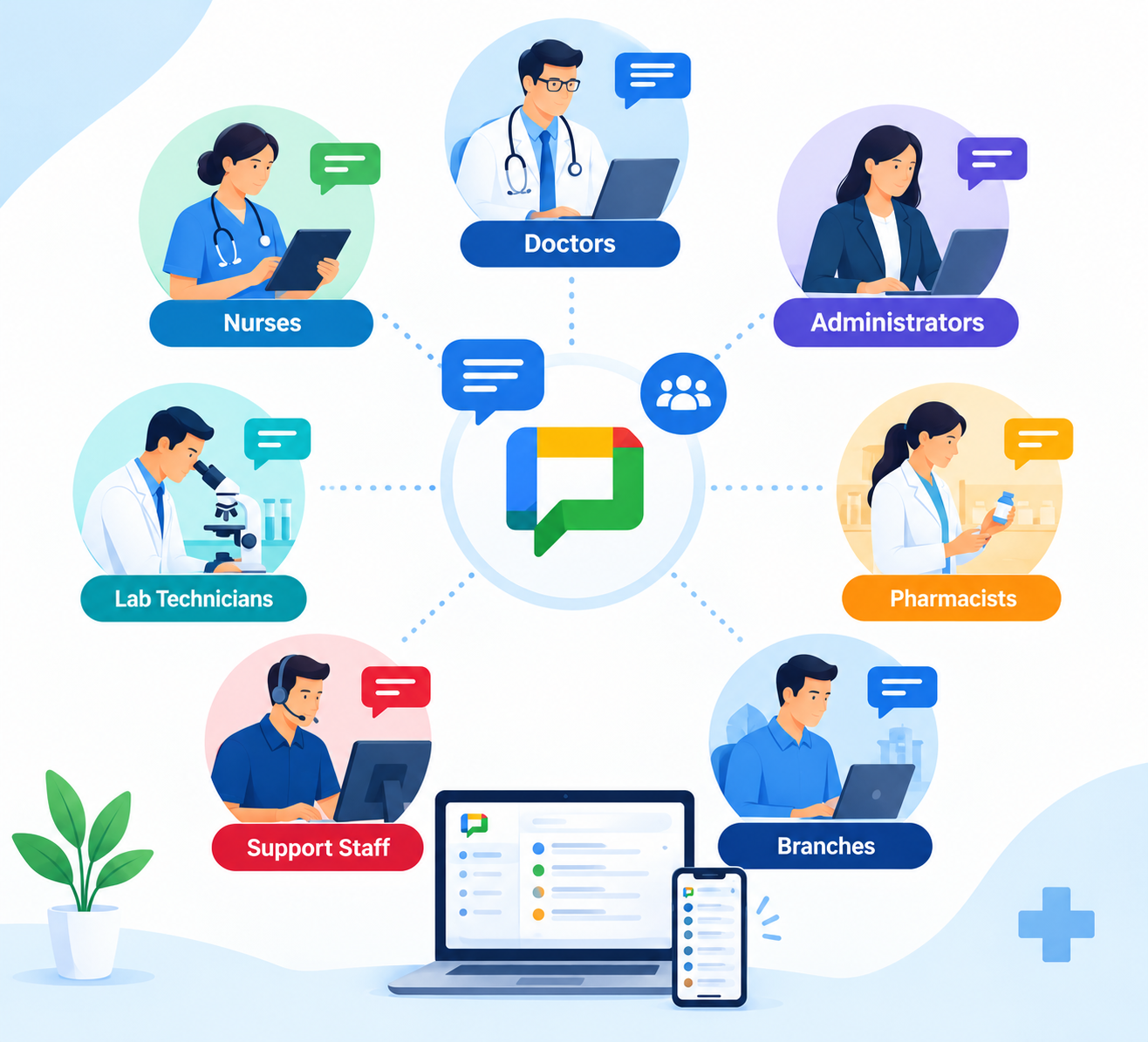
1. Improve Communication Between Healthcare Departments
Clear communication helps doctors, nurses, administrators, and support teams coordinate responsibilities and respond to operational changes.
Google Workspace offers different communication channels for different types of work.
Use Gmail for Professional Communication
Gmail allows healthcare organisations to communicate using organisation-managed business email accounts.
For example, a clinic administration team can use Gmail to:
- Communicate with approved suppliers and service providers.
- Send internal announcements and operational updates.
- Coordinate staff training and administrative meetings.
- Organise messages using labels and filters.
- Maintain professional communication between branches.
Using managed business accounts also gives administrators greater control over employee access than relying on personal email accounts.
Practical tip: Establish an email communication policy that explains which information employees may send through Gmail. Patient-identifiable or sensitive clinical information should only be handled through explicitly approved workflows.
Use Google Chat for Departmental Coordination
Google Chat allows employees to exchange messages and collaborate through dedicated spaces.
A healthcare organisation might create separate spaces for:
- Reception and appointment administration.
- Facilities and equipment maintenance.
- Human resources and staff coordination.
- IT support and technical issues.
- Management and operational planning.
For example, when a clinic’s reception team experiences a technical problem with an appointment system, staff can use an approved Google Chat space to contact IT support and coordinate the response.
This keeps routine operational discussions organised and reduces the need for lengthy email conversations.
Google Chat should not automatically be treated as an approved channel for patient records or confidential clinical discussions.
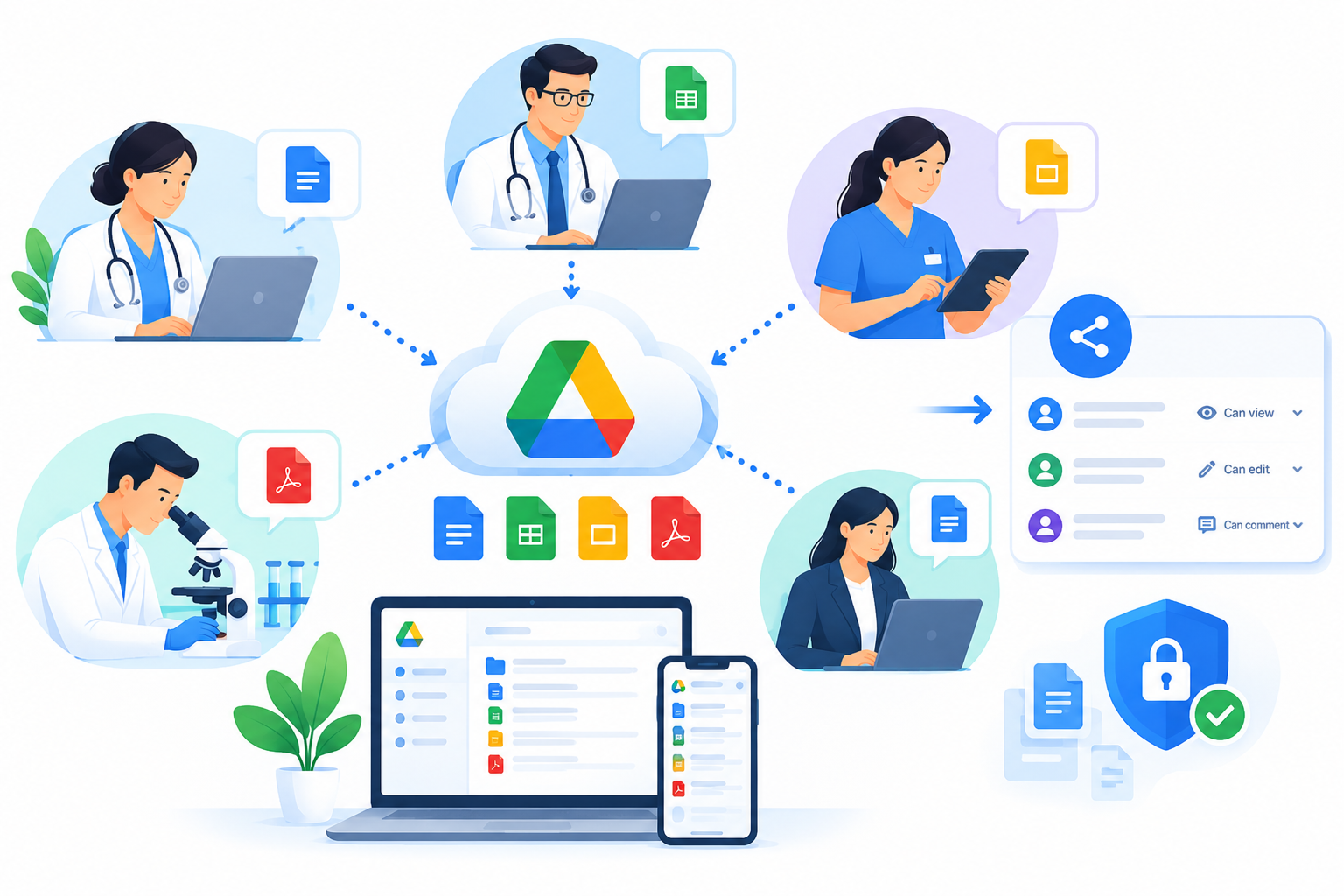
2. Share Healthcare Documents With Google Drive
Healthcare organisations maintain many operational documents, including staff policies, training resources, administrative procedures, and departmental guidelines.
Google Drive helps teams organise approved documents in a shared location.
Create a Central Document Library
Instead of keeping multiple copies of the same document on different computers, healthcare administrators can maintain a central collection of approved files.
For example:
- Human Resources: Employee onboarding materials and staff policies.
- Administration: Operational procedures and approved templates.
- Training: Learning materials and staff orientation documents.
- Facilities: Maintenance schedules and equipment inspection checklists.
- Management: Internal reports and planning documents.
Where available in the organisation’s Google Workspace edition, Shared drives can help departments manage files collectively, reducing dependence on an individual employee’s personal Drive storage.
Collaborate on Documents in Real Time
Google Docs and Google Sheets allow authorised staff to work on the same document without repeatedly exchanging attachments.
For example, a clinic’s administrative team could use Google Sheets to maintain an equipment maintenance tracker.
A facilities coordinator updates the inspection status, while an authorised manager reviews outstanding maintenance tasks. Both work with the same document rather than separate spreadsheet copies.
Google Docs can similarly support collaborative updates to staff procedures and training materials.
Control Document Access
Healthcare organisations should apply permissions based on employee responsibilities.
Google Drive provides sharing permissions such as Viewer, Commenter, and Editor. Administrators can also configure organisational sharing restrictions.
Good practices include:
- Share documents only with authorised users.
- Avoid unrestricted public links for internal documents.
- Review external sharing permissions.
- Remove access when employees leave or change roles.
- Use organisation-managed accounts for business documents.
For more detailed instructions, readers can explore the CreativeON guide to Google Drive sharing permissions.
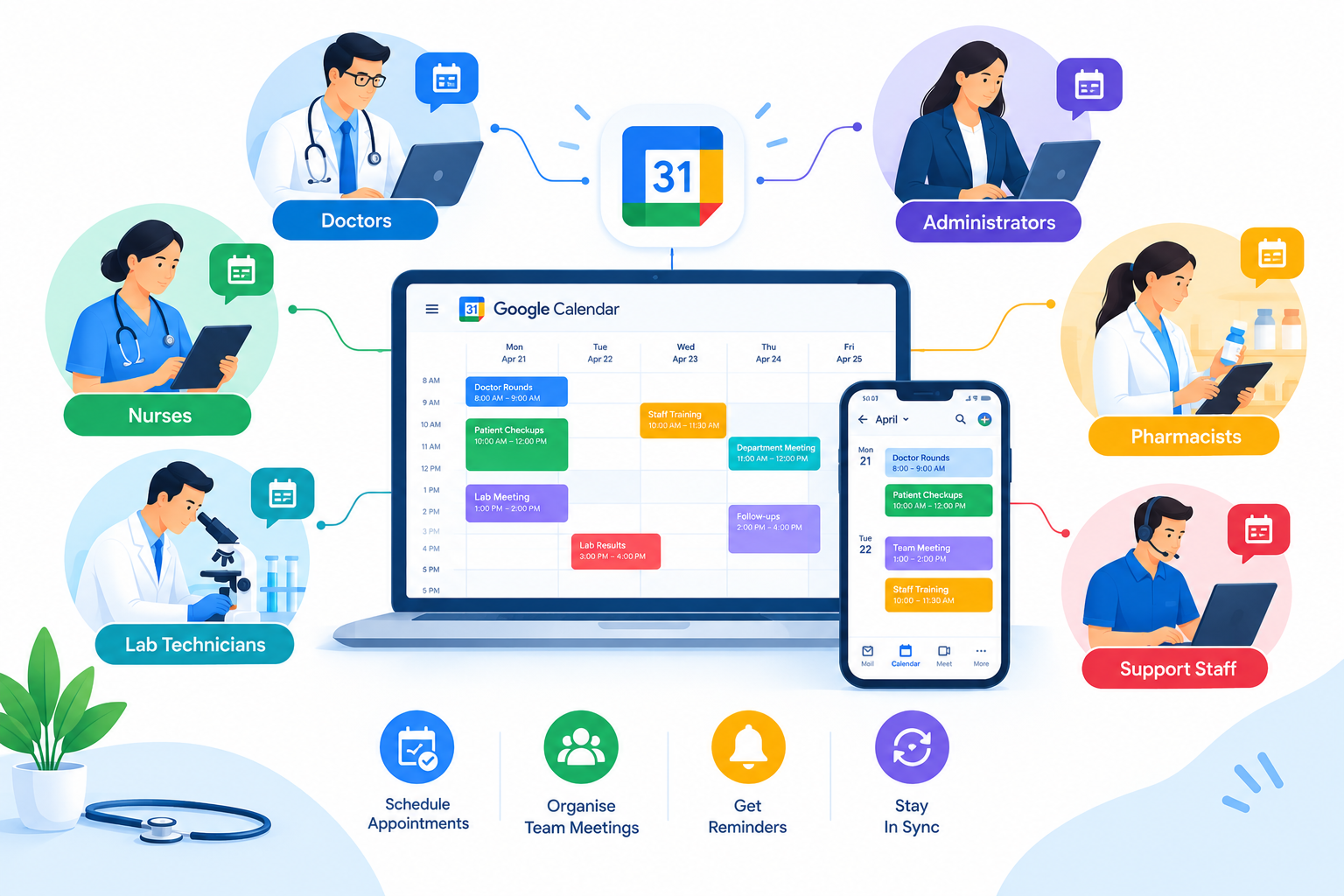
3. Coordinate Staff Activities With Google Calendar
Healthcare organisations frequently need to schedule training, administrative meetings, operational reviews, and other staff activities.
Google Calendar helps departments organise these events and communicate schedule changes.
Healthcare administrators can use it to:
- Arrange staff training sessions.
- Schedule departmental meetings.
- Coordinate administrative deadlines.
- Organise equipment maintenance reviews.
- Send meeting invitations to colleagues.
- Manage shared calendars for internal activities.
Example: Coordinating Training Across Clinic Branches
Consider a healthcare group operating clinics in Dubai and Abu Dhabi.
The administration team needs to arrange mandatory staff training across both locations.
Using Google Calendar, an authorised coordinator can create the training event, invite relevant employees, include an approved Google Meet link, and update the event if the schedule changes.
Staff can check the latest meeting details through their calendars.
Important: Shared calendar events should not include unnecessary patient names, medical information, or other sensitive details.
Google Calendar can support administrative scheduling, but it is not a replacement for specialised clinical appointment or hospital management systems.
4. Support Remote Healthcare Team Meetings With Google Meet
Healthcare organisations with multiple branches often need to coordinate work without requiring every employee to travel.
Google Meet supports online meetings between authorised participants.
Common administrative uses include:
- Departmental planning meetings.
- Staff training and orientation.
- Management discussions between clinic branches.
- Meetings with approved suppliers.
- Operational performance reviews.
- Remote IT support coordination.
Example: A Multi-Branch Healthcare Management Meeting
A healthcare organisation with clinics in different Emirates may need a weekly meeting to review staffing requirements, equipment availability, and operational issues.
Instead of gathering everyone at one location, branch managers can join a Google Meet session and review approved documents together.
This can reduce unnecessary travel and make coordination easier.
For meetings involving confidential clinical information or patient consultations, organisations must separately assess the applicable legal, privacy, security, and professional requirements before approving the workflow.
Google Meet’s availability does not, by itself, establish that a particular telehealth use case is compliant.
5. Coordinate Everyday Healthcare Administrative Workflows
Google Workspace applications become particularly useful when teams combine them to complete a specific administrative task.
Rather than treating each application separately, healthcare organisations can establish simple workflows connecting communication, documents, and scheduling.
Example: Staff Training Coordination
A clinic administrator needs to organise an annual workplace safety training session.
The team could follow this process:
- Google Docs: Prepare the approved training agenda and instructions.
- Google Drive: Store training materials in an authorised departmental folder.
- Google Calendar: Schedule the session and invite employees.
- Google Meet: Allow staff from other branches to participate remotely.
- Google Forms: Collect approved training feedback without unnecessary sensitive personal information.
- Google Sheets: Review responses and identify areas for improvement.
This workflow keeps training materials, communication, and follow-up activities organised.
Example: Updating an Internal Healthcare Procedure
Suppose a clinic needs to update an administrative procedure for equipment inspections.
The facilities manager prepares a draft in Google Docs and grants editing access to designated reviewers.
After approval, the final document is stored in the appropriate Google Drive folder. The administration team then shares the approved update through an internal communication channel.
This helps employees work from a current document rather than outdated attachments.
Best practice: Assign a document owner and establish an approval process for important operational procedures. Collaborative editing should not bypass formal review requirements.
6. Protect Sensitive Information During Healthcare Collaboration
Healthcare organisations handle confidential information and must take additional care when using cloud collaboration tools.
Google Workspace provides security and administrative features, but secure healthcare collaboration depends on how the organisation configures and uses those tools.
Apply Role-Based Access
Employees should receive access only to information necessary for their responsibilities.
For example, an equipment maintenance coordinator may require access to inspection checklists but should not automatically have access to confidential HR files.
Administrators should review permissions regularly and remove unnecessary access.
Strengthen Employee Account Security
Healthcare IT teams should consider the following measures:
- Require multi-factor authentication or stronger approved authentication methods.
- Use organisation-managed employee accounts.
- Apply appropriate device management policies.
- Restrict unnecessary external document sharing.
- Review relevant account activity and security alerts.
- Disable or suspend accounts promptly when employees leave.
- Train employees to recognise phishing attempts and unsafe sharing practices.
The exact security controls available depend on the organisation’s Google Workspace edition and configuration.
Review Healthcare Data Protection Requirements
Healthcare organisations in the UAE must assess applicable data protection and healthcare-sector rules before using cloud services for sensitive information.
Relevant requirements may include UAE federal health information legislation, applicable data protection laws, and requirements issued by the healthcare authority responsible for the organisation.
Healthcare organisations should also assess data hosting, cross-border access, retention, and approved processing arrangements where relevant.
For organisations subject to the US Health Insurance Portability and Accountability Act (HIPAA), Google provides guidance on eligible Google Workspace services and its Business Associate Amendment.
However, HIPAA is a US regulatory framework and should not be presented as a substitute for UAE healthcare requirements.
Key point: Google Workspace can provide collaboration and security capabilities, but using the platform does not automatically establish healthcare regulatory compliance.
For additional information, consult the official Google Workspace HIPAA compliance guidance and the relevant UAE healthcare regulator.
7. Best Practices for Healthcare Team Collaboration
Healthcare organisations can improve the effectiveness of Google Workspace by introducing a few consistent working practices.
Establish Clear Communication Channels
Decide when employees should use Gmail, Google Chat, or Google Meet.
For example, routine operational questions may be suitable for Google Chat, while formal administrative communication may be better handled through Gmail.
Keep Shared Documents Organised
Use consistent folder names, clear document titles, and defined ownership.
Employees should know where to find approved procedures and who is responsible for updating them.
Review Permissions Regularly
Document access should reflect current employee responsibilities.
Review sharing permissions when staff change departments, leave the organisation, or no longer require access.
Train Employees Before Expanding Usage
Start with a small administrative team and introduce approved workflows gradually.
Show employees how to share files correctly, recognise suspicious messages, and avoid exposing confidential information.
These practices help healthcare teams use collaboration tools more consistently without creating unnecessary administrative complexity.