How Nurses Can Use Google Workspace for Team Communication and Organization
Nurses often work across different shifts, departments, and locations. Keeping everyone informed about schedules, training sessions, workplace procedures, and administrative tasks can be challenging when information is spread across emails, paper documents, and separate communication channels. Google Workspace provides tools that can help nursing teams organize administrative work and communicate with colleagues. Applications such as […]
Nurses often work across different shifts, departments, and locations. Keeping everyone informed about schedules, training sessions, workplace procedures, and administrative tasks can be challenging when information is spread across emails, paper documents, and separate communication channels.
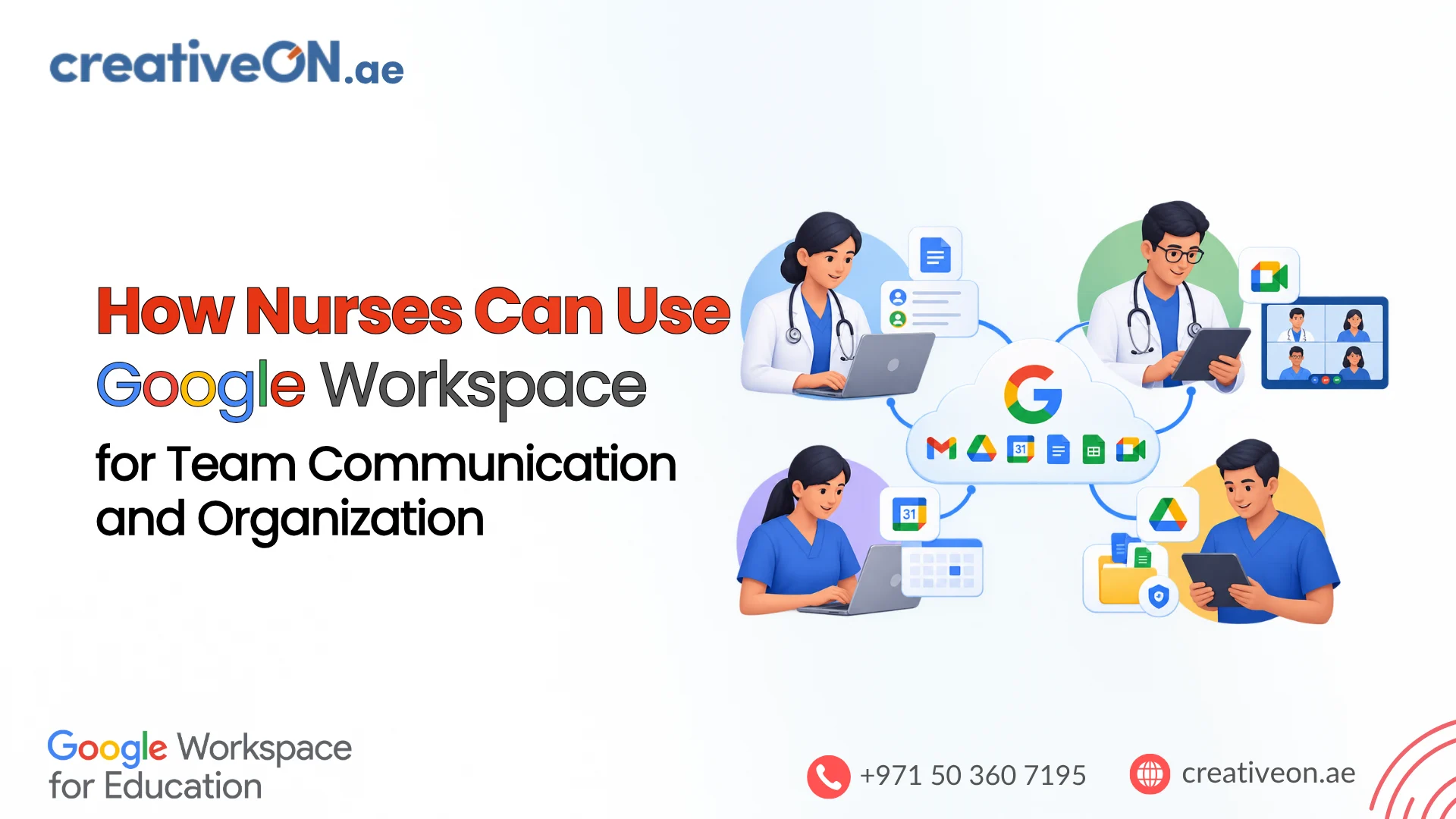
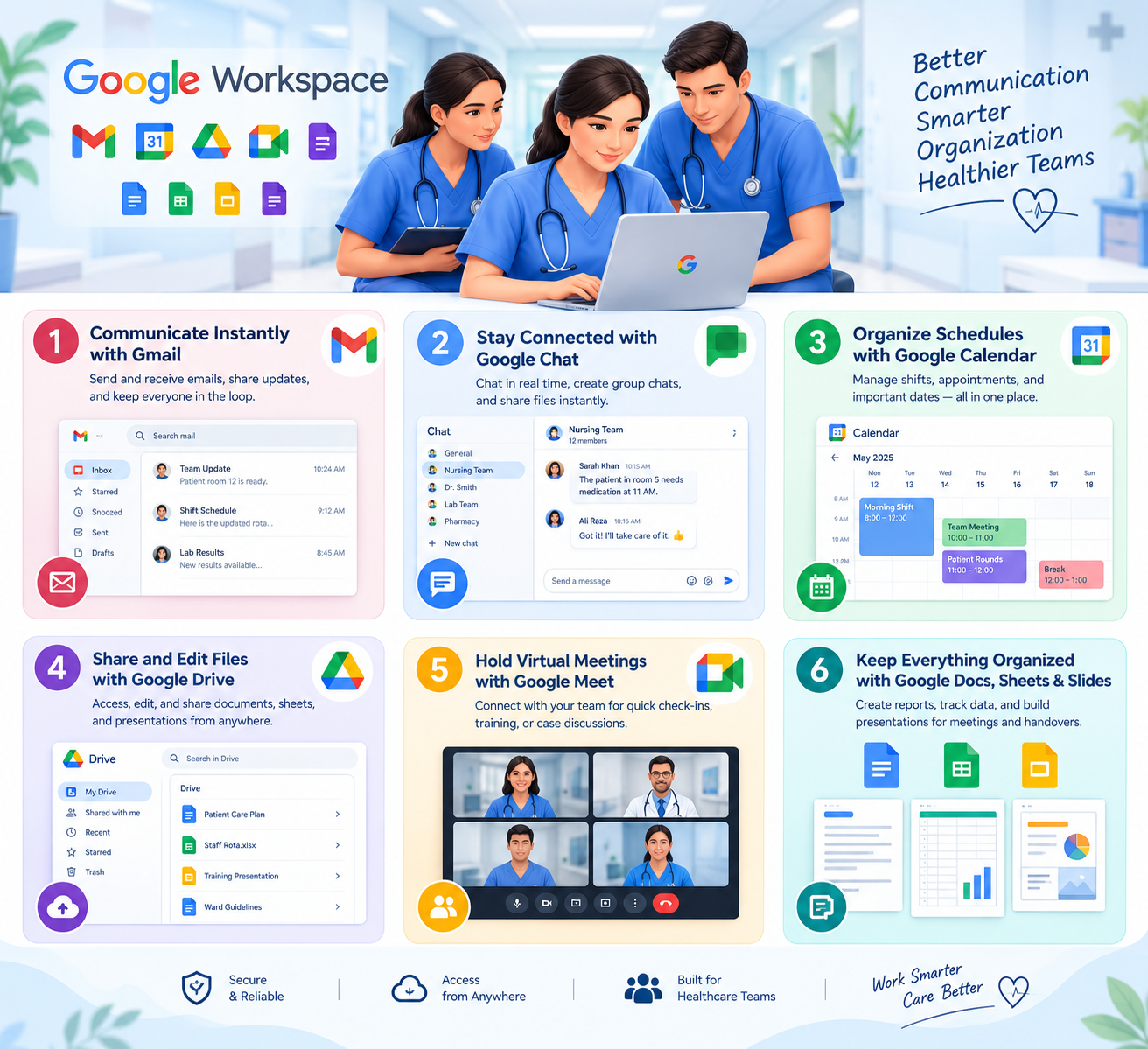
Google Workspace provides tools that can help nursing teams organize administrative work and communicate with colleagues. Applications such as Gmail, Google Chat, Google Calendar, Google Drive, Google Docs, Google Sheets, Google Forms, and Google Meet support different parts of everyday coordination.
This guide explains how nurses can use Google Workspace for team communication and organization in hospitals, clinics, and other healthcare settings, while maintaining appropriate boundaries around confidential information and clinical records.
What Is Google Workspace for Nurses?
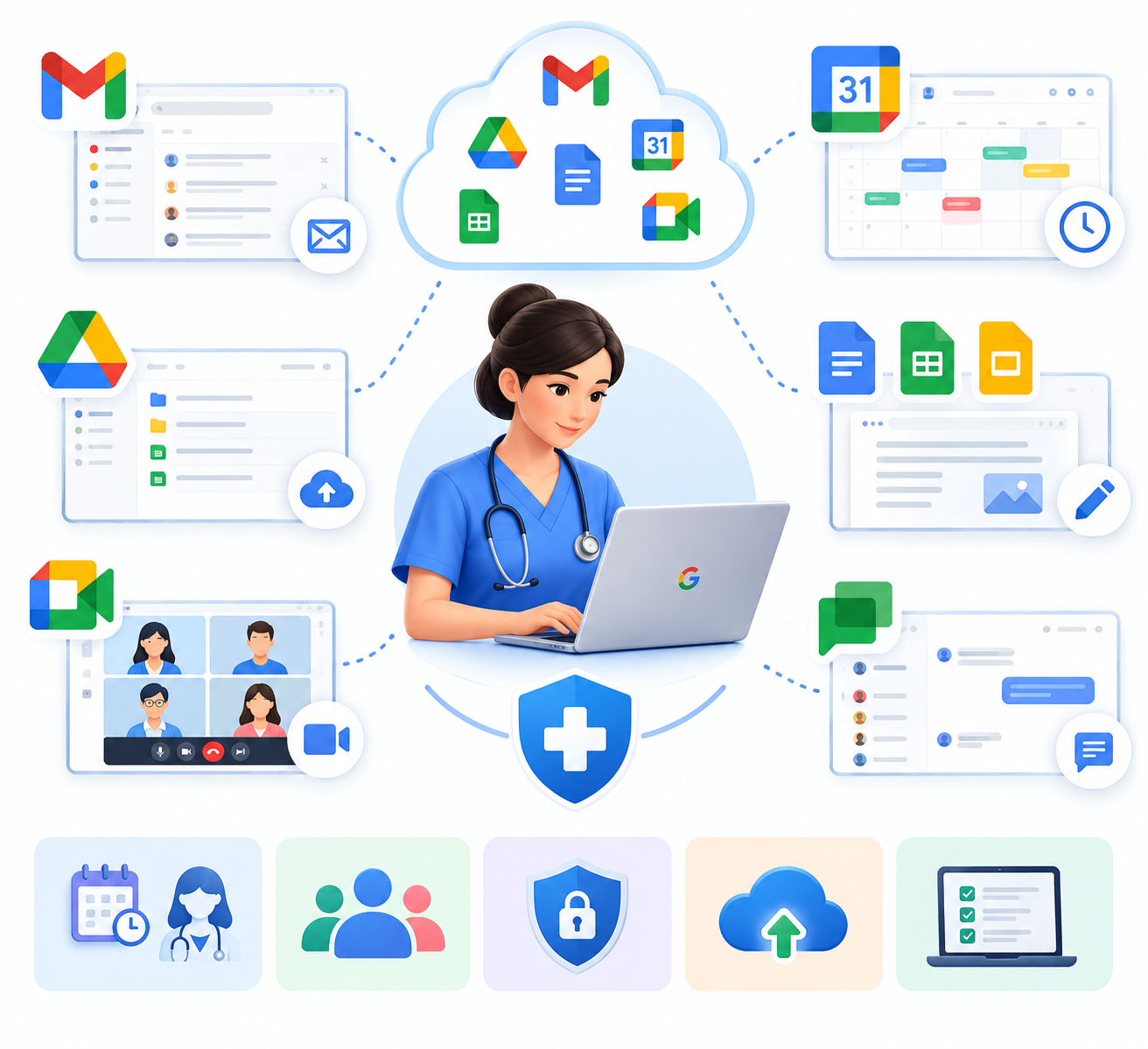
Google Workspace is a collection of productivity and collaboration applications that includes business email, messaging, calendars, online documents, spreadsheets, file storage, forms, and video meetings.
For nurses, these tools can support the organizational side of their work. A nursing department might use Google Chat for routine team discussions, Google Calendar for staff meetings, Google Drive for approved training materials, and Google Sheets to track equipment maintenance or training completion.
Google Workspace does not automatically replace an electronic health record (EHR), electronic medical record (EMR), hospital information system, or specialist clinical application. Healthcare organizations must determine which tools are appropriate for each workflow and follow their information-handling policies.
How Nurses Can Use Google Workspace for Team Communication and Organization
1. Gmail for Professional Team Communication
Gmail can help nurses communicate with supervisors, colleagues, department managers, and authorized external contacts.
Nursing teams can use Gmail to:
- Receive administrative updates about meetings, training, and workplace procedures.
- Contact supervisors about routine administrative requests.
- Coordinate approved activities with other departments.
- Organize messages using labels and filters.
- Keep work-related correspondence separate from personal email through organizational accounts.
Example: A nursing supervisor emails staff about an upcoming training session, including the date, location, and administrative instructions.
Email should not automatically be treated as an appropriate channel for sensitive patient information or urgent clinical instructions. Nurses must follow their organization’s approved communication and escalation procedures.
2. Google Chat for Quick Team Coordination
Google Chat can help nurses exchange routine messages and organize discussions around shared administrative responsibilities. Google Chat spaces allow teams to keep conversations, files, and tasks associated with a particular topic or project. Availability of some features depends on account settings and organizational configuration.
Nursing departments could use Chat to:
- Ask routine, non-urgent administrative questions.
- Coordinate staff training and departmental activities.
- Discuss equipment or facilities requests.
- Organize conversations by department or administrative project.
- Assign and follow up on appropriate administrative tasks.
For example, a nursing department could create a space for training coordination. Staff could discuss session dates, share approved training documents, and assign follow-up tasks to responsible team members.
Google Chat should not replace an approved clinical handover process, emergency escalation channel, or clinical communication system. Patient-related information should only be shared through channels authorized for that purpose.
Learn more in Google’s guide to collaborating in Chat and spaces.
3. Google Calendar for Shift Coordination and Meetings
Google Calendar can help nursing teams coordinate administrative meetings, training sessions, and workplace deadlines. Shared calendars can also make staff availability easier to check when arranging meetings.
Depending on the organization’s workflow, nurses and supervisors can use Calendar to:
- Schedule departmental meetings and training sessions.
- Coordinate administrative activities across departments.
- Set reminders for workplace deadlines.
- Share relevant staff availability.
- Organize non-clinical planning sessions.
For example, a nursing supervisor could maintain a shared calendar for monthly meetings and mandatory training dates, allowing authorized staff to check upcoming events.
Calendar events should contain only the information necessary for their purpose. Avoid exposing patient details through event titles, descriptions, or invitations.
Google Calendar does not automatically replace a dedicated hospital rostering or appointment management system. Official shift assignments and clinical schedules should continue to follow the organization’s approved process.
See Google’s guide to sharing calendars.
4. Google Drive for Shared Nursing Documents
Google Drive provides online file storage and sharing, helping nursing teams access approved administrative documents from a common location.
Possible uses include:
- Approved nursing policies and procedures.
- Staff orientation and training materials.
- Administrative forms and templates.
- Meeting agendas and minutes.
- General departmental notices.
For documents that need to remain accessible when employees leave or change roles, a Shared Drive may be useful. Unlike files owned by an individual in My Drive, files in a Shared Drive belong to the team. Access depends on membership, permissions, and the organization’s configuration.
A nursing department could store approved orientation checklists and training guides in a Shared Drive so authorized staff can access the current versions.
To manage access responsibly:
- Organize files by department or purpose.
- Give staff only the access they need.
- Restrict sensitive folders where appropriate.
- Review permissions when staff responsibilities change.
- Avoid sharing confidential files through unrestricted links.
Shared Drives and some access controls depend on the organization’s Google Workspace edition. Consult Google’s Shared Drives guide for details.
5. Google Docs for Policies, Checklists, and Meeting Notes
Google Docs allows authorized team members to create and edit documents collaboratively.
Nurses and supervisors may use it to:
- Prepare departmental meeting agendas.
- Draft staff orientation checklists.
- Review proposed administrative procedures.
- Maintain training guides.
- Record meeting decisions and assigned follow-up actions.
For example, a nursing supervisor could prepare a draft orientation checklist and invite designated colleagues to suggest changes before approval.
Collaborative editing can reduce the need to exchange multiple document attachments. However, clinical procedures must still follow the organization’s formal review and approval process. A document does not become an approved clinical policy simply because several people have edited it.
6. Google Sheets for Administrative Tracking
Google Sheets can help nursing teams organize non-sensitive operational information and monitor routine administrative tasks.
Suitable examples include:
- Staff training completion.
- Equipment maintenance schedules.
- Departmental supply requests.
- Administrative task assignments.
- Meeting action items.
- Non-sensitive operational reports.
A nursing manager could maintain a tracker containing the task, assigned staff member, due date, and completion status. The team could review outstanding items during administrative meetings.
The spreadsheet should have a clear purpose, a designated owner, and appropriate access permissions. Avoid treating an ordinary spreadsheet as a substitute for a clinical database, medication administration record, or official patient record system.
7. Google Forms for Internal Requests and Feedback
Google Forms can help nursing departments collect routine administrative information in a consistent format.
Teams might use forms for:
- Equipment and facilities requests.
- Staff training feedback.
- Internal supply requests.
- Administrative surveys.
- Staff orientation feedback.
For example, nurses could submit a facilities request when equipment in a staff area requires maintenance. The responsible department could review the response and record the request’s status through its approved process.
Forms should collect only the information needed for their intended purpose. Before collecting personal or sensitive information, the organization should review the form’s access settings, storage location, and data-handling requirements.
8. Google Meet for Remote Team Coordination
Google Meet supports video meetings for nursing supervisors and staff who need to coordinate across departments or locations.
Possible uses include:
- Departmental planning meetings.
- Remote administrative briefings.
- Staff orientation and training.
- Meetings with authorized administrative teams.
- Discussions about workplace procedures.
For example, nurses from different clinic branches could attend a scheduled meeting to review a new administrative process.
Meeting invitations and shared materials should be limited to intended participants. Meetings involving patient information or clinical consultations require separate consideration of confidentiality, organizational policies, and applicable requirements. Google Meet should not be assumed to satisfy every requirement for regulated telehealth.
A Practical Example: Organizing a Nursing Team’s Working Week
Consider a nursing department that needs to coordinate training, staff meetings, equipment requests, and routine administrative tasks across different shifts.
The team could organize its work as follows:
- Gmail: The supervisor sends an administrative update with the week’s key dates and instructions.
- Google Calendar: Authorized staff check meeting times and scheduled training sessions.
- Google Chat: Team members discuss routine administrative questions and coordinate follow-up activities.
- Google Drive: Nurses access approved policies, orientation materials, and training documents.
- Google Sheets: The department tracks equipment maintenance and training completion.
- Google Docs: The supervisor prepares the meeting agenda and records agreed administrative actions.
- Google Meet: Staff from different locations join a remote planning meeting when needed.
The tools serve different purposes but can support a consistent administrative workflow. Google Chat spaces can also bring related discussions, shared files, and assigned tasks together, depending on the features enabled for the organization’s accounts.
For this approach to work responsibly, the team should establish clear rules about who owns each task, where approved documents are stored, and which communication channels are appropriate for different types of information.
Clinical handovers, urgent patient-care instructions, medication information, and official clinical records must continue to follow the organization’s approved systems and procedures.
Benefits of Google Workspace for Nursing Teams
When configured appropriately, Google Workspace can support several aspects of nursing administration.
- More organized communication: Work-related email and routine team discussions have designated channels.
- Easier access to approved documents: Staff can find current policies, checklists, and training materials in shared locations.
- Clearer administrative coordination: Calendars, task assignments, and trackers help teams review upcoming activities.
- Collaborative document preparation: Authorized colleagues can contribute to administrative documents without repeatedly exchanging attachments.
- Support for multiple locations: Online documents and meetings can help coordinate administrative work across departments and branches.
- More consistent processes: Shared templates and forms can help teams collect routine information in a structured way.
These benefits are not automatic. They depend on staff training, clear responsibilities, suitable permissions, and consistent use of the selected tools.
Security and Privacy Considerations for Nurses
Healthcare organizations handle confidential information, including patient records and personal details. Using online collaboration tools does not remove the responsibility to protect that information.
Before using Google Workspace for nursing team activities, organizations should consider the following practices:
- Use authorized work accounts: Follow organizational account and device policies.
- Restrict file access: Share documents only with people who need them for their responsibilities.
- Protect accounts: Use strong authentication and the security controls approved by the organization’s administrator.
- Check sharing settings: Review permissions before sharing files, folders, forms, and meeting invitations.
- Follow approved clinical communication procedures: Use designated systems for clinical handovers, urgent instructions, and patient records.
- Train staff: Explain which information may be shared and which systems must be used.
- Review applicable requirements: Confirm that the services, configuration, contractual terms, and information-handling practices meet the organization’s obligations.
Healthcare organizations in Pakistan, the UAE, and other jurisdictions should assess the requirements that apply to their own operations. They should not assume that a practice permitted in one jurisdiction is automatically appropriate in another.
Google Workspace does not automatically guarantee compliance with every healthcare privacy or data-protection requirement. Suitability depends on the services used, configuration, organizational safeguards, contractual arrangements, and applicable laws.
Is Google Workspace Suitable for Every Nursing Team?
Google Workspace may suit nursing teams that need to coordinate administrative tasks, access approved documents, arrange meetings, and communicate with colleagues.
It may be particularly relevant to hospitals, clinics, nursing departments, and healthcare organizations coordinating administrative work across multiple locations.
However, the right setup depends on the organization’s existing systems, staffing arrangements, information-handling requirements, and budget. Managers should identify the team’s communication needs, determine which tasks belong in collaboration tools, establish sharing rules, and train staff before introducing new workflows.
Dedicated clinical systems may still be required for patient records, clinical documentation, medication management, and other specialized functions.