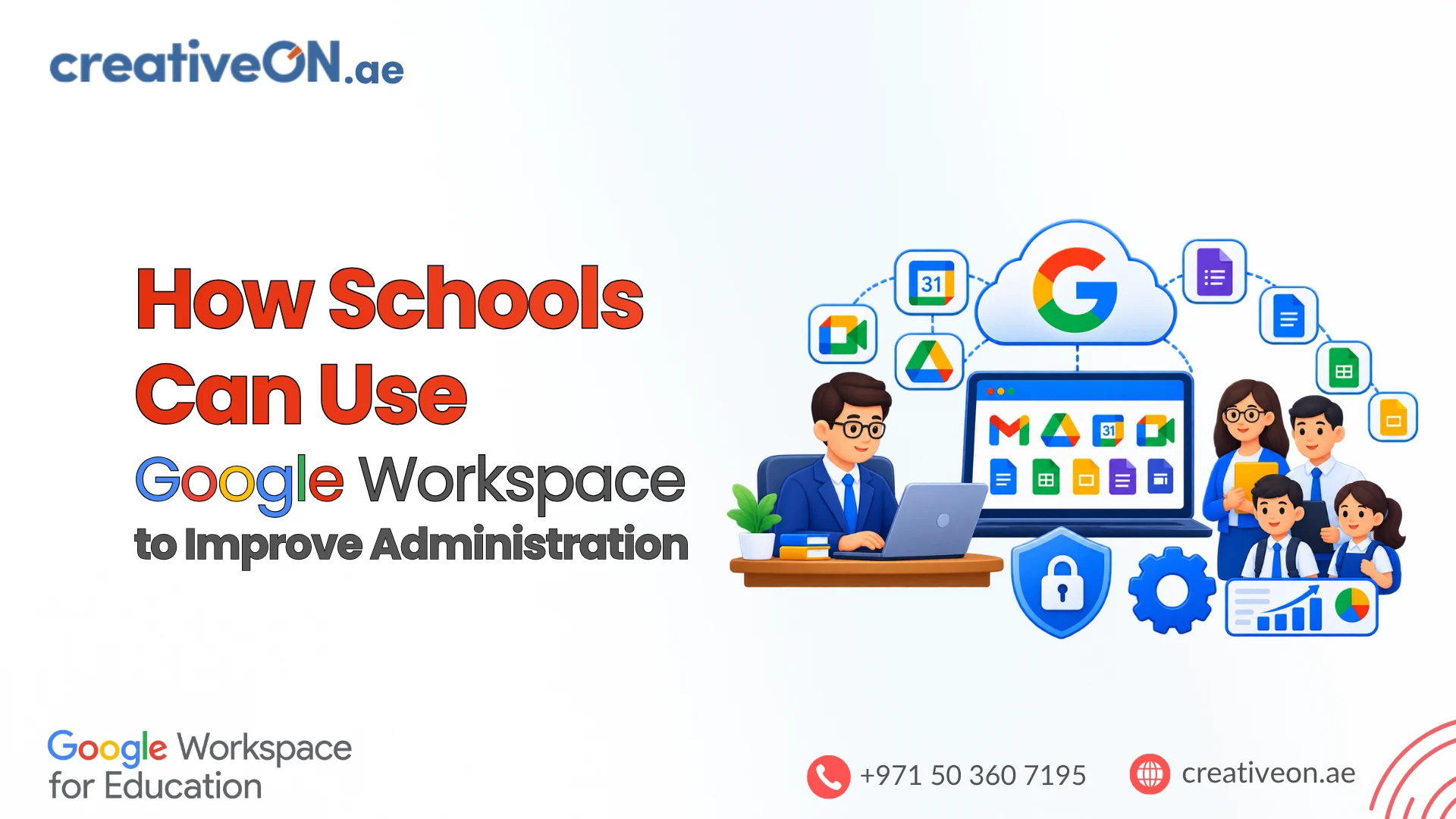
How Schools Can Use Google Workspace to Improve Administration
School administration involves much more than managing classrooms and academic activities. Schools must coordinate staff, communicate with parents, manage student information, organise documents, prepare reports and schedule meetings. When these responsibilities depend on paper-based processes or disconnected applications, administrative work can become difficult to manage. Google Workspace provides a collection of cloud-based tools that schools […]
School administration involves much more than managing classrooms and academic activities. Schools must coordinate staff, communicate with parents, manage student information, organise documents, prepare reports and schedule meetings. When these responsibilities depend on paper-based processes or disconnected applications, administrative work can become difficult to manage.
Google Workspace provides a collection of cloud-based tools that schools can use to organise these activities and improve collaboration between departments. Applications such as Gmail, Google Drive, Google Docs, Google Sheets, Google Forms and Google Calendar help administrative teams manage everyday tasks from a central digital environment.
For schools in the UAE, Google Workspace for Education can support a more organised approach to institutional communication, document management and administrative coordination.
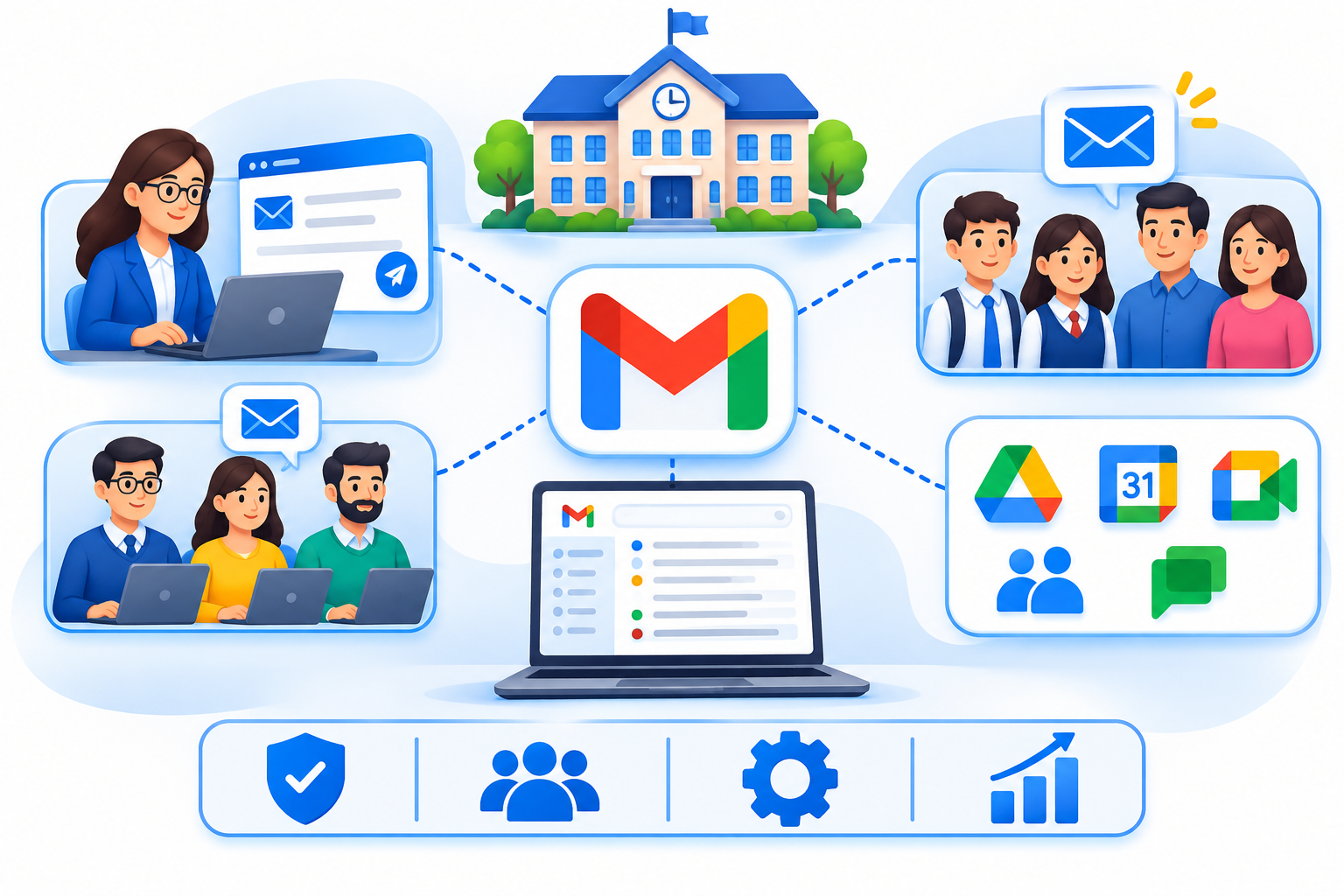
1. Centralise School Communication with Gmail
Communication between school management, teachers, administrative departments and parents is an essential part of school operations.
Gmail allows schools to manage official communication through institution-managed email accounts instead of relying on employees’ personal email addresses.
School administrators can use Gmail to:
- Create official email accounts for teachers and administrative staff.
- Organise departmental communication.
- Send announcements and internal updates.
- Use labels and filters to organise incoming messages.
- Maintain searchable email correspondence.
- Manage communication through centrally administered accounts.
For example, a school can establish dedicated email addresses for admissions, accounts, examinations and general administration. This helps direct enquiries to the appropriate department and makes communication easier to manage.
Schools can also use Google Groups where appropriate to distribute announcements to specific teams or departments without manually entering individual email addresses every time.
2. Manage School Documents and Records with Google Drive
Schools regularly prepare and maintain documents such as admission forms, staff policies, examination schedules, meeting minutes and administrative reports.
Google Drive provides cloud-based storage where authorised employees can access, organise and collaborate on these files.
Schools can create a structured folder system for different departments, academic sessions and administrative activities.
Common applications include:
- Storing school policies and institutional documents.
- Organising departmental records.
- Sharing examination schedules with teachers.
- Maintaining administrative reports.
- Managing admission-related documents.
- Providing controlled access to shared files.
For schools with multiple departments, Google Shared Drives can provide a shared location where team-owned files remain accessible to authorised members.
Administrators can also manage file-sharing permissions to determine who can view, comment on or edit documents.
This helps reduce duplicate files and makes it easier for staff to work with current versions of shared documents.
However, schools should establish clear access policies, particularly when managing confidential student, employee or financial records.
3. Streamline Administrative Reporting with Google Sheets
School administrators often need to organise information and prepare reports for management and departmental review.
Google Sheets provides collaborative spreadsheets that can help schools manage routine administrative tracking.
Examples include:
- Student admission enquiry tracking.
- Staff attendance summaries.
- Examination result summaries.
- Departmental activity reports.
- School inventory records.
- Administrative resource tracking.
For example, an admissions department can maintain a shared spreadsheet containing applicant details, application status and pending documentation. Authorised employees can update the information and use filters to identify applications requiring follow-up.
Google Sheets also supports formulas, data validation, charts and collaborative editing, which can help simplify reporting activities.
However, Google Sheets should be used for suitable administrative tracking rather than treated as a complete Student Information System (SIS), School Management System (SMS) or accounting platform. Institutions with complex requirements may need dedicated software integrated with their existing workflows.
Access to spreadsheets containing confidential information should always be restricted to authorised personnel.
4. Organise School Schedules with Google Calendar
Schools coordinate numerous activities, including staff meetings, examinations, parent-teacher conferences, training sessions and institutional events.
Google Calendar helps administrators create and share schedules with relevant employees.
Schools can use it to:
- Schedule staff and departmental meetings.
- Organise examination timetables.
- Manage parent-teacher conferences.
- Coordinate staff training sessions.
- Create calendars for school events.
- Share relevant schedules with teachers and administrators.
For example, a school can maintain separate calendars for examinations, staff meetings and institutional events. Employees can access the calendars relevant to their responsibilities.
Calendar invitations also help participants keep track of meeting dates, times and updates.
Where supported by the school’s configuration and subscription, administrators can also manage shared resources such as meeting rooms.
5. Digitise Information Collection with Google Forms
Many administrative processes involve collecting information from parents, students and employees.
Google Forms allows schools to create digital forms and organise submitted responses, reducing dependence on printed questionnaires and manually collected information.
Common applications include:
- Student admission enquiries.
- Parent feedback surveys.
- Staff information collection.
- School event registration.
- Training session feedback.
- Internal administrative requests.
For example, an admissions department can create an online enquiry form to collect prospective students’ basic information. Responses can be organised in Google Sheets, allowing authorised employees to review enquiries and follow up.
Schools can also use Forms to collect feedback after parent meetings or institutional events.
However, Forms should not automatically be treated as a complete admissions or student registration system. More complex admission workflows may require dedicated software.
Schools should collect only necessary information and restrict access to form responses, particularly when handling student or family details.
6. Improve Administrative Collaboration with Google Docs and Meet
Different school departments regularly work together to prepare documents, discuss institutional matters and coordinate activities.
Google Docs allows authorised employees to create and edit documents collaboratively. Instead of exchanging multiple email attachments, team members can work on a shared document, add comments and suggest changes.
Common uses include:
- Preparing school policies and procedures.
- Writing staff meeting minutes.
- Creating departmental reports.
- Preparing administrative notices.
- Developing internal guidelines.
- Maintaining standard document templates.
Google Meet complements this collaboration by allowing staff members to conduct online meetings.
Schools can use Meet for:
- Departmental meetings.
- Parent-teacher consultations.
- Remote staff training.
- Coordination between different campuses.
- Meetings with external education consultants.
For institutions operating across multiple Emirates, these tools can make communication and document collaboration easier between locations.
Meeting recording, attendance and other advanced capabilities depend on the applicable Google Workspace edition and configuration.
7. Manage School Accounts and Security with Google Admin Console
Schools need an organised way to manage the accounts used by teachers, students and administrative employees.
The Google Admin console provides centralised administrative controls for managing an institution’s Google Workspace environment.
Authorised administrators can use it to:
- Create and manage user accounts.
- Reset passwords when required.
- Assign administrative roles.
- Organise users into organisational units.
- Configure access to Google services.
- Manage account security settings.
- Suspend or deactivate accounts when employees leave.
For example, a school can create separate organisational units for teachers, students, administrative staff and management.
Administrators can then apply different service settings and access policies according to each group’s responsibilities.
Google Workspace also provides security and administrative capabilities that help institutions manage their digital environment.
Recommended practices include:
- Enable two-step verification for administrator accounts.
- Assign administrative privileges only when necessary.
- Review file-sharing permissions regularly.
- Restrict external sharing of confidential documents.
- Establish appropriate password and account recovery policies.
- Review available security alerts and audit information.
- Suspend accounts when employees leave the institution.
Some advanced security, investigation and reporting capabilities depend on the selected Google Workspace for Education edition.
Schools in the UAE should also review applicable data protection requirements and institutional policies when configuring access to student and employee information.
8. Choose the Appropriate Google Workspace for Education Edition
Before implementing Google Workspace, schools should understand the available education plans and identify the features required by their institution.
Google Workspace for Education is designed for qualifying educational institutions and offers different options depending on their teaching, collaboration, security and administration requirements.
The main options include:
- Education Fundamentals: Provides core communication, collaboration, teaching and learning tools at no cost to qualifying institutions.
- Education Plus: Offers additional capabilities, including enhanced security, analytics and teaching and learning features.
- Teaching and Learning Upgrade: Provides additional teaching and learning functionality as an optional upgrade.
The appropriate option depends on the institution’s eligibility, number of users, administrative requirements and desired features.
Schools should review Google’s current edition comparison before making a decision because included services and capabilities can differ between plans and add-ons.
9. How to Implement Google Workspace in a School
Schools do not need to move every administrative activity to Google Workspace at once. A planned implementation helps employees become familiar with the tools and reduces disruption.
A practical implementation process includes the following steps.
Step 1: Assess administrative requirements
Identify the activities that need improvement, such as staff communication, document management, reporting and scheduling.
Step 2: Select the appropriate edition
Review Google Workspace for Education options and confirm institutional eligibility, licensing requirements and available features.
Step 3: Verify the school’s domain and configure accounts
Set up the institution’s Google Workspace environment, verify domain ownership and create accounts for authorised users.
Step 4: Organise departments and user permissions
Create appropriate organisational units for teachers, students, management and administrative departments. Apply suitable service settings and access restrictions.
Step 5: Establish document management policies
Create departmental Drive structures and define how employees should share, organise and manage institutional documents.
Step 6: Train administrative employees
Provide practical training on Gmail, Drive, Docs, Sheets, Forms and Calendar so staff members can use these applications effectively.
Step 7: Review administrative workflows
Evaluate how employees use the platform and identify opportunities to simplify existing processes.
Google provides an official setup guide to help educational institutions plan and configure their Google Workspace environment.
Best Practices for Schools Using Google Workspace
To maintain an organised digital administration environment, schools should follow a few basic practices:
- Use official school accounts: Keep institutional communication separate from personal email accounts.
- Organise departmental resources: Maintain clear structures for shared files and administrative documents.
- Standardise document templates: Use consistent formats for recurring reports, notices and meeting records.
- Review access permissions: Ensure employees only have access to information required for their responsibilities.
- Train staff regularly: Help employees understand the tools and administrative procedures they are expected to follow.
- Maintain account security: Apply suitable authentication and access management policies.
- Document internal procedures: Establish clear guidelines for handling institutional information.
These practices help schools maintain consistency and improve collaboration as their administrative requirements grow.