Choosing between Google Workspace and Microsoft 365 is not just a software comparison anymore—it is a business workflow decision that directly affects productivity, communication speed, and operational efficiency.
This guide is written from a real-world deployment perspective, focusing on how businesses actually use these platforms in daily operations, not just what features t👉 Which platform fits which type of business—and why.
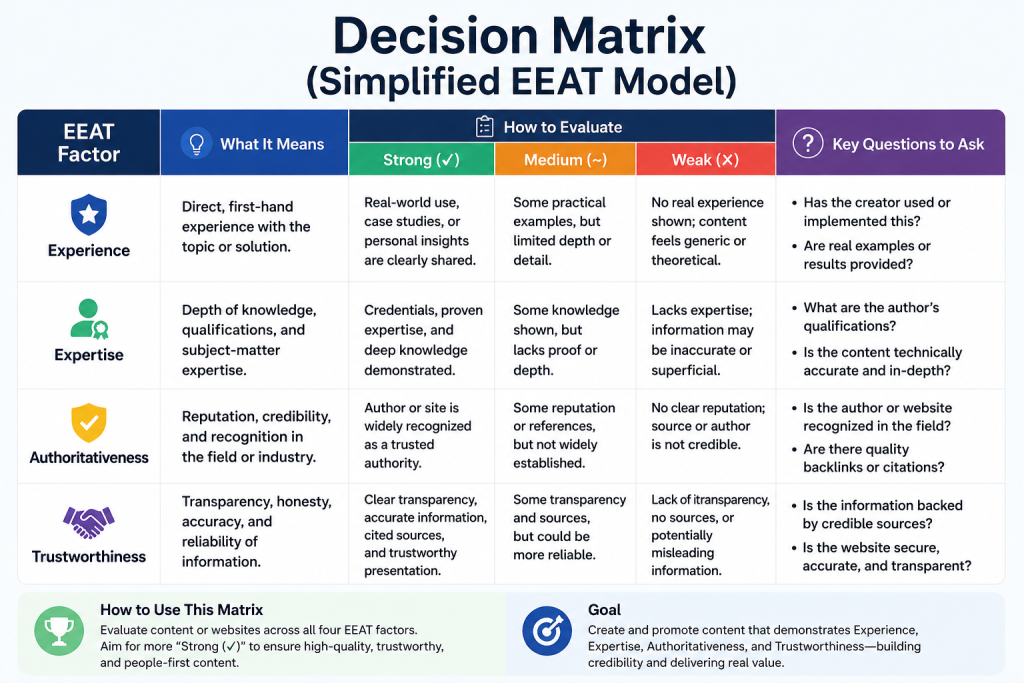
Authority Note (EEAT Context)
This comparison reflects practical insights seen across SMEs, remote teams, and structured enterprise environments where both platforms are actively used in production workflows.
The goal is not to promote one tool, but to help decision-makers reduce operational friction and choose the system that aligns with their team behavior.
Collaboration Reality: Speed vs Structure
Google Workspace: Built for Real-Time Execution
In modern fast-moving teams—especially startups, marketing agencies, and remote-first businesses—the biggest productivity gain comes from removing workflow delays.hey list on paper.
Instead of repeating basic definitions, this article focuses on one thing:
Google Workspace is designed around that principle.
Teams can:
- Edit documents simultaneously without version conflicts
- Share files instantly without dependency on local storage
- Collaborate in real time from any device
In practice, this reduces back-and-forth communication and eliminates the “final_final_v7.docx” problem entirely.
This is why teams that prioritize speed and iteration cycles often prefer Google Workspace.
Microsoft 365: Built for Controlled Workflows
Microsoft 365 supports collaboration, but its strength lies in structured document environments.
Many organizations still rely on:
- Desktop-based editing workflows
- Controlled file approval processes
- Version-controlled enterprise documentation
This makes Microsoft 365 more suitable for environments where document governance matters more than speed.
Examples include legal departments, finance teams, and large corporate structures.
Email & Communication Ecosystem: Simplicity vs Depth
Google Workspace Communication Flow
Google Workspace integrates communication tools into a unified cloud-first experience.
Instead of switching between multiple systems, teams operate in a simplified ecosystem where email, chat, and meetings are tightly connected.
This reduces onboarding time and makes it easier for non-technical users to adapt quickly.
Microsoft 365 Communication Flow
Microsoft 365 uses a layered communication structure centered around Outlook and Teams.
This structure is powerful, especially in enterprise environments where:
- Department-level communication is segmented
- Formal reporting structures exist
- Internal governance is strict
However, it introduces more complexity for smaller teams.
File Management & Workflow Behavior
Google Workspace: Cloud-Native by Design
Google Workspace treats cloud storage as the default operating system for files.
That means:
- Files are accessible instantly across devices
- Auto-save reduces data loss risk
- Sharing is permission-based and centralized
This design removes dependency on local file systems entirely.
Microsoft 365: Hybrid Flexibility
Microsoft 365 supports both cloud and desktop workflows.
This becomes valuable when:
- Teams use legacy software
- Offline work is still required
- Organizations have hybrid infrastructure systems
However, it also introduces workflow fragmentation between desktop and cloud environments.
Security & Administration: Simplicity vs Control
Google Workspace Security Model
Google Workspace uses a centralized, cloud-native security approach.
For most SMEs, this means:
- Easier admin management
- Centralized access control
- Faster deployment of security policies
It reduces the need for dedicated IT-heavy administration teams.
Microsoft 365 Security Model
Microsoft 365 provides deeper enterprise-grade control layers.
It is designed for organizations that require:
- Complex compliance policies
- Advanced identity management
- Department-level access segmentation
This makes it highly suitable for regulated industries.